
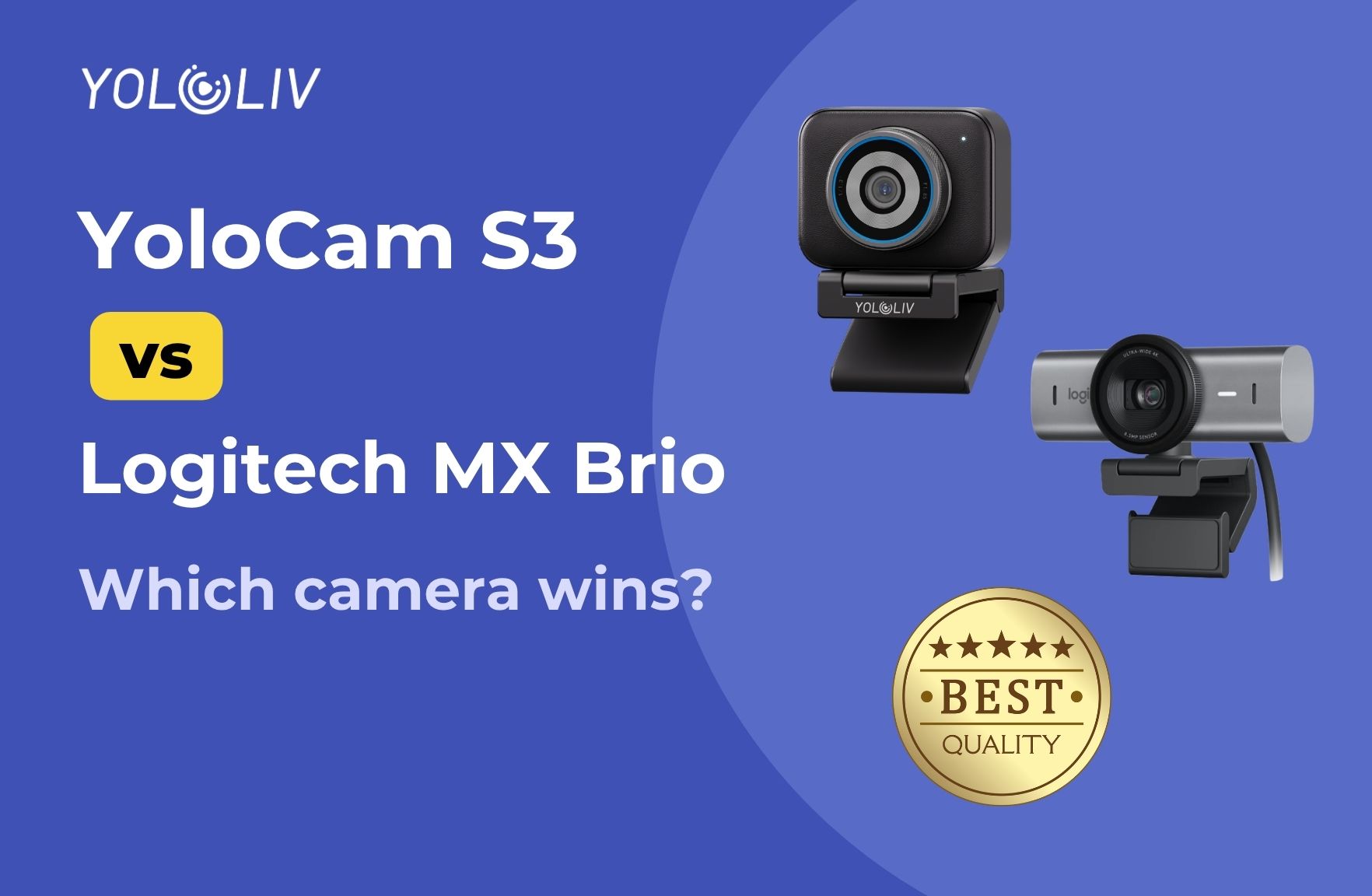
The Logitech MX Brio has been one of the most popular premium webcams on the market for the past couple of years. It’s Logitech’s flagship 4K offering, it works, and it has the Logitech name behind it, which carries real weight in the webcam space.
The YoloLiv YoloCam S3 is newer, from a smaller brand, and priced at $199 — $40 less than the MX Brio’s typical $239 retail price. On paper, it’s the underdog.
In practice, the comparison is more interesting than that.
Quick Specs Comparison
| Feature | YoloCam S3 | Logitech MX Brio |
|---|---|---|
| Price | $199 | $239 |
| Sensor Size | 1/1.3″ | 1/2.7″ |
| Max Resolution | 4K @ 30fps | 4K @ 30fps |
| 1080p Frame Rate | 60fps | 60fps |
| Autofocus | PDAF (Phase Detection) | Contrast Detection |
| Aperture | f/1.85 | f/2.0 |
| Field of View | 84° | 90° (adjustable) |
| Show Mode | No | Yes |
| Zoom | 4x digital zoom | 4x digital zoom |
| Build Material | Aluminum | Plastic |
| Software | YoloLiv Compose | Logi Options+ |
| Settings Save to Camera | Yes | No |
Sensor Size: The Biggest Difference You’re Not Seeing in Specs
The most important number in that table isn’t the price — it’s the sensor size. The YoloCam S3 has a 1/1.3″ sensor. The MX Brio has a 1/2.7″ sensor.
To put that in physical terms: the S3’s sensor captures roughly four times the light-collecting area of the MX Brio’s. That single difference drives most of what separates these two cameras in real-world use.
A larger sensor means:
– More light collected per pixel → better low-light images with less noise
– Shallower depth of field → natural background blur from the lens, not software
– More dynamic range → better handling of mixed lighting (bright window, dim room)
The MX Brio is a capable 4K webcam. Its sensor is larger than older Logitech models like the C920 or even the Brio 4K. But it’s still in a different category than the S3’s large-format sensor — and that difference is visible.
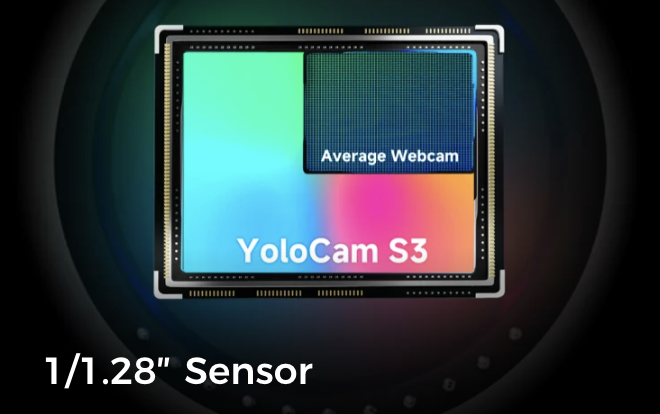
Image Quality in Normal Conditions
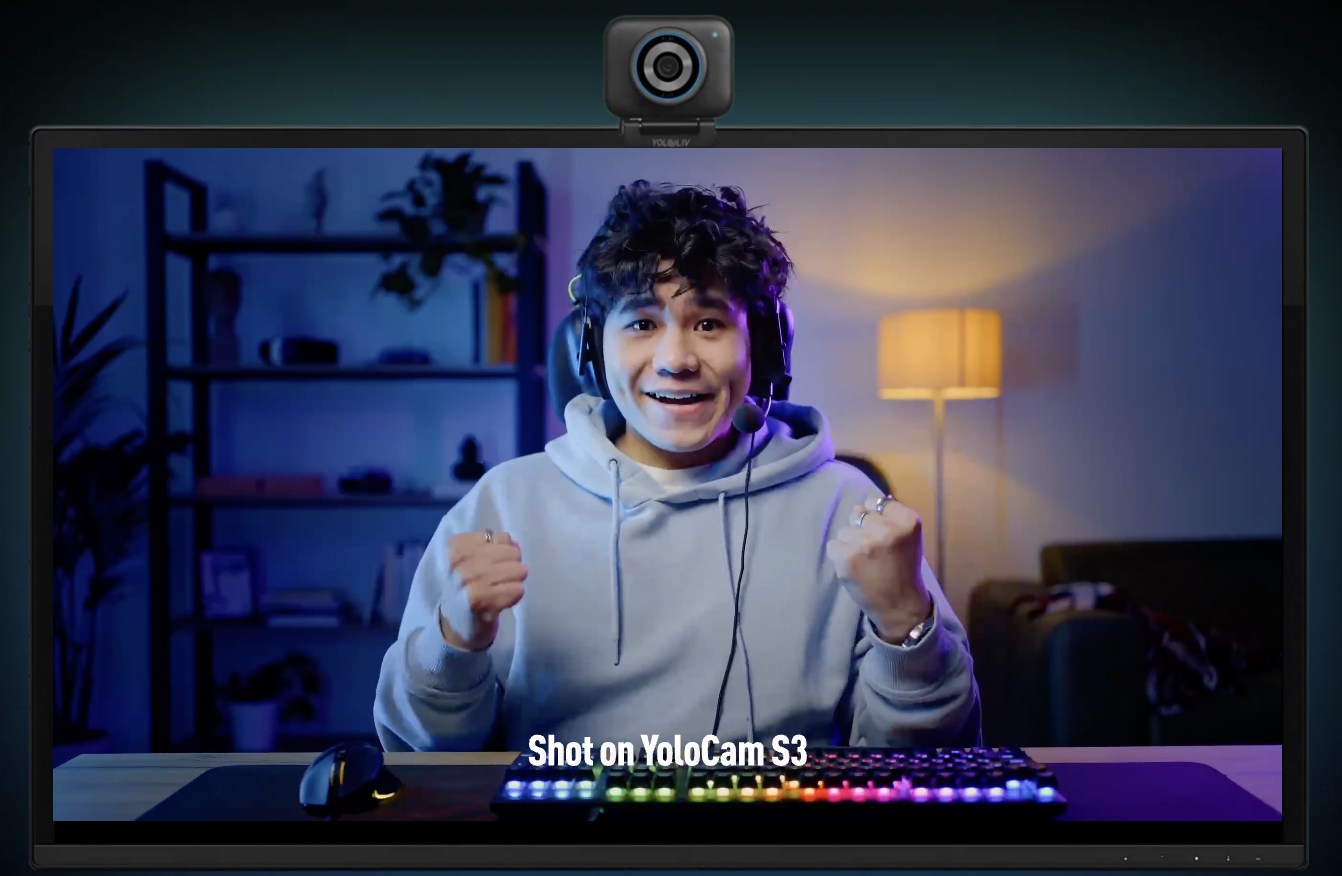
In good lighting — an office or studio with decent overhead or key lighting — both cameras produce sharp, well-exposed video. Logitech’s image processing pipeline is mature, and the MX Brio delivers consistent color and solid detail in these conditions.
The S3 looks more like a camera in the same conditions. The larger sensor gives faces a more natural look: slightly softer in a flattering way, with real background separation from its f/1.85 aperture. Where the MX Brio can render the background as part of a flat, uniformly sharp image, the S3 introduces natural depth that makes the subject pop.
Neither camera requires manual tuning to look good in daylight conditions. Both are point-and-plug usable.
The difference becomes more meaningful when lighting gets harder.
Low-Light Performance: Where the Sensor Gap Shows Up
Evening streaming. A desk with one lamp. Overhead lighting that doesn’t quite fill the frame. These are the conditions that separate the MX Brio and the S3 most clearly.
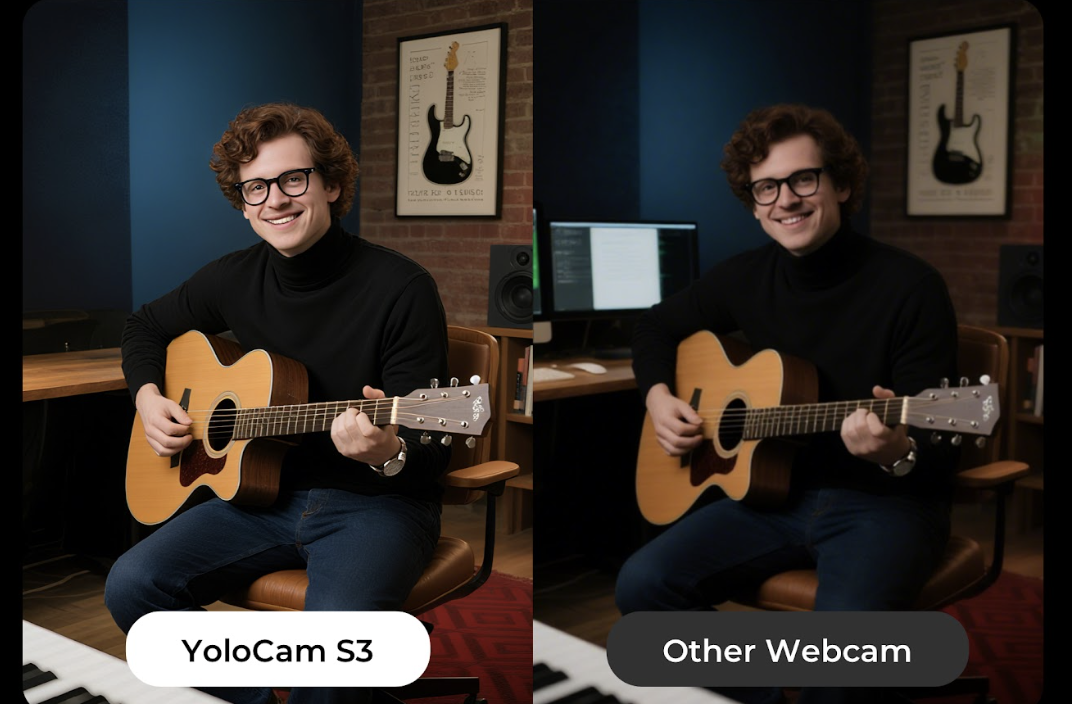
The MX Brio handles imperfect lighting reasonably well for its price class. It applies noise reduction and exposure compensation to maintain a usable image. The result is acceptable — most viewers won’t complain — but it has the characteristic look of digital compensation: slightly smoothed, slightly boosted, lacking the depth and texture of well-lit video.
The S3 in the same conditions looks clean without the compensation. The larger sensor and wider f/1.85 aperture collect significantly more light, meaning the camera doesn’t need to work as hard to produce a bright, low-noise image. The difference in dim conditions is one of the most consistent points raised by people who’ve used both cameras: the S3 holds its image quality where the MX Brio starts to compensate.
For streamers who don’t want to invest in additional lighting, or who stream in varied environments, this is a practical advantage.
Autofocus: Phase Detection vs Contrast Detection
Both cameras use autofocus, but they work differently — and the difference matters for active use.
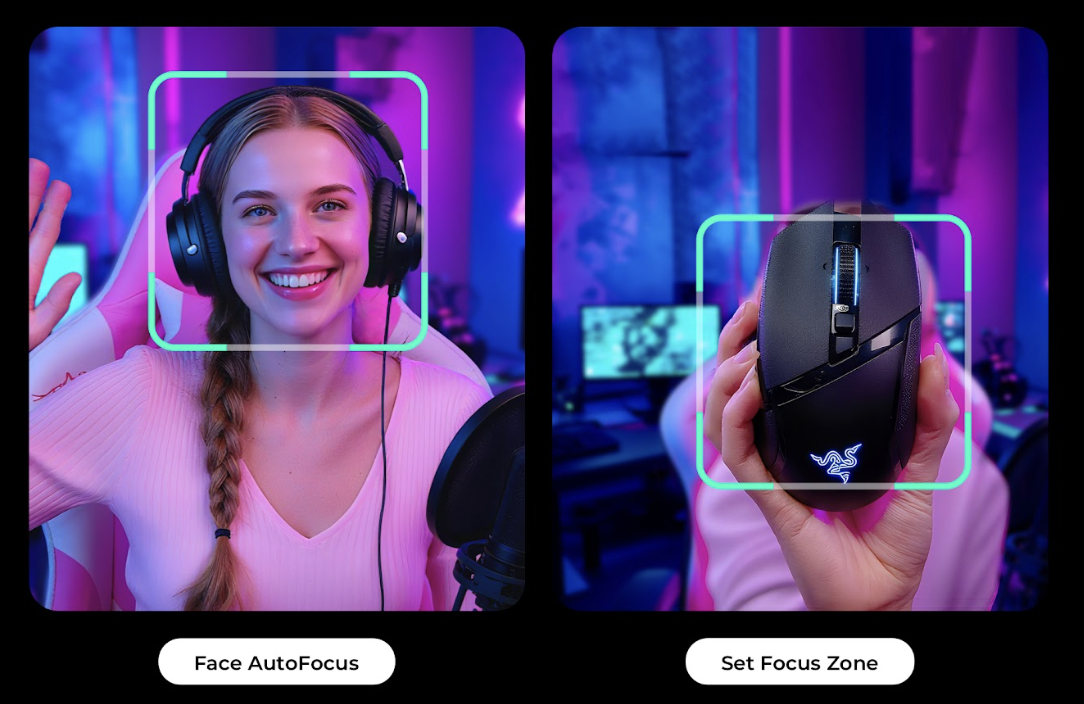
The Logitech MX Brio uses contrast-detection autofocus. This is the standard approach for webcams: the camera analyzes image contrast and adjusts focus until contrast peaks. It works in stable conditions. It can hunt — briefly losing and refinding focus — when you move, lean forward, or change position.
The YoloCam S3 uses PDAF (Phase Detection Autofocus). Rather than searching for contrast peaks, PDAF measures the phase difference of light to calculate focus distance directly. This lets the camera lock instantly and stay locked without searching.
For a streamer who sits still in front of a controlled setup, this difference is minor. For anyone who gestures, leans forward, moves around, or has to look away from the camera regularly — which describes most streamers — PDAF makes streaming visibly smoother and less distracting.
The MX Brio’s AF is adequate. The S3’s AF is confident. If you’ve ever noticed a webcam briefly hunt for focus during a stream, you know exactly what the S3 is solving.
The Show Mode Question
The Logitech MX Brio has a feature called Show Mode: you can flip the camera downward to capture your desk surface, a product, or written material. It’s genuinely useful for specific content types — cooking streams, product unboxing, tutorial content, and education.
The S3 doesn’t have this. If Show Mode is something you use or plan to use, the MX Brio is the camera for that specific capability.
For streamers and video callers who never point a camera downward, Show Mode is a feature they’ll never use — and it becomes a tiebreaker that disappears from the decision.
Software: Logi Options+ vs YoloLiv Compose
Logitech’s Logi Options+ is an improvement over the older G Hub software, but it still has a mixed reputation. Mac users have encountered certificate expiration issues that reset camera settings. The software doesn’t save configurations to the camera itself — settings are tied to the app on that specific machine, meaning when you plug the MX Brio into a different computer, your tuned settings don’t come with it.
YoloLiv Compose has consistently earned praise as the best webcam companion software available. It provides DSLR-level manual controls — ISO, shutter speed, white balance, color grading, focus zones — and stores all settings directly on the camera’s memory. Take the S3 to a conference, a studio, or a friend’s setup, and your configuration is already there.
The software dependency is real for both cameras. But the S3’s software experience is more capable and more reliable across platforms, particularly for Mac users.
Build Quality
The MX Brio is built from plastic with a rubberized coating. It’s durable enough for desk use, and the clip mount is the standard friction-based design you find on most webcams.
The S3 is built from full aluminum. Beyond the premium feel, aluminum functions as a passive heat sink — the camera stays cool during extended sessions, which matters for 24/7 streamers and creators who run long recordings without breaks.
S3’s magnetic mounting system is faster to reposition than a friction clip and holds position more reliably once placed.
Which Should You Buy?
Choose the YoloCam S3 if:
– Image quality in imperfect or low lighting is important
– Want the sharpest autofocus available at this price point
– Work across multiple machines and need settings that travel with the camera
– Need durable, portable hardware that holds up over time
– You’re a streamer, podcaster, or creator who primarily records talking-head or upper-body content
Choose the Logitech MX Brio if:
– Regularly use Show Mode to capture desk content, products, or whiteboards
– Want a privacy shutter built in
– Already in the Logitech ecosystem and value the integration
– Prefer Logitech’s brand reliability and support
Verdict
For pure video quality — in the conditions that matter most for real-world streaming and video calls — the YoloCam S3 is the stronger camera. Its larger sensor, better low-light performance, PDAF autofocus, and superior software put it ahead of the MX Brio in the ways that most streamers and creators will actually notice.
The MX Brio earns its recommendation for Show Mode users and those with specific Logitech ecosystem needs. For everyone else, the S3 delivers meaningfully better image quality at a lower price.
Winner: YoloCam S3 — better sensor, better autofocus, better software, lower price. The MX Brio wins for Show Mode and privacy shutter.
The YoloCam S3 is available at $199 from the YoloLiv official store, Amazon, and B&H.
35 total views, 35 views today

Meredith, the Marketing Manager at YoloLiv. After getting her bachelor’s degree, she explores her whole passion for YoloBox and Pro. Also, she contributed blog posts on how to enhance live streaming experiences, how to get started with live streaming, and many more.
