
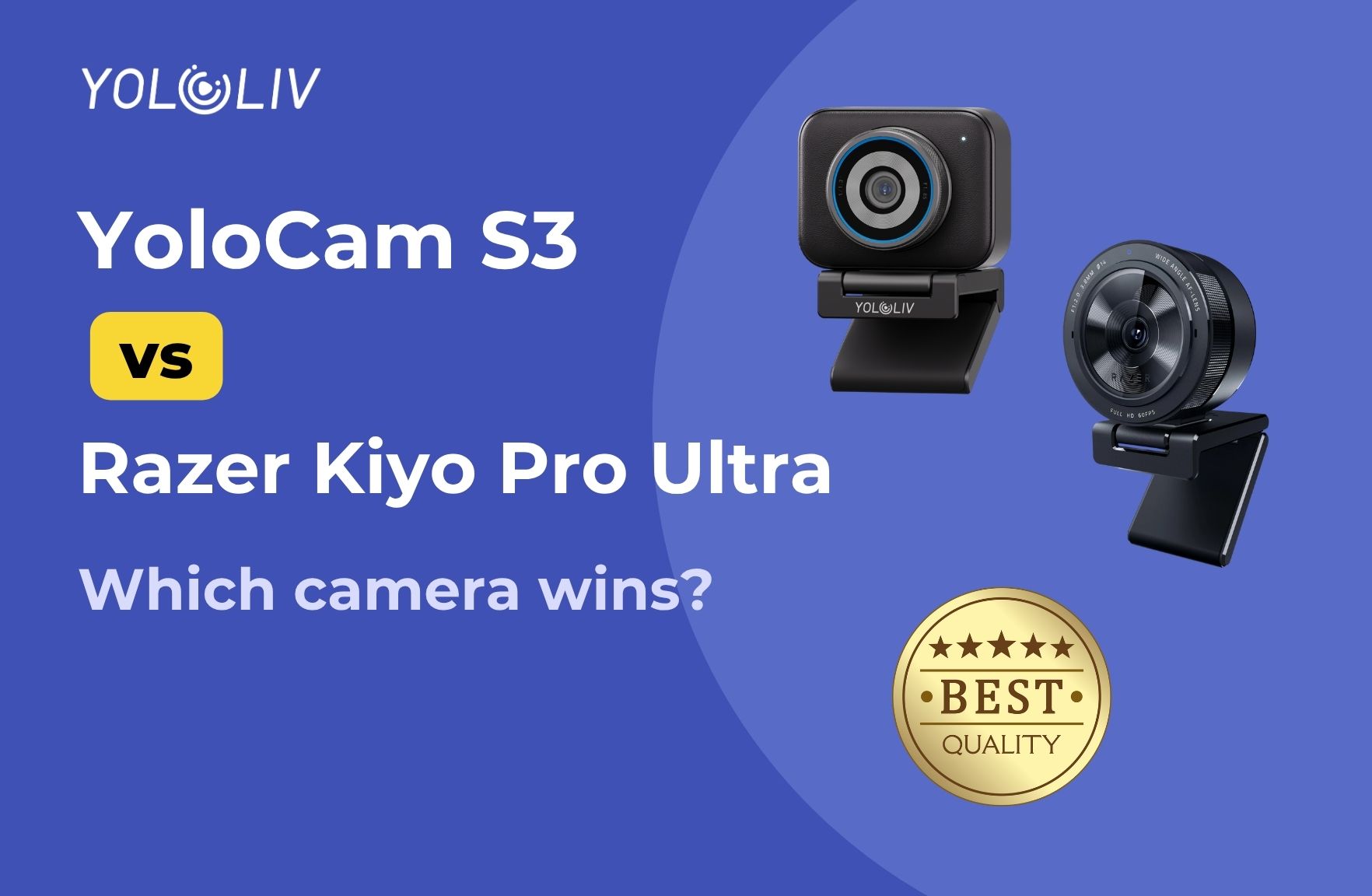
For years, the Razer Kiyo Pro Ultra was the answer to the question “what’s the best webcam money can buy?” It had the biggest sensor in the category, excellent low-light performance, and image quality that genuinely rivaled dedicated cameras.
Then the YoloLiv YoloCam S3 arrived — and something interesting started happening in streaming communities. People who’d been loyal Kiyo Pro Ultra users started switching. Not because the S3 was cheaper. Not because it was heavily marketed. But because when they plugged it in, it was simply better where it counted.
This comparison breaks down exactly how the two webcams stack up — and why the S3 has become the new go-to recommendation for streamers and content creators.
> Note: The Razer Kiyo Pro Ultra has been discontinued by Razer and is no longer in production. New units are available while supplies last. This comparison focuses on image quality and performance rather than long-term availability.
Quick Comparison: YoloCam S3 vs Razer Kiyo Pro Ultra
| Feature | YoloCam S3 | Razer Kiyo Pro Ultra |
|———|———–|———————-|
| Price | $199 | $299 (discontinued) |
| Sensor Size | 1/1.3″ | 1/1.2″ |
| Resolution | 4K @ 30fps / 1080p @ 60fps | 4K @ 30fps / 1080p @ 60fps |
| Autofocus | PDAF (Phase Detection) | Contrast Detection |
| Aperture | f/1.85 | f/1.7 |
| Field of View | 84° | 90° (adjustable) |
| HDR | Yes | Yes |
| Build | Aluminum | Plastic |
| Software | YoloLiv Compose | Razer Synapse |
| Privacy Shutter | No | No |
| Status | Available | Discontinued |
Sensor Size: Nearly Identical, Both Class-Leading
Both cameras feature sensors that are massive by webcam standards. The Kiyo Pro Ultra’s 1/1.2-inch sensor is slightly larger than the S3’s 1/1.3-inch, but the real-world difference is minimal — we’re talking fractions of a millimeter in sensor diagonal.
What matters more in practice is how each camera uses that sensor. Both cameras deliver significantly more light capture, better dynamic range, and more natural depth of field than standard webcams. Side-by-side in normal conditions, the image quality from both cameras is comparable — and both are in a completely different league from the Logitech Brio, Elgato Facecam, or any 1/2.8″ sensor webcam.
The Kiyo Pro Ultra’s f/1.7 aperture is slightly wider than the S3’s f/1.85, giving it a marginal advantage in maximum light collection. In practical use — indoor streaming with standard desk lighting — this difference is not noticeable.
Verdict: Tie. Both are excellent. The slight sensor/aperture edge for the Kiyo Pro Ultra doesn’t produce a meaningful real-world difference.
Image Quality: Both Excellent, S3 Wins on Color Science
Both webcams produce images that look like cameras, not webcams. You get natural skin tones, real background separation, and detail that holds up even when you zoom in.
Where the S3 differentiates itself is color science out of the box. Multiple streamers who made the switch from the Kiyo Pro Ultra describe the S3’s default color profile as closer to how they’d manually tune a camera — accurate whites, natural skin rendering, and a dynamic range that handles mixed lighting without blowing out highlights or crushing shadows.
One content creator who had used the Kiyo Pro Ultra for over a year described their first impression of the S3 in OBS: “I had to double check to make sure I didn’t set it to use my Razer. Not only is the S3 sharp, but the color science out of the box is nearly how I’d adjust the colors myself.”
The Kiyo Pro Ultra produces excellent images too, but some users find it requires more manual tuning to get the color response right — particularly in challenging or mixed lighting.
Background bokeh is genuine and lens-produced on both cameras. The S3’s bokeh is widely described as slightly more pronounced and natural, which makes sense given the combination of sensor size and aperture. Neither camera uses software-generated blur to fake this effect.
Verdict: S3 edges ahead on default color accuracy. Both produce excellent bokeh. Image quality is effectively tied for most use cases.
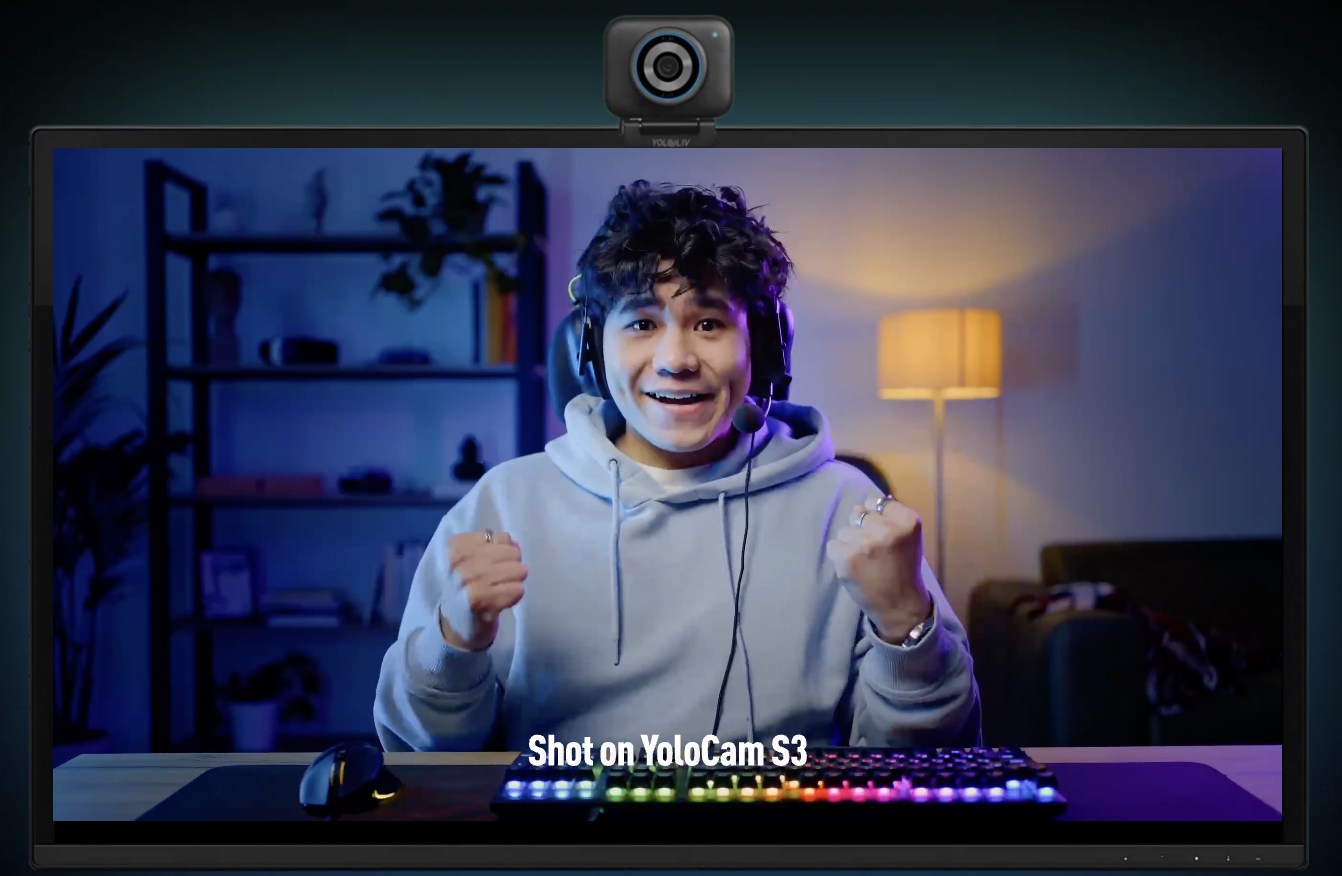
Autofocus: This Is Where the S3 Wins Decisively
This is the clearest and most consistent difference between the two cameras — and it’s not subtle.
The Razer Kiyo Pro Ultra uses contrast-detection autofocus. This system works by analyzing sharpness in the image and adjusting focus until contrast peaks. It’s the same fundamental approach used by most webcams. It works, but it takes time, and it can hunt — especially in lower light where contrast is harder to measure.
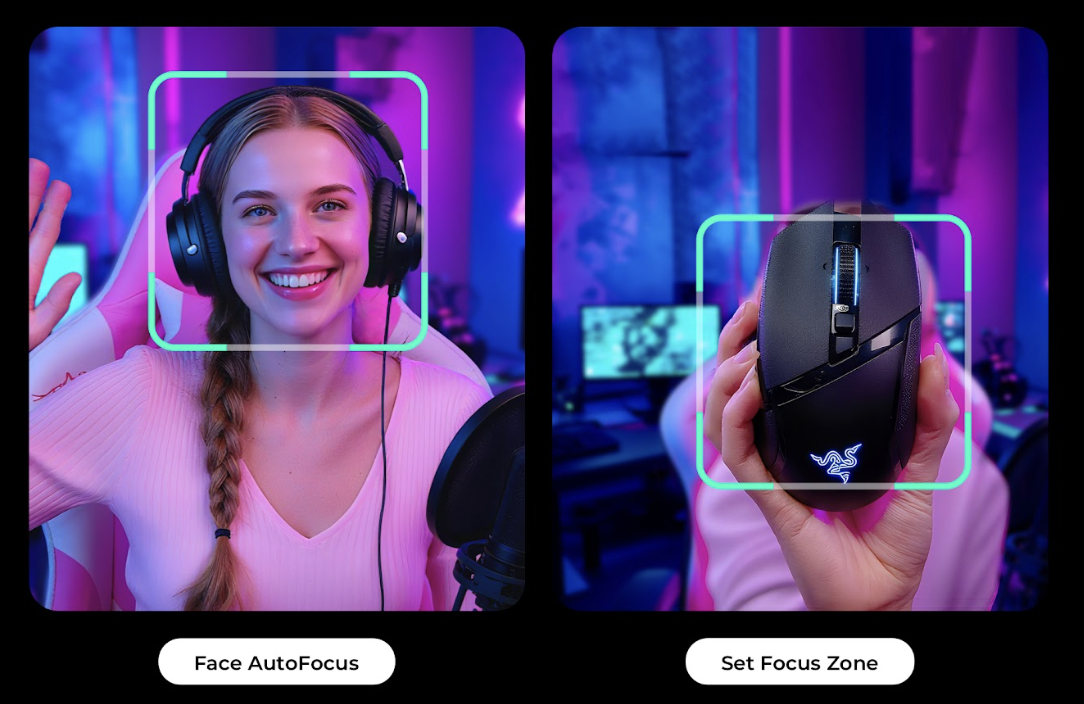
The YoloCam S3 uses PDAF (Phase Detection Autofocus). Rather than measuring image sharpness, PDAF measures the phase difference of light hitting dedicated sensors on the imaging chip. It can calculate the direction and distance of focus adjustment instantly, without needing to search for contrast peaks. The result is autofocus that locks on without hesitation, stays locked during movement, and never visibly hunts.
The real-world experience:
Streamers switching from the Kiyo Pro Ultra to the S3 consistently describe the autofocus difference as “not even close.” One reviewer who uses a Sony A7 IV as a primary camera described the S3’s AF as “incredibly quick, nearly as fast as my main shooter.” That’s the benchmark the S3 is being compared against — not other webcams.
Multiple longtime Kiyo Pro Ultra users — including people who specifically loved that camera — describe the S3’s autofocus as “SO MUCH faster… and it’s not even close.”
For streamers who lean forward, stand up, gesture, or change position during their stream, this matters. The Kiyo Pro Ultra’s AF is adequate. The S3’s AF is exceptional.
Verdict: S3 wins clearly. PDAF vs contrast-detection is a meaningful technological advantage that shows in daily use.
Low-Light Performance: Both Strong, S3 Holds Up Better
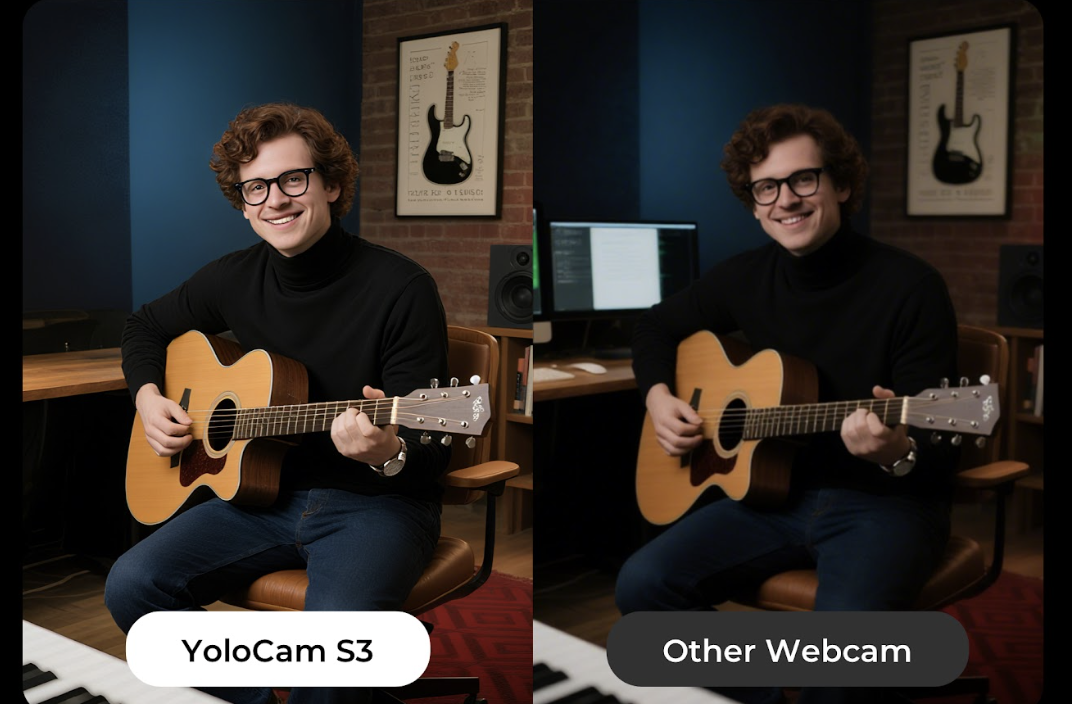
Large sensor + wide aperture = low-light capability. Both cameras benefit from this formula, and both perform significantly better than typical webcams in dim conditions.
In practical streaming scenarios — evening streams, rooms lit only by monitors, dim overhead lighting — both cameras produce clean, watchable video where smaller-sensor webcams would be noisy and dark.
The S3 is consistently described as handling low light without “noise soup” — clean shadows, accurate color, and no aggressive noise reduction that smears detail. The Kiyo Pro Ultra is similar but some users find it requires more exposure compensation in very dim conditions.
Verdict: Effectively tied. Both cameras handle real-world indoor low light well. The S3 has a slight edge in very challenging conditions due to its software giving more manual control over ISO and exposure.
Build Quality: S3 Wins Significantly
The Razer Kiyo Pro Ultra is built from plastic with a rubber-coated finish. It’s not fragile, but it’s clearly a consumer electronics product.
The YoloCam S3 is built from full aluminum housing. Beyond the premium feel, aluminum serves a functional purpose: it acts as a passive heat sink during extended streaming sessions. Users who run 24/7 streams or long recording sessions report that the S3 stays cool and performs consistently where plastic-bodied cameras can show thermal throttling over time.
The magnetic mounting system on the S3 is also a practical upgrade over traditional clip mounts. It’s faster to reposition, more stable once placed, and preferred by creators who travel or use their camera in multiple setups.
Verdict: S3 wins. Aluminum build, magnetic mount, and better thermal performance for extended use.
Software: Compose vs Synapse
Neither camera is meant to be used without companion software for full control, and both require an app to access advanced settings.
Razer Synapse (Kiyo Pro Ultra) has a poor reputation in streaming communities, particularly among Mac users. It’s described as bloated, and it has a known behavior of resetting manual camera settings unprompted — something that’s particularly frustrating for streamers who have dialed in a specific look. Mac support is limited.
YoloLiv Compose (S3) is consistently described as the best webcam software available. It provides DSLR-level controls: manual ISO, shutter speed, white balance, focus zones, zoom, and color profiles. Crucially, settings are saved directly to the camera’s memory — not just the app — meaning your configuration persists when you plug the S3 into a different computer or a new setup.
YoloLiv recently removed the login requirement from Compose, addressing one of the early friction points with the app.
Neither camera is plug-and-play for full feature access, but the S3’s software experience is considerably better.
Verdict: S3 wins. Compose offers more control, better reliability, and saves settings to the camera.
Price and Value
| | YoloCam S3 | Razer Kiyo Pro Ultra |
| Current Price | $199 | $299 (when available) |
| Production Status | Active | Discontinued |
| Long-term Support | Yes | Uncertain |
The YoloCam S3 is $100 cheaper than the Kiyo Pro Ultra was at launch, and significantly cheaper than whatever remaining stock sells for now. Given that the S3 matches or beats the Kiyo Pro Ultra in every meaningful performance category — and surpasses it in autofocus speed, build quality, and software — the value proposition is not close.
The Kiyo Pro Ultra’s discontinuation also raises questions about long-term driver and firmware support. YoloLiv is actively developing the S3 product line and has a track record of responding to user feedback with software updates.
Verdict: S3 wins decisively. $100 less, better performance, actively supported.
Which Should You Buy?
Choose the YoloCam S3 if:
- You’re buying new today and want the best overall webcam performance
- Autofocus reliability is important to your workflow
- You stream or record for extended sessions and care about thermal performance
- You want the better software experience
- You’re upgrading from any mainstream webcam and want a meaningful jump in quality
Consider the Kiyo Pro Ultra only if:
- You already own one and it’s working well for you — there’s no reason to upgrade
- You find discounted new stock and the price gap is significantly wider than $100
- You specifically prefer Razer’s ecosystem and already use Synapse
For anyone buying fresh in 2025, the answer is the YoloCam S3.
Final Verdict
The Razer Kiyo Pro Ultra was the king of webcams for good reason — it raised the standard for what a webcam could look like and perform. But the YoloCam S3 has taken that standard and pushed it further, with meaningfully better autofocus, better build quality, better software, and a lower price.
For streamers who used to swear by the Kiyo Pro Ultra, the switch to the S3 has been consistently described not as a lateral move but as a genuine upgrade. The autofocus alone makes daily streaming noticeably less stressful. The color science means less time in software. The aluminum build means the camera stays cool and holds up better over time.
95 total views, 95 views today

Meredith, the Marketing Manager at YoloLiv. After getting her bachelor’s degree, she explores her whole passion for YoloBox and Pro. Also, she contributed blog posts on how to enhance live streaming experiences, how to get started with live streaming, and many more.
