
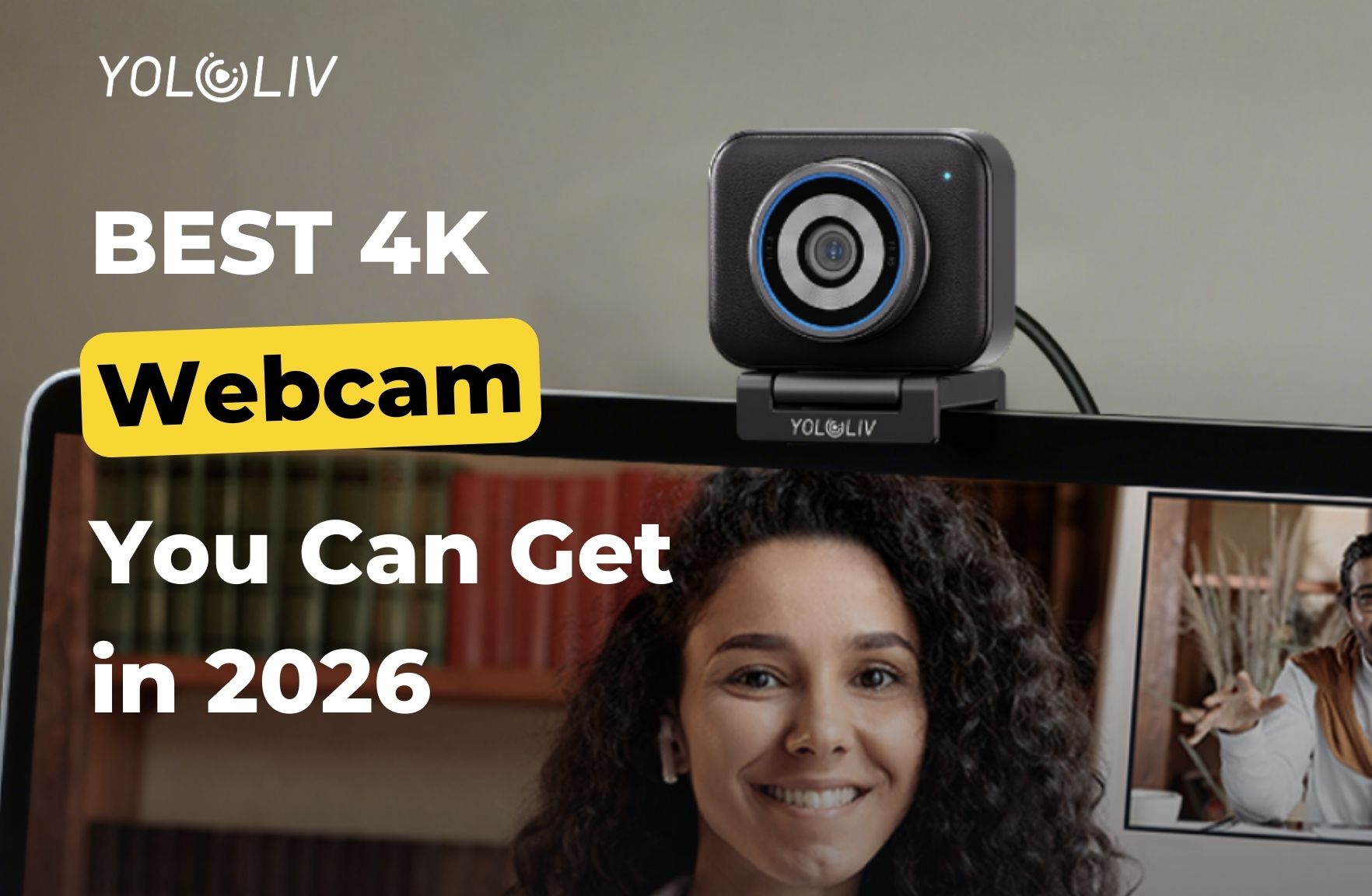
Choosing a webcam for streaming has never been more complicated — or more important. The gap between a $30 webcam and a $200 webcam has never been larger, and within the premium tier, the differences are subtle enough that specs alone won’t guide you to the right answer.
This guide cuts through the noise. It’s built on real experiences — people who actually stream, record, and sit on video calls for hours every day — combined with hands-on testing data from independent reviewers.
We’ve broken it down by budget, so you can find the right camera for where you are right now.
What to Look for in a Streaming Webcam
Before diving into picks, here’s what actually matters:
Sensor size — Bigger sensors capture more light and produce more natural-looking images. Most cheap webcams use 1/4″ sensors. Premium webcams now go up to 1/1.2″–1/1.3″. Bigger is better, especially in low light.
Autofocus type — Phase Detection AF (PDAF) locks on instantly without hunting. Contrast-detection AF searches for focus and can drift. If you move at all during your stream, PDAF makes a real difference.
Low-light performance — Evening streams are where bad webcams fall apart. A large sensor + wide aperture combo handles dim lighting without requiring a ring light setup.
Software quality — Many modern webcams require companion apps for full control. The quality of that software varies wildly. Bad software (looking at you, Logitech G Hub and Razer Synapse) can actively hurt your experience.
OBS compatibility — All cameras on this list work with OBS. Specific notes on 4K capture and USB bandwidth are included where relevant.
Best Budget Webcams for Streaming (Under $60)
Logitech Brio 101 — $36
The Brio 101 is the best entry-level streaming webcam for pure plug-and-play reliability. It shoots 1080p with solid exposure handling in decent home lighting, connects via USB-A or USB-C, and requires zero software to get a usable image.
It won’t make you look great. It will make you look acceptable — and for a streamer who’s just starting out and not yet ready to invest in a premium setup, that’s the right starting point.
Best for: Absolute beginners, low-stakes video calls, anyone testing whether streaming is for them before spending real money.
Anker PowerConf C200 — $49
The C200 delivers 2K resolution and a physical privacy shutter at under $50 — features that most cameras at this price point skip entirely. The sharpness is noticeably better than 1080p options, and the image holds up well in reasonable indoor lighting.
If you’re spending under $60 and want the best image for the money, this is our pick in this range.
Best for: Beginner streamers who want more than 1080p without the full investment.
EMEET C960 — $49
A capable 4K webcam at an entry-level price, though the 4K output can feel “digital” without software processing. Works well for meetings and simple streaming setups. Lacks the low-light capability of larger-sensor cameras but punches above its weight for the price.
Best for: Streamers or remote workers on a tight budget who want 4K resolution.
Best Mid-Range Webcams for Streaming ($60–$160)
Logitech C920 / C920x — $70
The C920 has been a streaming staple for over a decade for a reason: it’s reliable, widely compatible, and delivers consistent 1080p performance in normal lighting. The autofocus works, the color is acceptable, and it’s supported on virtually every platform and software.
By 2025 standards, the image quality is showing its age — faces can look “processed” and low-light performance trails modern sensors. But for someone on a genuine budget who wants a reliable camera with no surprises, the C920 remains a solid choice.
Best for: Streamers on a strict budget who want reliability over performance.
OBSBOT Meet 2 — $129
The Meet 2 has a compact footprint and AI-powered framing that works without being twitchy — a balance many AI tracking cameras get wrong. If you move around your streaming space and need the camera to follow you without expensive gimbal hardware, the Meet 2 handles it smoothly.
The image quality is solid for the price. Battery drain on laptops when the AI is active is worth knowing about before you buy.
Best for: Streamers who move around and want AI tracking without spending $200+.
Razer Kiyo V2 — $149
The Kiyo V2 brings a Sony STARVIS sensor to the mid-tier, which is a meaningful step up from what most $149 webcams offer. 4K clarity with better low-light response than older Kiyo models makes this the best value in the $100–$160 range for image quality.
Best for: Streamers who want premium image quality without hitting the $200 tier.
Logitech MX Brio — $159
Logitech’s current flagship 4K webcam with improved image processing over the Brio 4K. The “Show Mode” — where you can flip the camera downward to capture your desk — is genuinely useful for streamers who do product unboxings, cooking, or tutorial content. Overall image quality is solid but faces can still look slightly over-processed compared to larger-sensor cameras.
Best for: Streamers or remote workers who want Logitech reliability with 4K resolution and Show Mode.
Best Premium Webcams for Streaming ($160–$220)
This is the tier where the biggest leap in quality happens. If you’re serious about streaming, the difference between a $70 webcam and a $199 webcam is visible to your viewers in ways that the difference between a $159 and $199 webcam rarely is.
YoloLiv YoloCam S3 — $199 ⭐ Our Top Pick
The YoloCam S3 is the best webcam for streaming that most people can buy right now. Full stop.
It’s earned that position through consistent performance across the most demanding use cases streamers actually face: evening streams, mixed lighting, sitting close, leaning back, moving around mid-stream — the S3 handles all of it without asking you to adjust a setting.
Why it stands out:
The sensor. At 1/1.3 inches, the S3 has one of the largest sensors ever put in a webcam. This single spec drives nearly every performance advantage: better dynamic range, more natural depth of field, and significantly better low-light performance. In dim evening conditions where other webcams produce noise, the S3 produces a clean image.
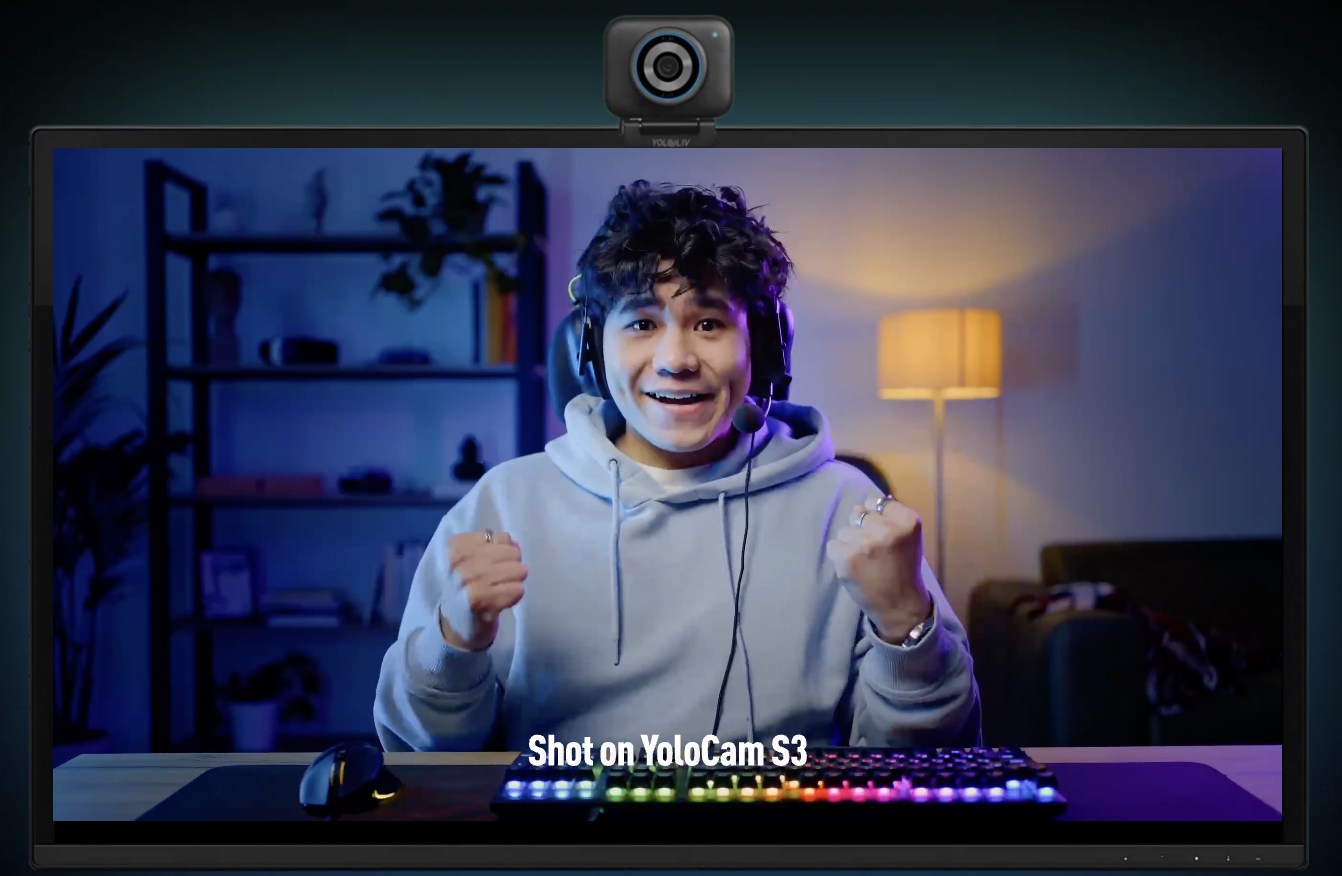
The autofocus. The S3 uses PDAF — phase detection autofocus — the same technology in mirrorless cameras. Where most webcams hunt for focus by searching for image contrast, PDAF calculates the correct focus distance instantly. The result is autofocus that locks on, stays locked, and never visibly searches. Streamers who switch to the S3 from contrast-detection cameras consistently describe the difference as dramatic.
The image quality. The S3 looks like a camera, not a webcam. Natural depth of field from a real f/1.85 aperture (not software blur), accurate color science out of the box, and detail that holds up even when compressed for a live stream. Multiple content creators testing cameras around the $200 mark describe the S3 as “the one that made me stop thinking about the webcam and just focus on using it.”
The build. Full aluminum housing — not plastic — with a magnetic mounting system. The aluminum acts as a heat sink, keeping the camera cool during extended streams. Creators who travel with gear consistently mention the S3’s build quality as one of its standout features.
The software. The YoloLiv Compose app gives you DSLR-level manual controls: ISO, shutter speed, white balance, focus zones, color grading. Settings save to the camera itself, not just the app — meaning your configuration is portable. Recently updated to remove the login requirement. It’s the best webcam companion software available, in a field where most apps range from mediocre to actively frustrating.
The tradeoffs: No privacy shutter. Software dependency for manual controls. Slight image crop at 60fps. 84° FOV is narrower than some alternatives.
Best for: Streamers, podcasters, YouTubers, and remote workers who want the best possible image quality without switching to a full camera rig. Anyone upgrading from a C920, MX Brio, Facecam, or Brio 4K will notice an immediate, meaningful improvement.
Insta360 Link 2 — $199
The Link 2’s defining feature is its 2-axis gimbal that physically tracks your position as you move around the room. If you regularly move away from your desk, gesture widely, or present from different positions, the Link 2’s tracking capability is genuinely impressive and hard to replicate with any other webcam.
Image quality is sharp and the autofocus is strong. The AI features — gesture control, whiteboard mode, overhead mode — are clever, though many users find them more novelty than daily utility after the first week.
Where the Link 2 trails the S3: static image quality, color science out of the box, and build quality. For a streamer who stays at their desk, the gimbal is a feature they won’t use, and the S3’s image quality becomes the deciding factor.
Best for: Educators, presenters, or streamers who genuinely move around their space during content.
Elgato Facecam 4K — $199
Elgato recently dropped the Facecam 4K to $199 to compete more directly in this tier. It delivers clean, consistent color and good compatibility with the Elgato ecosystem (Stream Deck, lighting controllers). If your entire setup is Elgato, the integration is worth considering.
Limitations: no microphone, no autofocus, and color can appear washed out in some lighting conditions. For anyone without an existing Elgato ecosystem, the S3 is the stronger choice at the same price.
Best for: Streamers already using Elgato hardware who want seamless ecosystem integration.
Best High-End Webcams for Streaming ($250+)
Razer Kiyo Pro Ultra — $299 (Discontinued)
The Kiyo Pro Ultra set the standard for what a premium webcam could be: 1/1.2-inch sensor, excellent low-light performance, and image quality that approached camera-level output. If you already own one, there’s no reason to replace it.
New units are available while discontinued stock lasts. For new buyers, the YoloCam S3 offers comparable image quality, better autofocus, better software, and a lower price.
Best for: Buyers who find remaining stock at a significant discount.
Quick Comparison: Best Streaming Webcams 2026
| Camera | Price | Sensor | AF Type | Low Light | Best For |
|---|---|---|---|---|---|
| Logitech Brio 101 | $36 | 1/3.6″ | Fixed | Poor | Beginners |
| Anker C200 | $49 | 1/3″ | Fixed | Okay | Budget starters |
| Logitech C920 | $70 | 1/3″ | Contrast | Average | Budget reliability |
| OBSBOT Meet 2 | $129 | 1/3″ | AI | Good | Mobile streamers |
| Razer Kiyo V2 | $149 | Sony STARVIS | Contrast | Good | Mid-tier quality |
| Logitech MX Brio | $159 | 1/2.7″ | Contrast | Good | Logitech users |
| YoloCam S3 | $199 | 1/1.3″ | PDAF | Excellent | Most streamers |
| Insta360 Link 2 | $199 | 1/2″ | AI Gimbal | Good | Moving presenters |
| Elgato Facecam 4K | $199 | 1/2.5″ | None | Average | Elgato setups |
| Kiyo Pro Ultra | $299 | 1/1.2″ | Contrast | Excellent | Existing owners |
What Are Most Streamers Actually Using?
The honest answer from streaming communities in 2025: the majority of active streamers are still using Logitech C920s, older Brio models, and Facecams — cameras that were purchased years ago and haven’t been replaced.
Among streamers who’ve recently upgraded or bought their first dedicated webcam, the YoloCam S3 has quickly become the most recommended camera in the $200 range. The Kiyo Pro Ultra held that position for years until its discontinuation; the S3 has filled that gap and then some.
A meaningful number of streamers are also still using mirrorless cameras (Sony ZV-E10, Fujifilm X-S10, Sony A6000 series) with capture cards — an approach that delivers maximum image quality but at significantly higher cost and complexity. For anyone who wants camera-level results without the setup overhead, the S3 closes that gap more than any webcam has before.
Final Recommendations
Best for most streamers: YoloLiv YoloCam S3 ($199)
The best image quality, best autofocus, and best build quality in the under-$200 webcam market. The clear recommendation for anyone ready to invest in their setup.
Best budget option: Logitech C920 ($70) or Anker C200 ($49)
Reliable, widely compatible, and good enough for new streamers building their audience before upgrading.
Best for moving presenters: Insta360 Link 2 ($199)
If you regularly step away from your desk during content, the gimbal tracking justifies the choice. Otherwise, the S3’s image quality wins.
Best high-end option: Razer Kiyo Pro Ultra (discontinued, while stock lasts)
Still excellent if you find it at a good price. Not worth paying a premium over the S3 for new buyers.
51 total views, 51 views today

Meredith, the Marketing Manager at YoloLiv. After getting her bachelor’s degree, she explores her whole passion for YoloBox and Pro. Also, she contributed blog posts on how to enhance live streaming experiences, how to get started with live streaming, and many more.
