
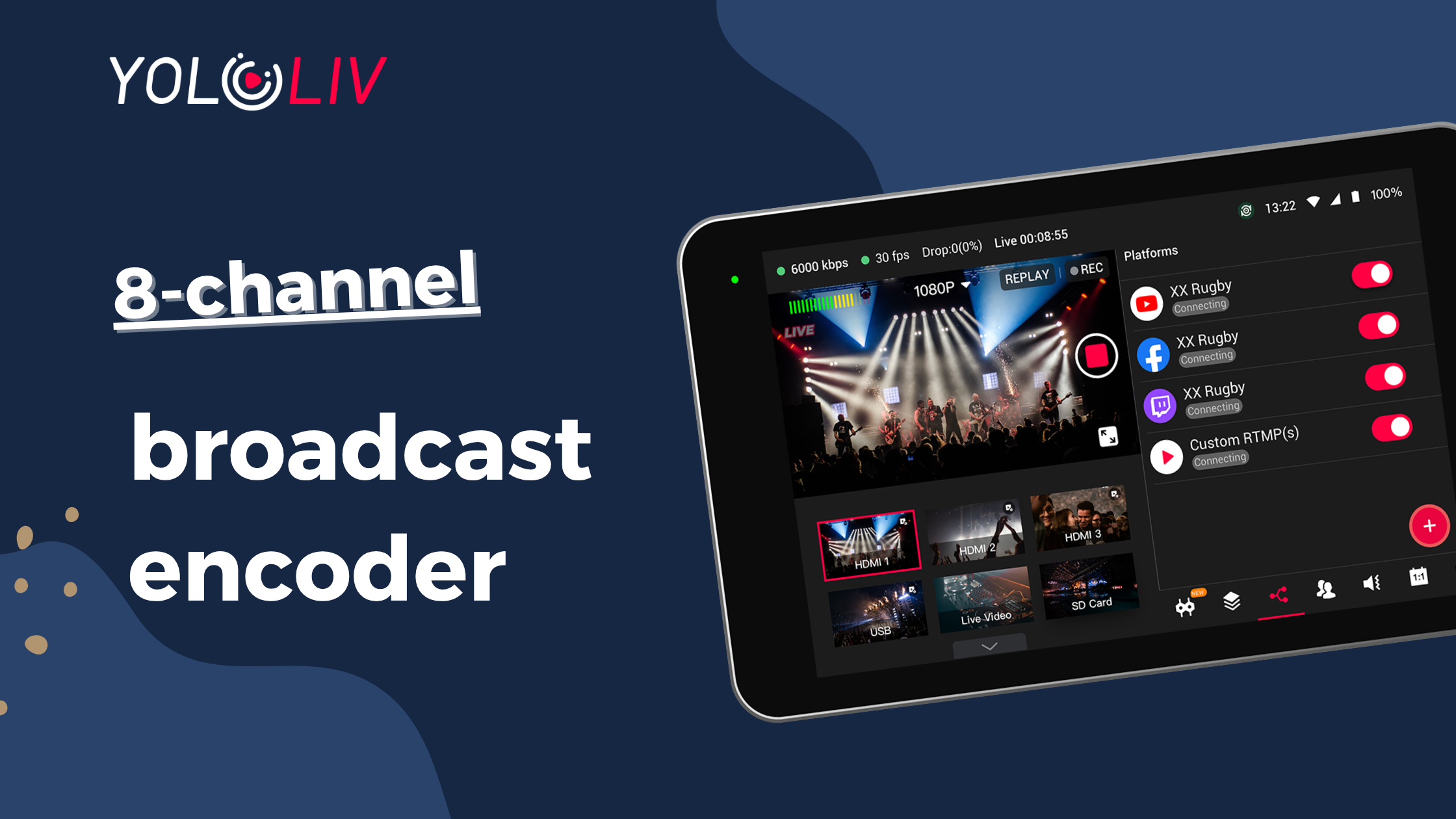
Managing multiple camera feeds without dropping frames, buffering, or losing sync is one of the hardest problems in live production. According to Wowza, hardware encoders consistently outperform software solutions in stability and reliability for high-stakes live events. Yet most AV teams still piece together separate encoders, switchers, recorders, and monitors, spending $4,000 or more before a single stream goes live.
An 8 channel broadcast encoder solves that problem at the source. It accepts 8 or more video inputs, compresses them in real time, and pushes the output to streaming platforms, CDNs, or local storage. Whether you’re covering a college football game, running Sunday worship, or producing a global corporate event, the right 8 channel encoder changes everything.
This guide breaks down every key spec, compares the top five models, and gives you a step-by-step setup walkthrough. By the end, you’ll know exactly what to buy and why.
What Is an 8 Channel Broadcast Encoder?
An 8 channel broadcast encoder is a hardware device that accepts 8 simultaneous video inputs, compresses each feed using a codec like H.264 or H.265, and outputs the result as a streamable or recordable signal. It replaces multiple single-channel encoders with one unified unit.
How It Works: From Video Input to Encoded Stream
Each input channel feeds raw video into an onboard processor. The processor applies a codec (H.264 or H.265) and a target bitrate. The compressed stream then routes to an output protocol like RTMP or SRT. Most 8 channel encoders handle all 8 feeds in parallel, with zero cross-channel interference.
The encoded streams can go to a CDN, a platform like YouTube or Facebook, a local network recorder, or all three at once. Some all-in-one units like the YoloBox Extreme also include a built-in switcher, so you can cut between sources live before the stream ever leaves the device.
Key Specs to Understand
H.264 vs H.265: H.265 (also called HEVC) delivers the same visual quality as H.264 at roughly half the bitrate. That matters when you’re pushing 8 simultaneous streams over a limited uplink. YoloLiv’s H.265 vs H.264 breakdown shows the tradeoffs in detail.
RTMP vs SRT: RTMP is the most widely supported streaming protocol. SRT adds error correction and encryption, making it far more reliable over unstable connections. For sports events and outdoor productions, SRT is the professional standard.
CBR vs VBR: CBR keeps output steady, ideal for IPTV and broadcast. VBR adjusts dynamically, saving bandwidth during low-motion scenes. Most professional encoders support both.
Who Actually Needs an 8 Channel Broadcast Encoder?
Teams that run more than two or three cameras in a live production setting need an 8 channel encoder. Single-channel USB encoders or software-based solutions can’t keep up with the latency, reliability, and channel count demands of professional events.
Live Sports Production
Sports broadcasts use multiple angles: wide shot, tight shot, sideline, scoreboard, and more. An 8 channel encoder handles all of them simultaneously. It keeps latency low and sync tight. YoloLiv’s sports live streaming solution is built around exactly this workflow.
House of Worship
Churches run main sanctuary cameras, overflow rooms, confidence monitors, and online streams at the same time. Reliability on Sunday morning isn’t optional. YoloLiv’s church live streaming solution shows how modern houses of worship approach this challenge.
Corporate Events and Conferences
Large corporate productions involve main stage cameras, breakout room feeds, presenter slides, and graphics overlays. Enterprise AV engineers increasingly treat multi-channel encoders as essential infrastructure, not optional gear.
IPTV and Broadcast Studios
IPTV operators need to encode multiple channels continuously, often 24/7. Dedicated 8 channel encoders handle this load without the overhead of a full-scale broadcast server.
What to Look for Before You Buy
Input Type: HDMI, SDI, NDI
HDMI is standard for consumer and prosumer cameras. SDI is the broadcast-grade connector used in professional cameras. NDI is a software-based IP video standard that lets cameras share video over a local network. The best encoders support at least two of these three.
Output Codec: H.264 vs H.265
If your target platforms support H.265, use it. You’ll cut bandwidth consumption by up to 50%. If you’re streaming to older IPTV systems or legacy CDNs, stick with H.264 for compatibility.
Streaming Protocols: RTMP vs SRT
RTMP works everywhere. SRT works better in the field. If you’re producing events in stadiums, churches, or outdoor venues, SRT’s error correction can mean the difference between a clean broadcast and a frozen stream.
Resolution and Bitrate
Most budget 8 channel encoders max out at 1080p30. Professional production increasingly demands 1080p60 or 4K60. Don’t buy a 1080p-only encoder if your cameras are already 4K capable.
All-in-One vs Separate Components
A traditional 8-camera live production setup includes a standalone encoder (~$1,500), a video switcher (~$1,500), a recording device (~$800), and a monitor (~$500). That’s $4,300 before cables or labor. An all-in-one unit like the YoloBox Extreme bundles all four into a single $1,949 device. The TCO difference is significant, and the all-in-one approach also reduces failure points, setup time, and carry weight.
Top 8 Channel Broadcast Encoders in 2025
The market has a handful of serious options. Here’s how the top five compare head to head.
| Feature | YoloBox Extreme | Thor H-8HD-EMH | URayCoder 8ch | ISEEVY 8ch | J-Tech ENCH58 |
|---|---|---|---|---|---|
| Input Sources | 8 HDMI + 6 NDI + 3 USB (17 total) | 8 HDMI | 8 HDMI | 8 HDMI | 8 HDMI |
| Max Resolution | 4K60 | 1080p60 | 1080p30 | 1080p | 1080p60 |
| Codec | H.264 / H.265 | H.264 | H.264 / H.265 | H.265 | H.264 / H.265 |
| Protocols | RTMP / SRT / NDI | IP / ASI / UDP | RTMP / SRT / RTSP | RTMP / SRT | RTMP / HLS |
| Built-in Monitor | 11.2″ OLED | No | No | No | No |
| Built-in Switcher | Yes | No | No | No | No |
| ISO Recording | Yes (4K) | No | No | No | No |
| Battery | 10,000mAh (10hr) | No | No | No | No |
| Price | ~$1,949 | ~$2,000+ | ~$300-500 | ~$350 | ~$400 |
YoloBox Extreme: Best All-in-One Encoder for Live Production
The YoloBox Extreme is in a different category from every other unit on this list. It’s a complete live production system that fits in a backpack. Broadfield’s hands-on review confirmed real-world 4K60p encoding performance across all inputs.
The Extreme accepts 8 HDMI inputs, 6 NDI sources, and 3 USB sources (17 total inputs). It encodes in H.264 or H.265, streams via RTMP, SRT, or NDI, and includes a built-in 11.2″ OLED monitor, a multi-camera switcher, and simultaneous ISO recording on every channel. It also runs on a 10,000mAh internal battery for up to 10 hours of field operation. For teams comparing the YoloBox Extreme against other production systems, the feature gap is substantial.
Thor H-8HD-EMH: Best for CATV and IPTV
The Thor H-8HD-EMH is a rack-mounted professional encoder for cable TV headends and IPTV distribution. It supports 8 HDMI inputs and outputs over IP, ASI, and UDP. It tops out at 1080p60 with H.264 only. There’s no built-in monitor, no switcher, and no battery. At around $2,000 or more, it costs as much as the YoloBox Extreme but does significantly less. It’s a specialist tool for CATV workflows, and it does that job well.
URayCoder 8ch: Best Budget Option
The URayCoder supports RTMP, SRT, and RTSP at $300 to $500. It caps at 1080p30, which limits its use for fast-motion content. It’s a solid choice for budget-constrained teams doing low-stakes streams or overflow room distribution. Don’t use it for sports or flagship events.
ISEEVY 8ch H.265: Best for Low-Power Deployments
The ISEEVY 8-channel encoder focuses on H.265 efficiency, useful for bandwidth-limited environments. It supports RTMP and SRT at around $350. It’s a functional low-cost option for teams that need a basic encode-and-stream pipeline and nothing more.
J-Tech ENCH58: Best for Multi-Platform IPTV
The J-Tech ENCH58 supports H.264 and H.265 with RTMP and HLS output at around $400. HLS support makes it useful for adaptive bitrate IPTV workflows. It handles 1080p60 and is compact enough for small installations.
Why the YoloBox Extreme Redefines the 8 Channel Encoder
17 Total Source Inputs, Not Just 8
Every competitor on this list accepts exactly 8 HDMI inputs. The YoloBox Extreme accepts 8 HDMI inputs plus 6 NDI sources plus 3 USB sources: 17 simultaneous inputs total. For complex productions with mixed camera types, this eliminates the need for a separate capture card or NDI decoder.
Real 4K60 Encoding
Every competitor encoder on this list maxes out at 1080p. The YoloBox Extreme encodes at 4K60, confirmed in third-party testing. Check the full YoloBox Extreme technical specifications for complete encoding parameters.
Built-in Switcher Eliminates a $1,500 Extra Purchase
Every other encoder on this list is just an encoder. You still need a separate video switcher to cut between sources. A capable 8-input switcher costs $1,000 to $2,000. The YoloBox Extreme includes a full multi-camera switcher built in, with scene cuts, transitions, picture-in-picture, and graphics overlays.
SRT and Network Bonding for Field Reliability
The YoloBox Extreme supports SRT for error correction and integrates with YoloLiv’s network bonding technology, which combines multiple internet connections into a single bonded uplink. If one connection drops, the others carry the stream.
ISO Recording Every Channel Simultaneously
ISO recording saves a clean, isolated recording of every camera feed independently. No other encoder on this list includes ISO recording. The YoloBox Extreme records all channels simultaneously at 4K resolution.
Total Cost Comparison
- Traditional setup (encoder + switcher + recorder + monitor): ~$4,300
- YoloBox Extreme (all-in-one): ~$1,949
- Savings: ~$2,351 (55% less)
How to Set Up an 8 Channel Broadcast Stream
Setting up an 8 channel broadcast stream takes under 20 minutes with the right hardware. Here’s the process from power-on to live output.
Step 1: Connect your 8 HDMI sources. Run cables from each camera to the encoder’s input ports. Check signal detection on screen before moving on.
Step 2: Configure encoding settings. Choose H.265 for bandwidth efficiency or H.264 for compatibility. Set resolution and frame rate to match your source cameras. A safe starting bitrate is 4-6 Mbps per 1080p60 stream in H.264, or 2-3 Mbps in H.265.
Step 3: Set up multi-destination streaming. Enter stream keys and RTMP or SRT ingest URLs for each platform. The YoloBox Extreme paired with YoloCast supports multi-destination streaming to YouTube, Facebook, and custom RTMP endpoints simultaneously.
Step 4: Enable ISO recording. Connect a high-speed external SSD. Confirm each channel is armed. Do a 30-second test record and verify playback before the event starts.
Pro tip: Switch your streaming protocol to SRT and tune the latency buffer to match your network conditions. For local network streaming, 100-200ms works well. For internet delivery, start at 500ms and reduce until you see packet loss, then add 20% back.
Conclusion
An 8 channel broadcast encoder is the foundation of any serious multi-camera live production. Three things to remember. First, specs matter: 4K60 beats 1080p, H.265 beats H.264 on bandwidth, and SRT beats RTMP in the field. Second, TCO matters more than sticker price. A $350 encoder plus a $1,500 switcher plus an $800 recorder isn’t a deal. Third, all-in-one wins for most teams.
The YoloBox Extreme is the only 8 channel broadcast encoder that also switches, records ISO, monitors, and bonds networks in a single battery-powered unit. If you’re ready to simplify your live production stack and cut costs at the same time, start with the YoloBox Extreme product page.
Frequently Asked Questions
What is the difference between an encoder and a switcher?
An encoder compresses video into a streamable format like H.264 or H.265. A switcher selects between multiple video inputs and lets you cut or mix them in real time. Most 8 channel encoders only encode. They don’t switch. The YoloBox Extreme does both, replacing two separate devices.
Do I need H.264 or H.265 for broadcast?
H.265 is the better choice for most modern workflows. It cuts bandwidth by up to 50% compared to H.264 at the same quality level. Use H.264 only when your destination platform or CDN doesn’t yet support H.265.
Can I stream 8 channels simultaneously to different platforms?
Yes, with the right encoder. The YoloBox Extreme supports multi-destination streaming, including to custom RTMP and SRT targets, through its integration with YoloCast.
What’s the best 8 channel encoder under $2,000?
The YoloBox Extreme at $1,949 is the best 8 channel encoder under $2,000 by a wide margin. It’s the only unit at this price with 4K60 encoding, a built-in switcher, ISO recording, an 11.2″ OLED monitor, a 10-hour battery, and 17 total input sources.
Does the YoloBox Extreme work without internet?
Yes. The YoloBox Extreme can operate as a local switcher and recorder without any internet connection. Internet is only needed for live streaming to external platforms.
33 total views, 33 views today

Betty,As a Customer Success Specialist at YoloLiv, she is passionate about helping users understand YoloCast’s features and resolve day-to-day usage challenges. In addition to hands-on support, she creates practical articles that share tips, troubleshooting guidance, and best practices to help users get more value from YoloCast.
