
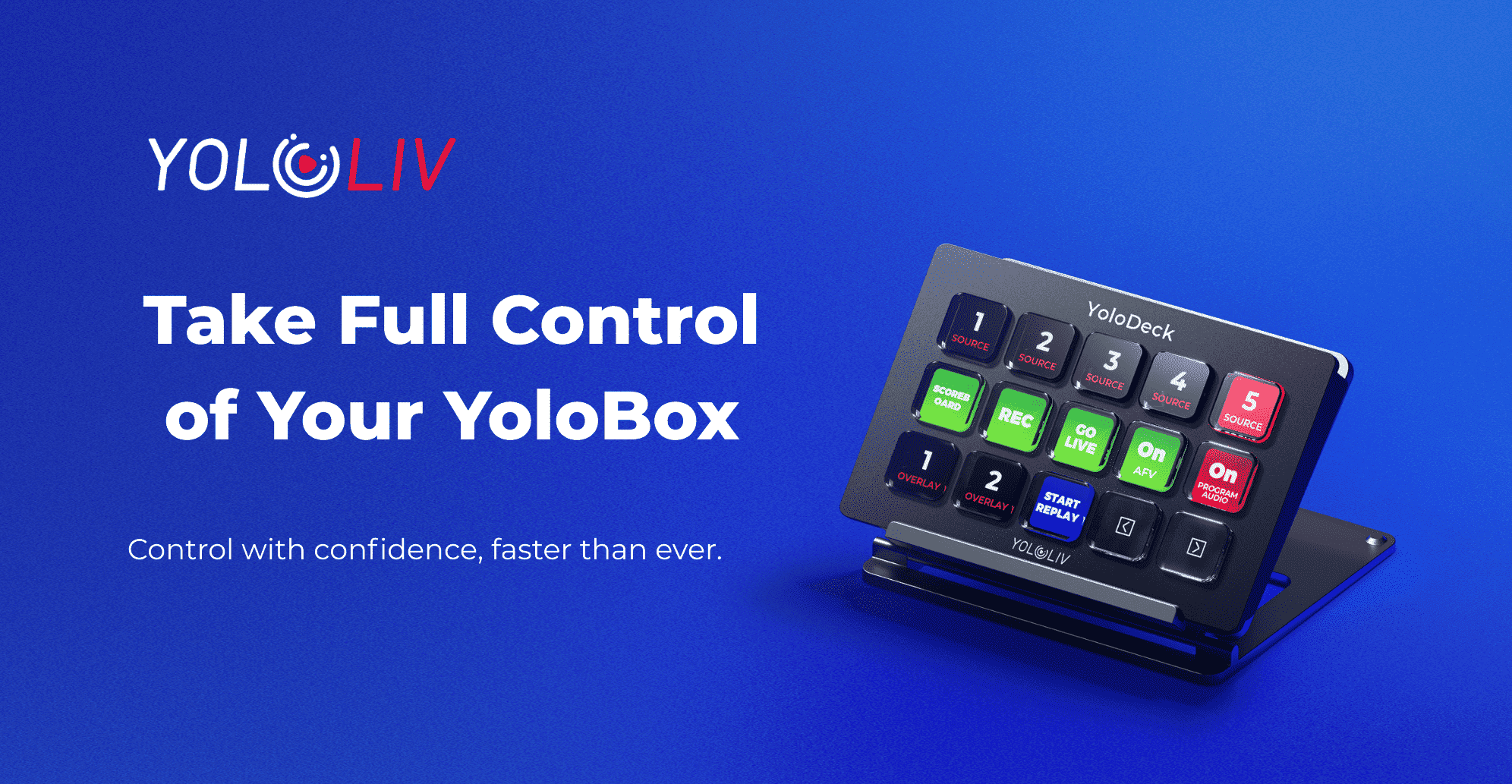
If you’re already using YoloBox, you know how powerful it is.
YoloDeck is designed to make that power faster, smoother, and easier to use — especially when things get busy during a live stream.
Why YoloDeck?
YoloDeck is a physical control panel built specifically for YoloBox.
It brings real buttons to your workflow, so you can operate with confidence instead of tapping through menus.
- Dedicated physical buttons for instant actions
- Designed exclusively for YoloBox (plug & play)
- Faster switching, fewer mis-taps
- One controller, so many actions
It’s the most natural upgrade for anyone who wants more control during live streaming.
Learn How to Use YoloDeck
Getting started is easy.
We’ve created step-by-step tutorial videos that show you:
- What each button does
- How to use YoloDeck in real live-streaming scenarios
Learn More: How to Use YoloDeck with YoloBox for Sports Live Streaming
Whether you’re new or just want to streamline your workflow, these tutorials help you get productive fast.
Why YoloDeck Is Perfect for YoloBox Users
YoloDeck isn’t a generic controller — it’s made for YoloBox users.
- Seamless integration with YoloBox features
- Faster camera switching and scene control
- Less screen tapping during live shows
- More reliable control in high-pressure moments
If you already love YoloBox, YoloDeck simply makes it better.
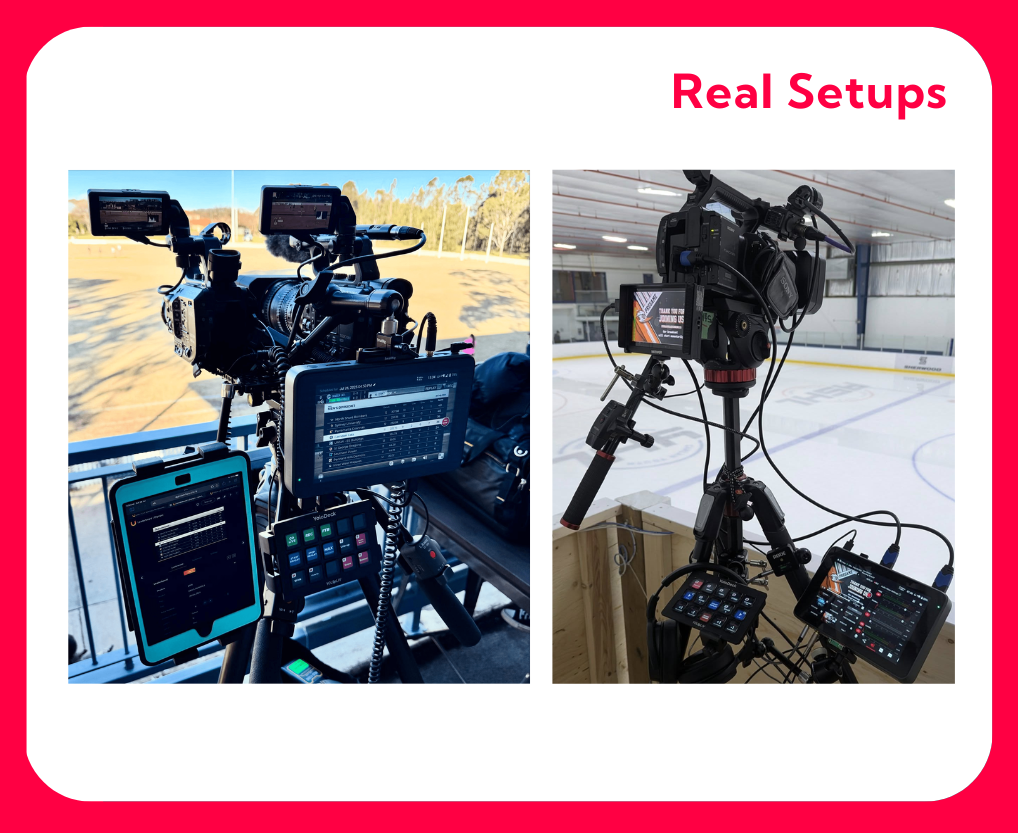
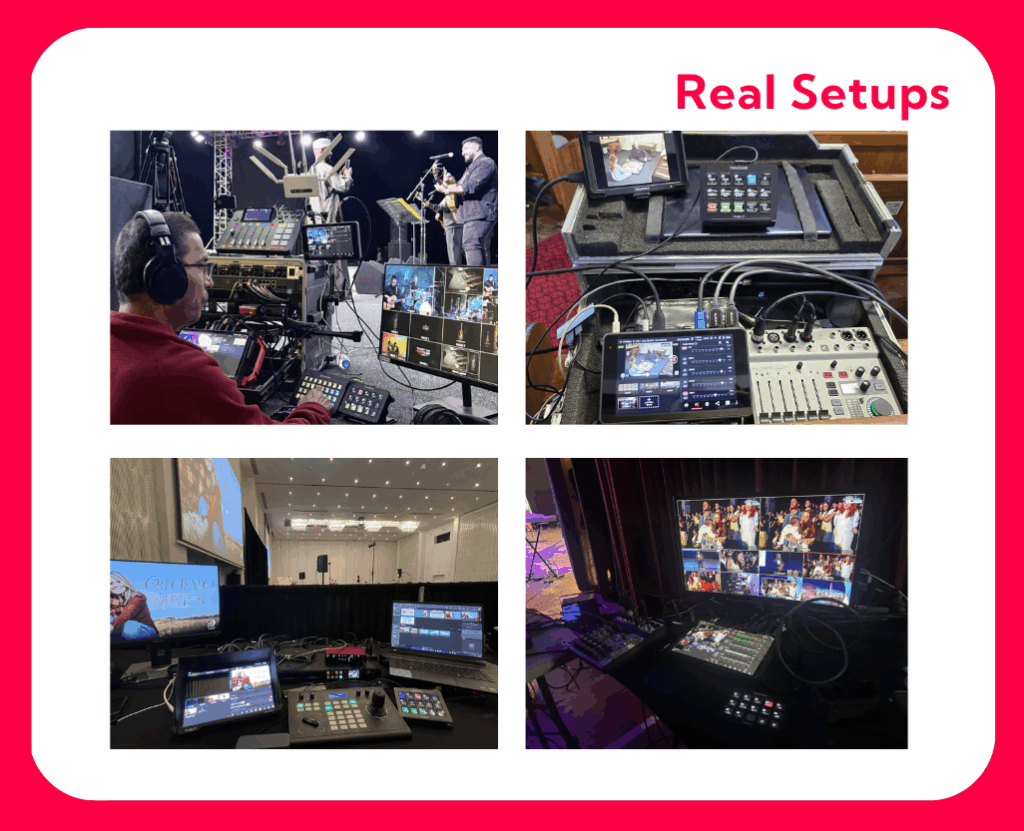
Real Setups from Real Users
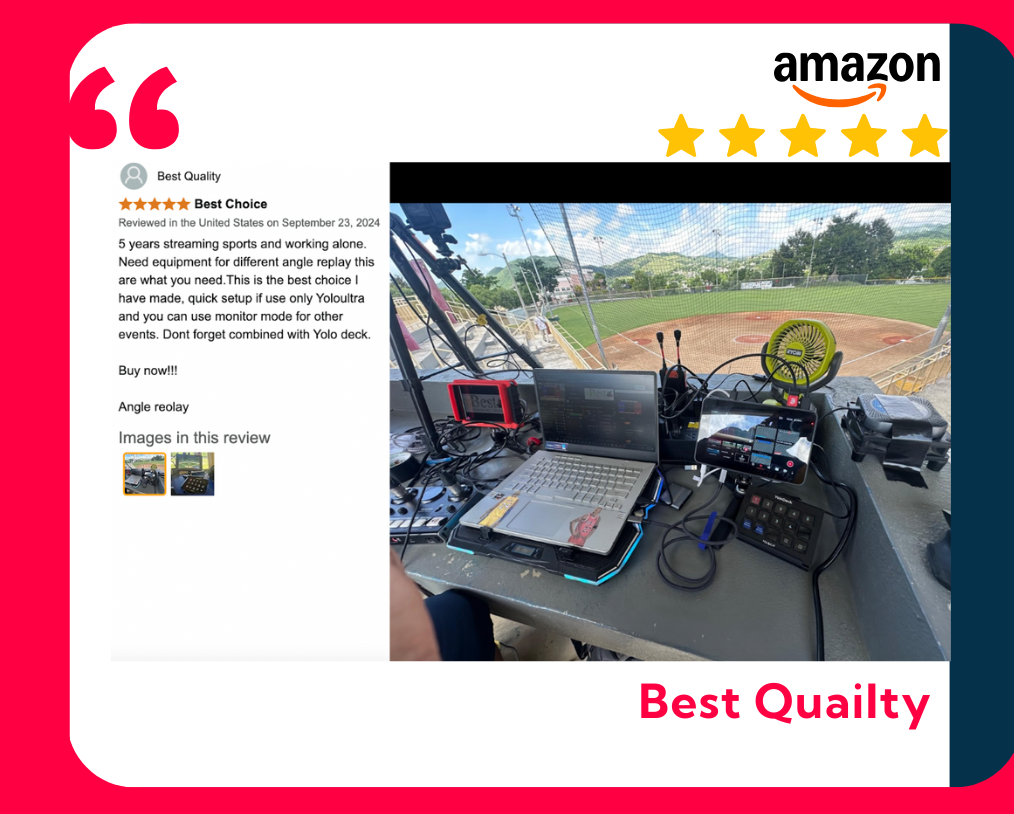
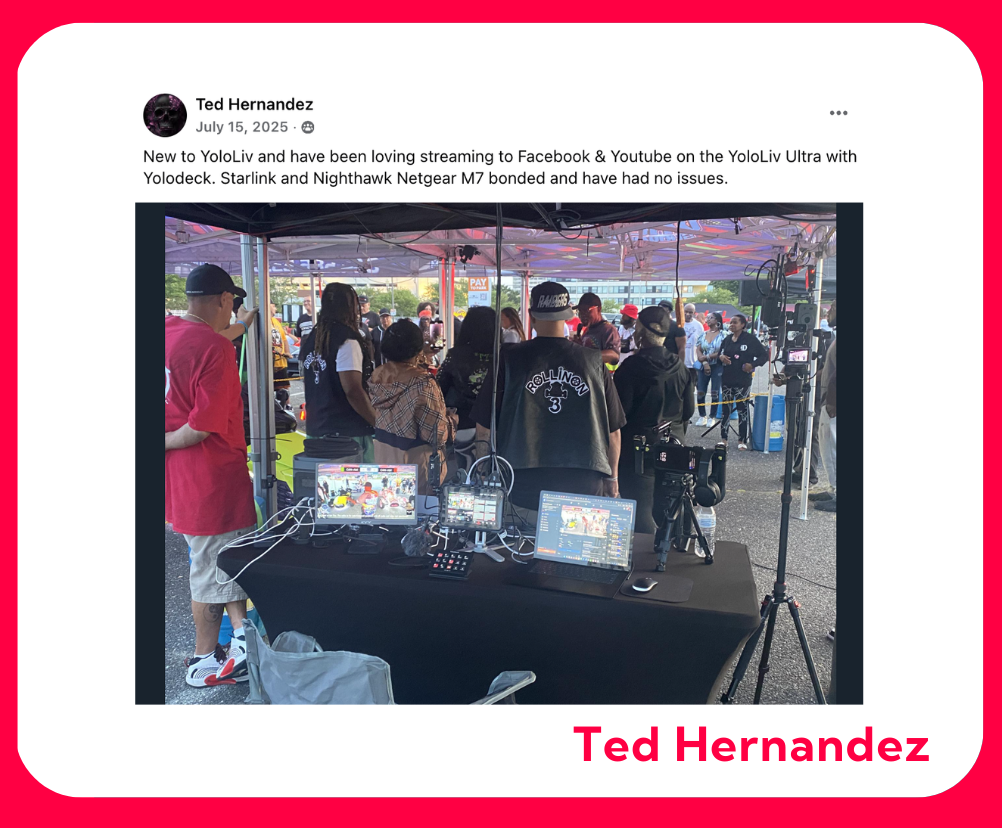
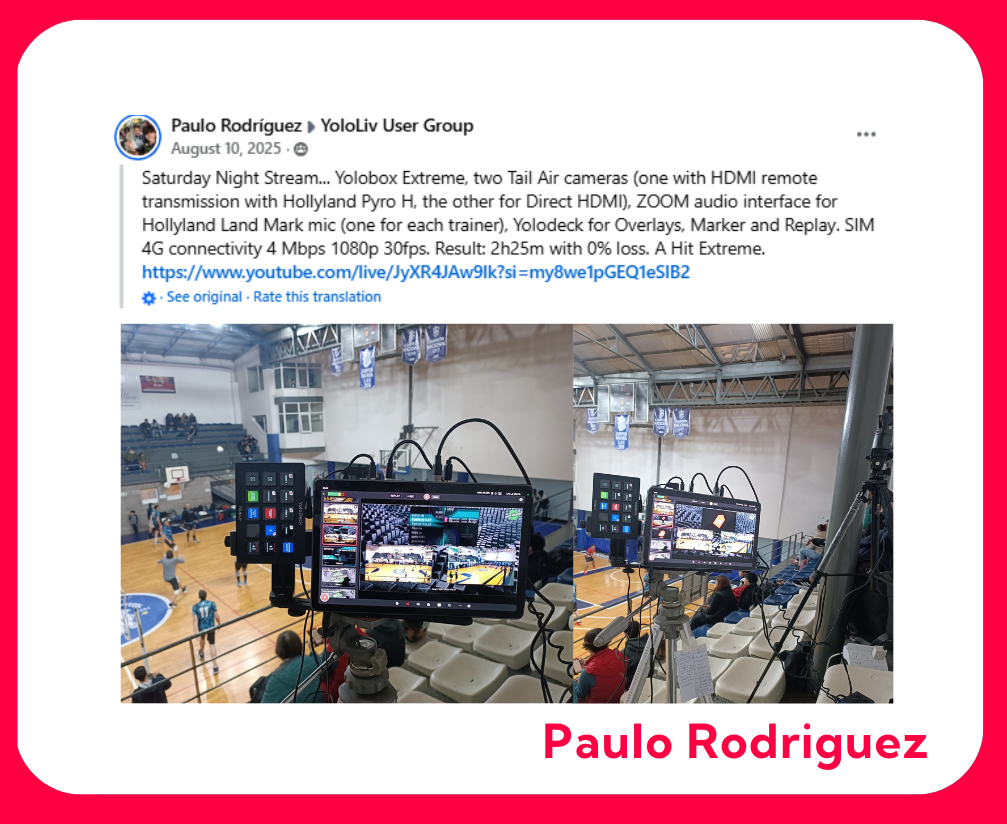
Creators around the world are already using YoloDeck in their setups — from studios to live events and sports productions.
Below are real photos shared by users, showing how YoloDeck fits naturally into everyday YoloBox workflows.
Trusted by the Community
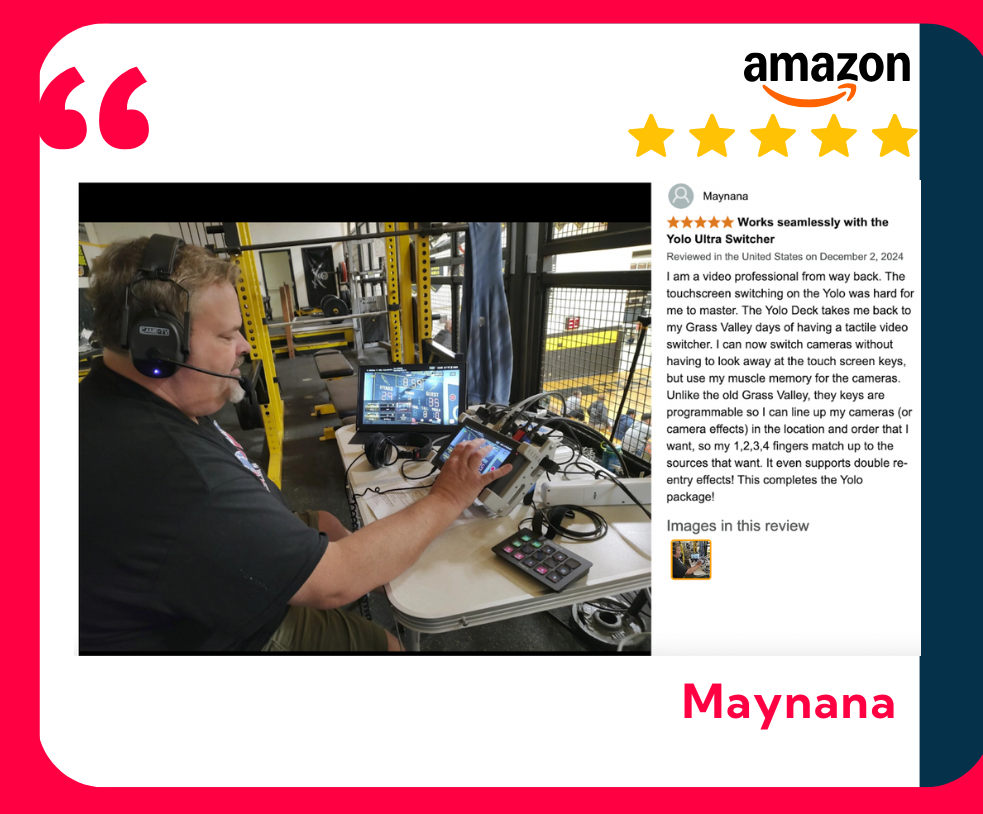
YoloDeck is receiving strong feedback from our community.
We build YoloDeck together with our community — and their feedback continues to shape every update.
If you’re ready to get more speed, more control, and a smoother workflow out of your YoloBox, YoloDeck is the upgrade you’ve been waiting for.
2,299 total views, 3 views today

Betty,As a Customer Success Specialist at YoloLiv, she is passionate about helping users understand YoloCast’s features and resolve day-to-day usage challenges. In addition to hands-on support, she creates practical articles that share tips, troubleshooting guidance, and best practices to help users get more value from YoloCast.
