
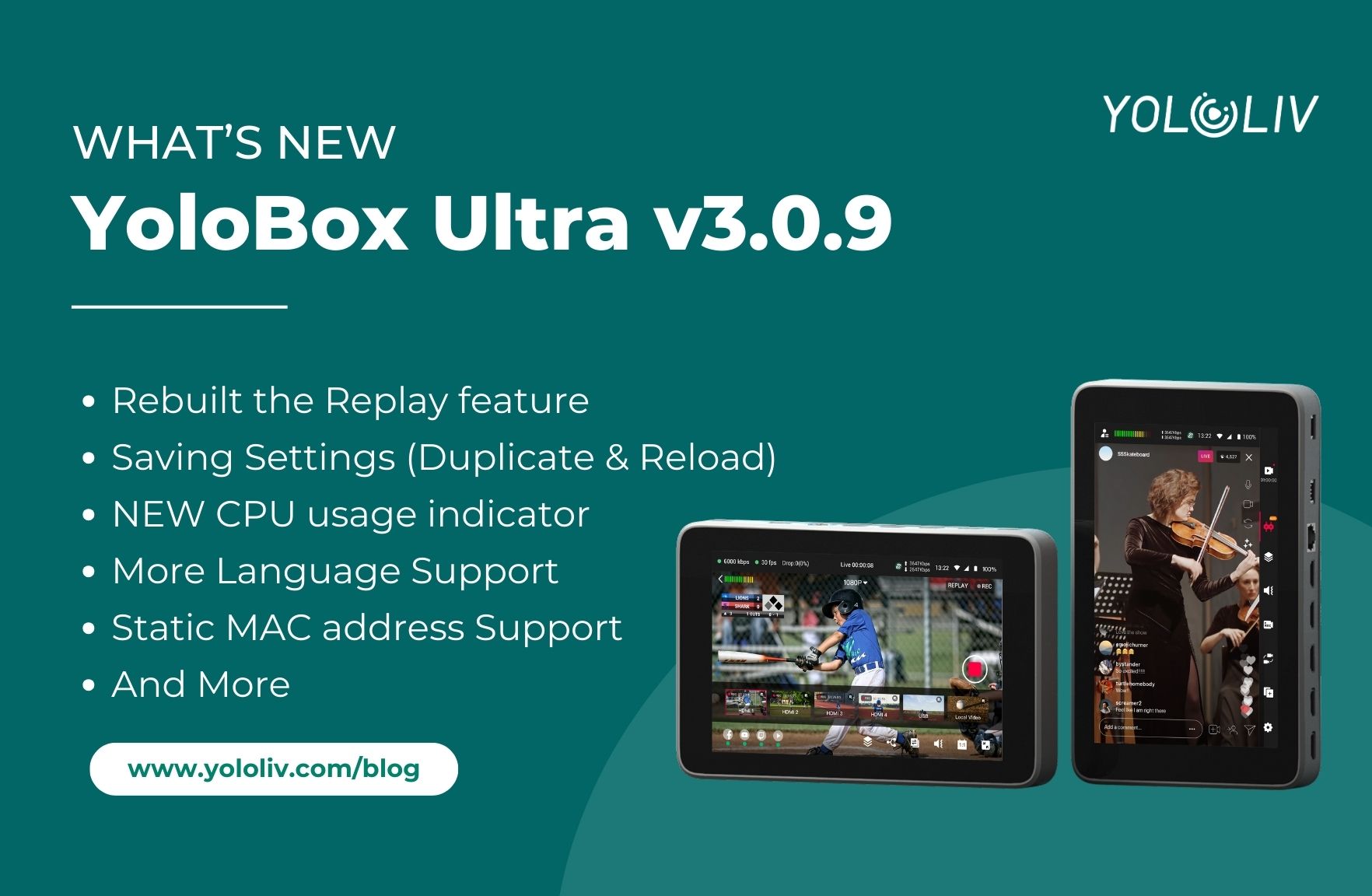
The YoloBox Ultra v3.0.9 update is here, and it’s one of the biggest upgrades we’ve released this year. This version focuses on workflow efficiency, international usability, and a massively improved Replay system. Below is a full breakdown of everything that’s new.
Rebuilt Replay Feature
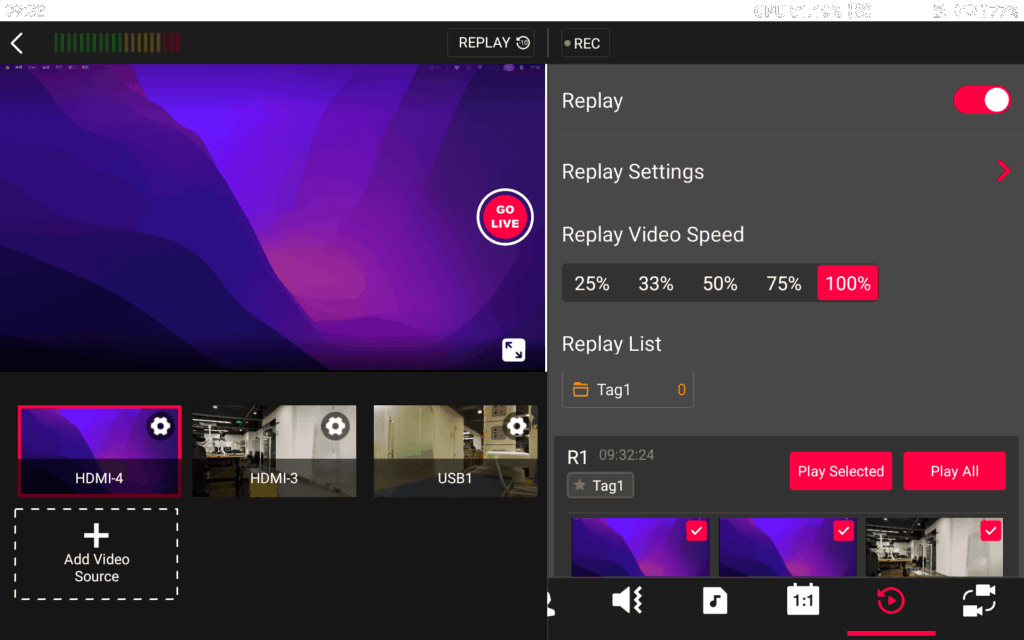
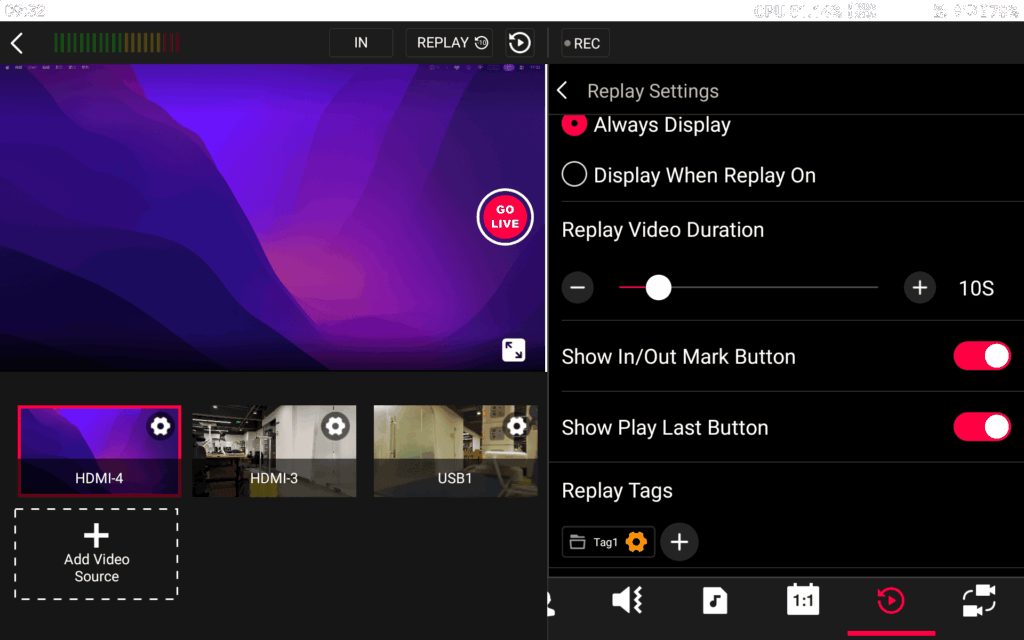
Replay has been completely redesigned from the ground up to give creators more control and flexibility.
What’s improved:
- Replay Tags – Mark key moments and quickly locate them during a live event.
- Custom Thumbnails – Set a visual thumbnail so your clips look more polished and easier to identify.
- Intro/Outro Templates – Automatically add branded opening and closing animations to your replay segments.
- A new Replay In/Out button – Makes it easier to control timing, so you can create replays from different time segments.
This overhaul makes Replay faster, more visual, and more professional.

Save Settings (Duplicate & Reload)
One of the most-requested features is finally here: Save Settings.
You now have two ways to reuse a past event:
- Duplicate – Creates a new livestream using the settings from the previous event. (Think of it as “Copy event.”)
- Reload – Reopens the same event with all configurations preserved. (Best for recurring weekly shows, church services, sports events, etc.)
Bonus:
Save Settings now also works in Vertical Mode and Monitor Mode, making the feature consistent across all workflows.

CPU Usage Indicator
A small but essential tool: you can now monitor real-time CPU usage directly on the device.
This helps you understand performance load and optimize settings when running complex productions.
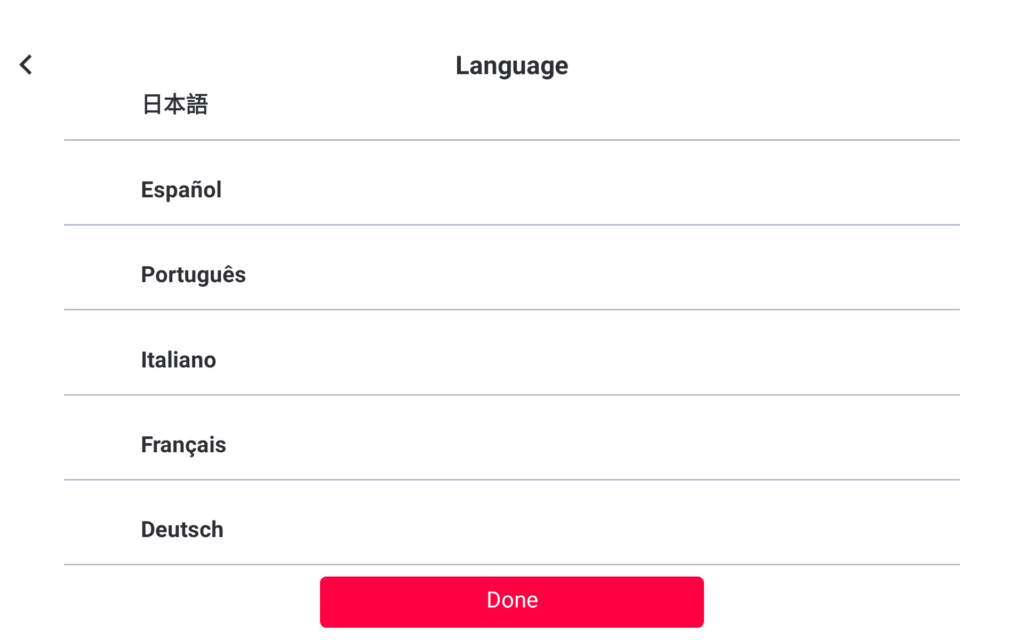
Expanded Language Support (8 New Languages)
To better serve our global creators, Ultra now supports:
- Spanish
- Portuguese
- Italian
- German
- French
- Japanese
- Korean
- Thai
This brings Ultra closer to creators around the world with a more localized and accessible UI.
5. New BGM Playback Mode
You can now choose a mode that pauses background music after a single playback.
Perfect for events where you only want intro music or a one-time background track without looping.
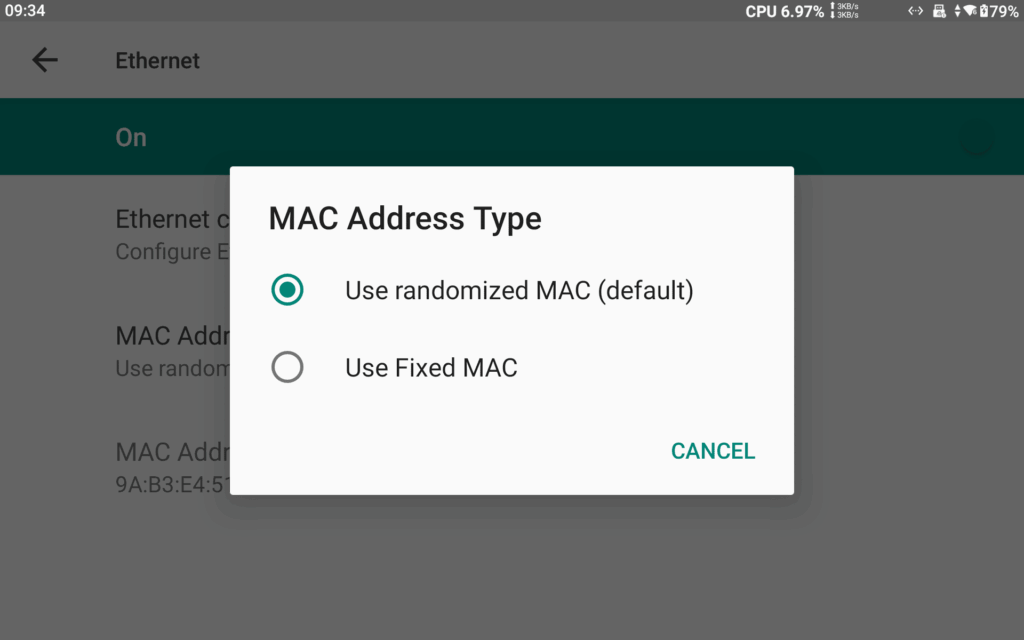
Static MAC Address Support
For users in controlled network environments (venues, campuses, IT-managed networks), Ultra now allows you to assign a fixed MAC address for Ethernet.
This ensures network stability and compatibility with enterprise-level setups.
UI Layout Adjustments
Because Replay has grown significantly, we redesigned parts of the interface to keep everything clean, intuitive, and easier to navigate.
Bug Fixes
- Fixed irregular battery communication issues
- Resolved an issue where only one USB dongle was supported
- Fixed HDMI IN 3 and 4 audio being limited to mono channel
- Fixed abnormal disconnection issues with YoloDeck under certain conditions
Final Thoughts
YoloBox Ultra v3.0.9 is all about making your production smoother, faster, and more professional—from a smarter Replay system to persistent event settings, international language expansion, and deeper hardware-level control.
If you haven’t updated yet, we highly recommend installing v3.0.9 to unlock these new tools and enhancements.
7,886 total views, 7 views today

Meredith, the Marketing Manager at YoloLiv. After getting her bachelor’s degree, she explores her whole passion for YoloBox and Pro. Also, she contributed blog posts on how to enhance live streaming experiences, how to get started with live streaming, and many more.
