
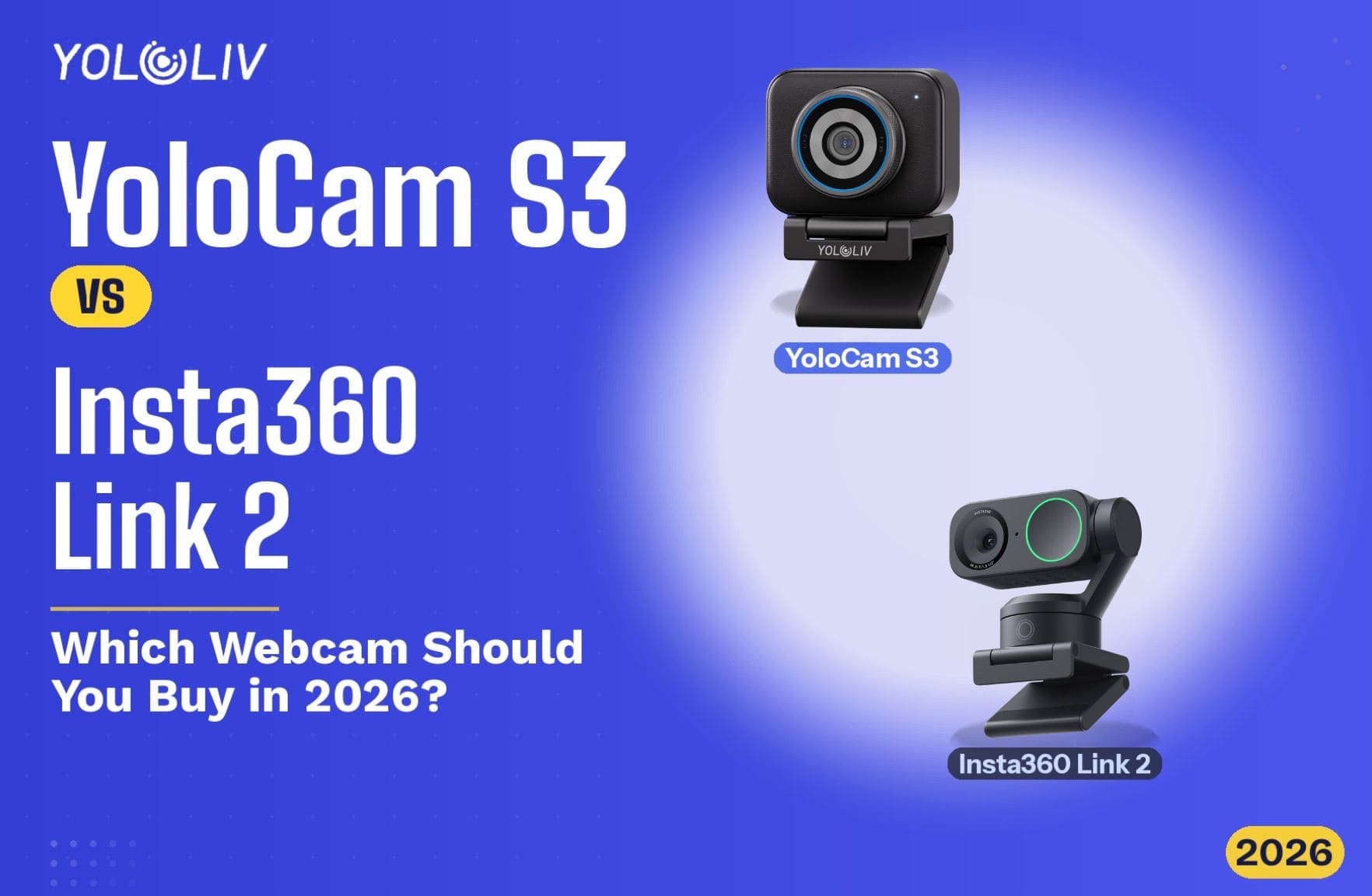
Two webcams. Both priced at $199. Both aimed at creators who want better video. However, they take completely different approaches to solving the same problem.
The YoloLiv YoloCam S3 bets on a large sensor and phase-detection autofocus. The Insta360 Link 2 bets on a motorized gimbal that physically follows you around the room. For the right person, each is an excellent choice. For the wrong person, each is money left on the table.
This comparison breaks down exactly which one that is — for you.
Specs at a Glance
| Feature | YoloCam S3 | Insta360 Link 2 |
|---|---|---|
| Price | $199 | $199 |
| Sensor Size | 1/1.3″ | 1/2″ |
| Max Resolution | 4K @ 30fps | 4K @ 30fps |
| Autofocus | PDAF (Phase Detection) | AI + Gimbal Tracking |
| Aperture | f/1.85 | f/1.8 |
| Field of View | 84° | 79° (standard) |
| Gimbal | No | Yes (2-axis) |
| Vertical Mode | Yes | Yes |
| AI Framing | No | Yes |
| Build | Aluminum | Plastic |
| Software | YoloLiv Compose | Insta360 Link Controller |
The Core Difference: Tracking vs. Image Quality
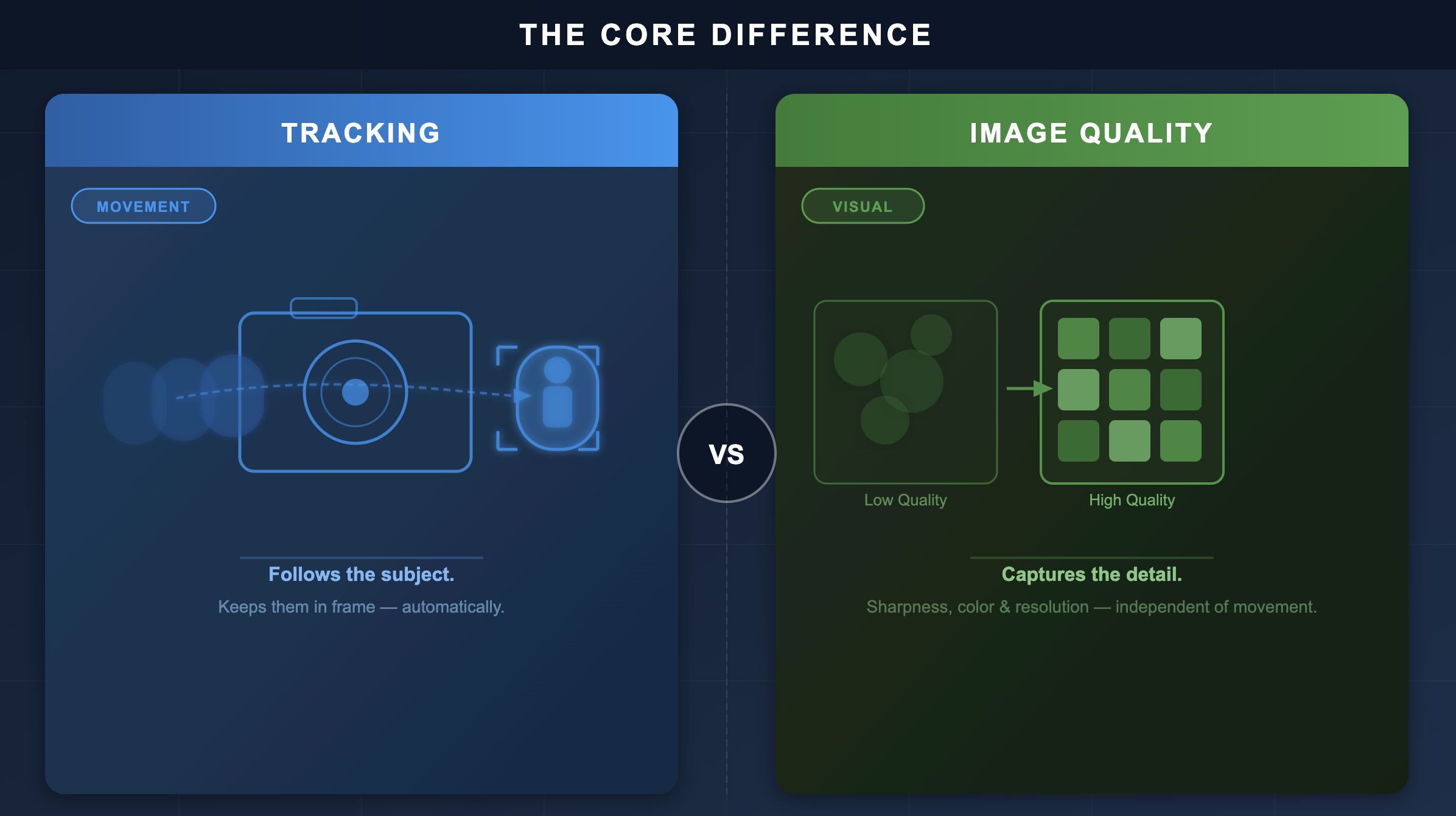
Before diving into specifics, it helps to understand the fundamental trade-off.
The Insta360 Link 2 uses a 2-axis motorized gimbal. This means the camera physically rotates to follow you as you move. Walk to the other side of the room — the camera follows. Stand up, sit down, move sideways — the gimbal tracks you. This is genuinely impressive technology. Moreover, it works reliably without looking robotic.
The YoloCam S3 doesn’t move. Instead, it stays fixed and relies on its large 1/1.3-inch sensor, PDAF autofocus, and superior optics to deliver the best possible image from one position. Consequently, if you leave the frame, you’re gone.
So the first question to ask yourself is simple: do you move around during your content, or do you sit still?
Image Quality: S3 Has the Edge
The S3’s 1/1.3-inch sensor is larger than the Link 2’s 1/2-inch sensor. In practice, this means the S3 captures more light and produces more natural depth of field.
In good lighting, both cameras look excellent. However, the S3 delivers a more cinematic image. Its f/1.85 aperture creates genuine optical background blur — not software-generated blur. Skin tones also render more naturally on the S3. The image has texture and depth that the Link 2 doesn’t quite match.
In lower light, the gap widens further. The S3’s larger sensor gathers significantly more light. As a result, it stays clean and detailed in dim conditions where the Link 2 introduces more noise or relies on digital brightening.
For streamers and creators who prioritize image quality above everything else, the S3 wins clearly.
Gimbal Tracking: Link 2’s Defining Feature
The Link 2’s 2-axis gimbal is the reason most people buy it. And for good reason — it works.
If you teach, present, or create content where you regularly move away from your desk, the Link 2 solves a real problem. It tracks your face, follows your movement smoothly, and keeps you framed even when you walk across the room. No other webcam at this price does this.
Additionally, the Link 2 offers several shooting modes: standard, whiteboard mode (tilts down to capture desk surfaces), overhead mode, and portrait mode. These are genuinely useful for educators and tutorial creators.
That said, the tracking has limits. It can lag briefly on sudden movements. Furthermore, in a busy environment with multiple people, it occasionally gets confused about who to follow. For fast-paced content, this can be distracting.
The S3’s PDAF, on the other hand, tracks subject focus — not subject position. It stays sharp as you lean forward or shift slightly. However, it won’t follow you across the room.
Autofocus: Different Approaches, Different Results
Both cameras lock focus quickly. Nevertheless, they work very differently.
The Link 2 uses AI-powered contrast detection combined with gimbal movement. When you move significantly, the gimbal repositions the camera to keep you centered. The autofocus then refines within the new framing. It works well for large movements.
The S3 uses PDAF — phase detection autofocus — across its large sensor. It calculates focus distance instantly and doesn’t hunt. For seated streaming, this results in sharper, more consistent focus. There is no visible hunting even when you lean forward, gesture, or look away and back.
In summary: the Link 2 handles large position changes through physical movement. The S3 handles focus changes through superior sensor technology. For a seated creator, the S3’s autofocus is noticeably smoother. For a moving presenter, the Link 2’s gimbal is indispensable.
Software and Ecosystem
YoloLiv Compose gives you DSLR-level manual controls. You can set ISO, shutter speed, white balance, color profiles, and focus modes. Furthermore, all settings save directly to the camera. Take the S3 anywhere and your configuration travels with you.
Insta360 Link Controller is feature-rich for what it does. AI framing, tracking sensitivity, gesture control — these are polished and work reliably. However, it provides less manual image control than Compose. Additionally, some users report occasional tracking mode switching glitches after software updates.
Who Should Buy the YoloCam S3?
The S3 is the right choice if you:
- Stream or record from a fixed position (desk, studio, podcast table)
- Prioritize image quality, especially in low light
- Want better autofocus for subtle movements — leaning in, gesturing, shifting position
- Work across multiple machines and want settings that follow the camera
- Prefer a durable aluminum build that handles daily use and travel
Who Should Buy the Insta360 Link 2?
The Link 2 is the right choice if you:
- Regularly move around during your content — teaching, presenting, fitness, cooking
- Want the camera to track and frame you automatically
- Create tutorial content that benefits from whiteboard or overhead mode
- Value AI-powered framing over manual image control
Verdict
For most streamers, podcasters, and video creators who record from a fixed position, the YoloCam S3 is the better choice. It delivers superior image quality, cleaner low-light performance, and more precise autofocus. These advantages matter every session.
For creators who genuinely need tracking — educators, presenters, or fitness streamers — the Insta360 Link 2 is irreplaceable. No other webcam at this price follows you the way it does.
The key word is “genuinely.” Many people think they need tracking but actually stream from a fixed position. If that’s you, buy the S3. You’ll notice the image quality difference immediately. You won’t miss the gimbal.
The YoloCam S3 is available at $199 from the YoloLiv official store, Amazon, and B&H. For more on the S3’s autofocus technology, see our deep dive on PDAF autofocus.
231 total views, 35 views today
Meredith, the Marketing Manager at YoloLiv. After getting her bachelor’s degree, she explores her whole passion for YoloBox and Pro. Also, she contributed blog posts on how to enhance live streaming experiences, how to get started with live streaming, and many more.
