
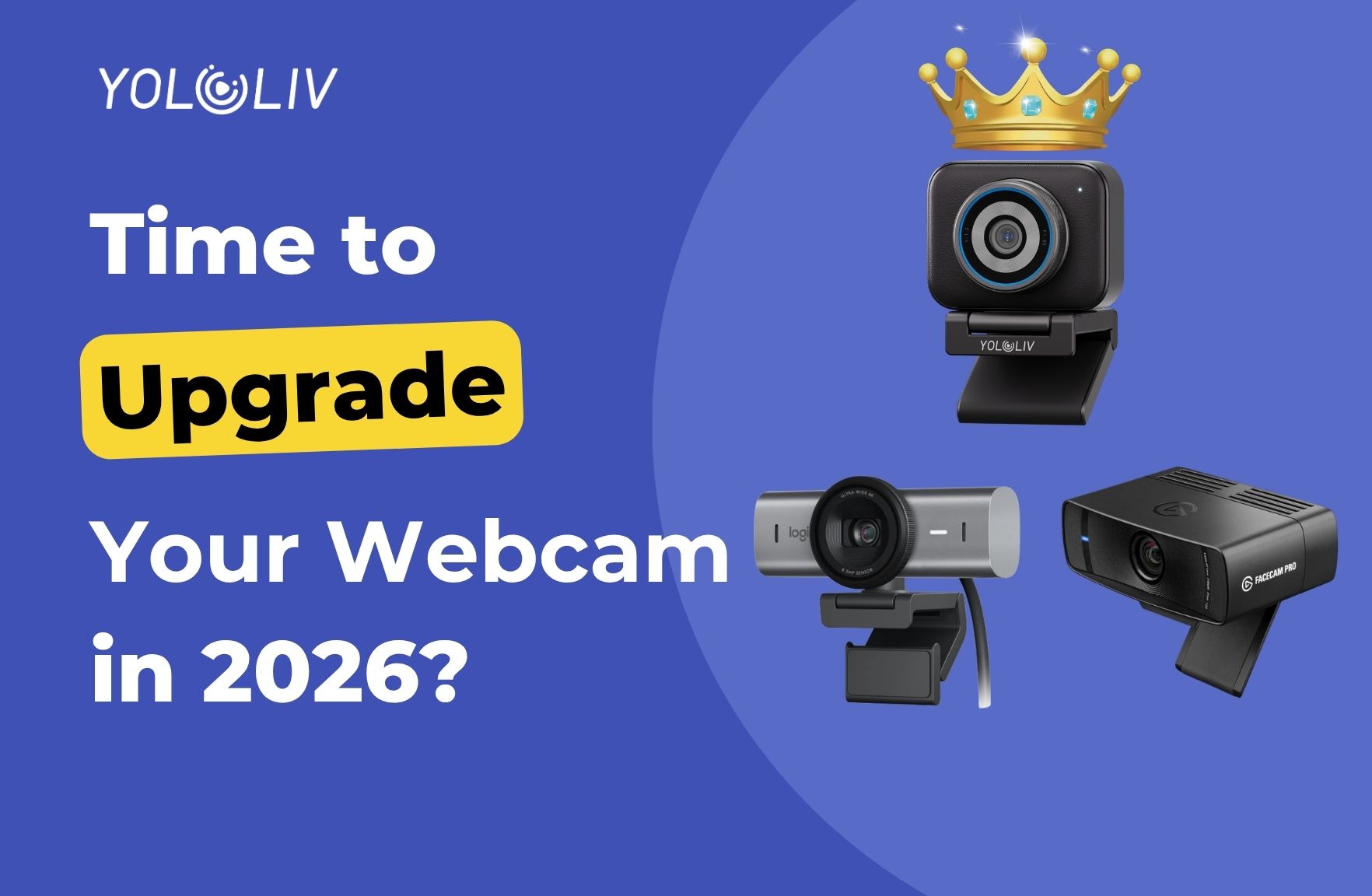
Most people upgrade their webcam for the wrong reason. They see a spec sheet with higher numbers — more megapixels, a bigger resolution label — and assume the image will look better. Sometimes it does. Often, the difference is barely visible.
The upgrade to the YoloCam S3 is different. It’s noticeable on the first call. And it’s noticeable to the people watching you, not just to you. Here’s why — and whether it’s the right move for where you are right now.
Should You Upgrade? Start Here
Not everyone needs to upgrade. Here’s a quick way to assess your situation.
You should upgrade if:
– Your image looks grainy or noisy in the evenings or without strong lighting
– Your camera loses focus when you lean forward or move
– You’re creating content professionally and your camera looks worse than your peers’
– You’ve been using the same webcam for three or more years
– You’ve added more lighting to compensate for a poor camera and it still doesn’t look right
You can probably wait if:
– You stream or record in a well-lit, consistent environment and your image already looks clean
– You’re on calls fewer than two hours a day
– You’re early in building your audience and content quality isn’t yet a differentiator
If the first list sounds familiar, keep reading.
Upgrading from the Logitech C920 or C922
The C920 is one of the most popular webcams ever made. It launched in 2012, has been updated incrementally since, and still ships by the millions. It’s reliable, widely compatible, and produces acceptable 1080p video in good lighting.
However, “acceptable in good lighting” is the ceiling — and it’s a low ceiling.
What you’ll notice immediately after switching to the S3:
Low-light performance. The C920 uses a 1/3-inch sensor with a fixed aperture. In anything less than bright, even lighting, it produces grainy, washed-out footage. The S3’s 1/1.3-inch sensor gathers significantly more light. As a result, evening streams that looked unwatchable on the C920 look clean on the S3 — without changing your lighting setup.
Autofocus. The C920’s autofocus hunts. This is so normal to C920 users that many have simply accepted it as how webcams work. The S3’s PDAF autofocus locks immediately and stays locked. The first time you lean forward on a call and the camera doesn’t drift, you’ll notice.
Depth and background separation. The C920 renders everything in a flat, uniformly sharp plane. The S3’s f/1.85 aperture creates real background blur. You separate from the background visually. This is immediately visible on calls and streams.
Color science. The C920 applies heavy image processing that makes faces look slightly “webcam-like.” The S3 renders color more accurately, with skin tones that look natural rather than processed.
In short, the S3 removes every limitation that defines the C920 experience. The upgrade is comprehensive, not incremental.
Upgrading from the Logitech Brio 4K or MX Brio
The Brio 4K and MX Brio sit above the C920 in Logitech’s lineup. They deliver genuine 4K resolution, improved image processing, and better low-light performance. Consequently, the upgrade case from these cameras is more nuanced.
However, the S3 still makes a visible difference in three areas.
Sensor size and image quality. The Brio 4K uses a 1/2.7-inch sensor. The MX Brio uses a similar-sized sensor. Both are significantly smaller than the S3’s 1/1.3-inch sensor. This gap produces a real-world difference in low-light performance, depth of field, and image naturalness. The S3 looks more like a camera and less like a webcam.
Autofocus. Both Brio models use contrast-detection autofocus. This is better than the C920’s older AF system, but it still hunts in lower light and on fast movement. The S3’s PDAF is categorically more confident. For anyone who’s noticed their Brio drift mid-stream, the S3 solves this completely.
Software reliability. Logi Options+ has a mixed reputation, particularly on Mac. Many Brio users have experienced settings resetting unexpectedly or software conflicts. The S3’s Compose app is more stable, and it saves settings to the camera itself — not to the app on a specific machine.
The upgrade from a Brio 4K to the S3 is a meaningful step up. It won’t feel as dramatic as the C920 upgrade, but the image quality difference is real — especially in low light.
Upgrading from the Elgato Facecam or Facecam 4K
The original Elgato Facecam was designed as a fixed-focus, no-autofocus webcam for streamers who prioritize a consistent, unchanging image. The Facecam 4K adds 4K resolution but keeps the fixed-focus design.
For Elgato Facecam users, the S3 upgrade addresses the camera’s core limitations directly.
Autofocus. The Facecam doesn’t have autofocus. You focus it once at setup and it stays there. This works if you never move. For anyone who leans forward, gestures, or shifts position, fixed focus means frequent soft footage. The S3’s PDAF tracks you continuously.
Low-light performance. The Facecam uses a 1/2.9-inch sensor. Like the Brio, it’s better than the C920 but smaller than the S3. In evening or dim conditions, the S3 produces noticeably cleaner footage.
Software control. Elgato’s camera app provides less manual control than YoloLiv Compose. Additionally, settings don’t save to the Facecam itself. The S3 gives you DSLR-level control — ISO, shutter speed, white balance, color profiles — stored directly on the device.
What Doesn’t Change With the Upgrade
It’s worth being honest about what the S3 won’t fix.
Internet connection. Your stream quality depends on your upload speed and encoder settings more than your camera. A great camera on a poor connection still produces blocky, compressed video on the receiving end.
Lighting fundamentals. The S3 performs well in low light, but it benefits from intentional lighting. If your setup has a bright window directly behind you, the S3 handles it better than a C920 — but a key light in front of you still helps.
Content and personality. Your camera is one element of what makes content worth watching. The S3 raises the floor on production quality. It doesn’t raise the ceiling on what you have to say.
The Upgrade in Practice: What to Expect on Day One
Plug the S3 in. Open Compose. Set your resolution (1080p/60fps is a good starting point). Open OBS or your streaming software and select the S3 as your video source.
The first thing most people notice is the background. It’s soft. You’re sharp. That visual separation that previously required a DSLR or mirrorless camera happens automatically from a webcam for the first time.
The second thing people notice is in low light. If you stream in the evening, test it with your normal lighting setup. The image is clean where your previous camera was grainy.
The third thing — usually noticed by viewers before you — is that the camera doesn’t hunt anymore. Focus is locked. It stays locked. It follows you when you move.
Bottom Line
The YoloCam S3 is the upgrade that makes a genuine, visible difference. From a C920, the improvement is dramatic across every metric. From a Brio 4K or Facecam, the gains are meaningful — particularly in low light, autofocus reliability, and image naturalness.
At $199, it costs less than many mid-range camera lenses. For streamers and creators who’ve been making do with the same camera for years, it’s the most impactful single upgrade available.
The YoloCam S3 is available at $199 from the YoloLiv official store, Amazon, and B&H. See how it compares to the Logitech MX Brio in our head-to-head comparison, or read the full YoloCam S3 review.
59 total views, 59 views today

Meredith, the Marketing Manager at YoloLiv. After getting her bachelor’s degree, she explores her whole passion for YoloBox and Pro. Also, she contributed blog posts on how to enhance live streaming experiences, how to get started with live streaming, and many more.
