
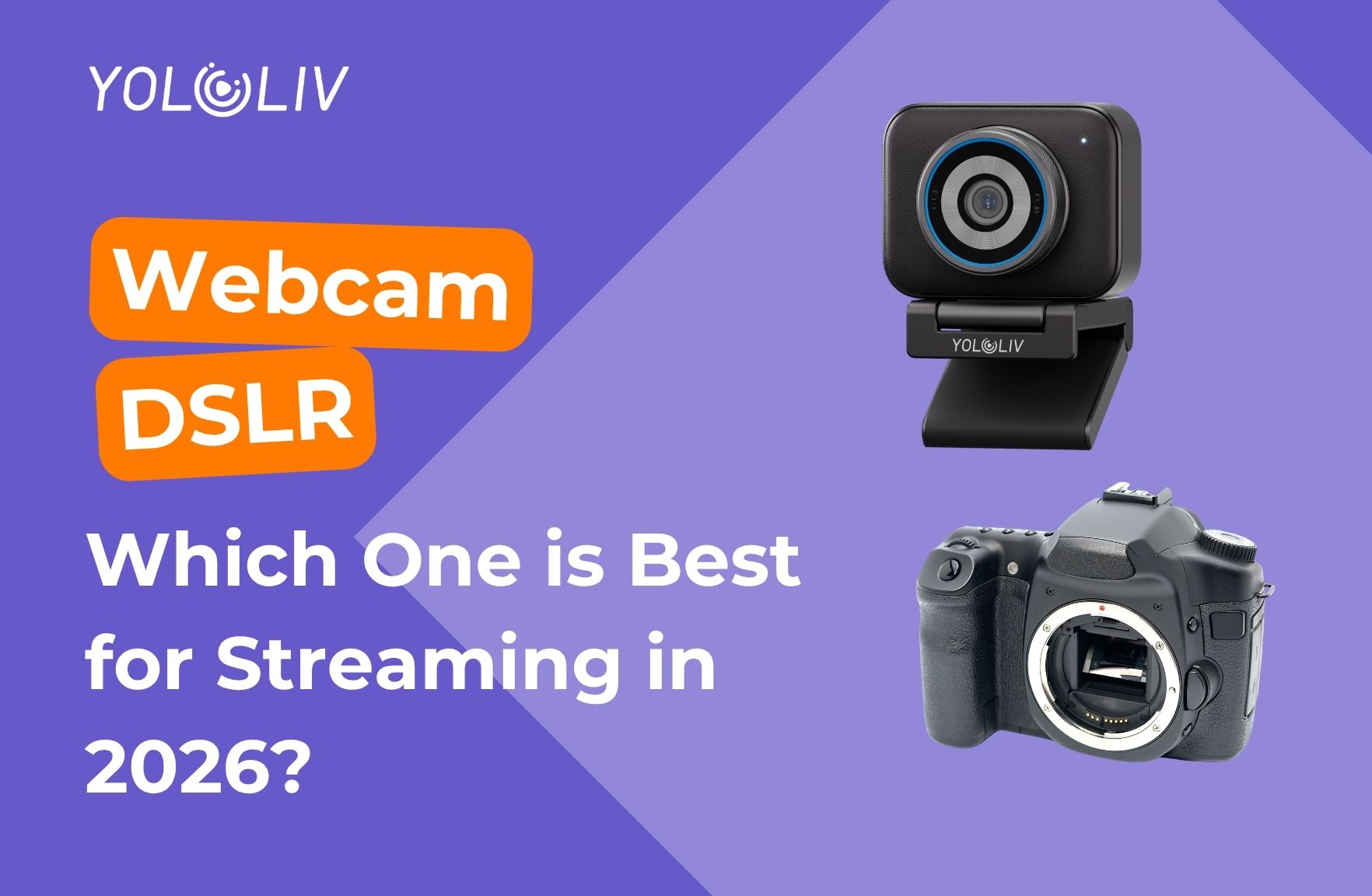
One of the most common questions among new streamers and content creators is straightforward: should I use a webcam or a DSLR for streaming? The answer used to be simple — DSLRs won on image quality, every time.
However, 2026 has changed the equation. Modern webcams like the YoloCam S3 now deliver image quality that rivals entry-level DSLR setups. Moreover, they do it at a fraction of the cost, with a fraction of the complexity.
In this guide, we compare both approaches honestly and explain why the YoloCam S3 is the smarter choice for most creators.
The Traditional Case for DSLRs
For years, serious creators chose DSLRs or mirrorless cameras over webcams. The reasons were legitimate.
Larger sensors. Full-frame and APS-C sensors captured significantly more light than any webcam available. The result was cleaner low-light footage and beautiful background blur.
Interchangeable lenses. DSLRs let you swap lenses for different looks — wide for room shots, 50mm for tight talking-head framing, fast primes for shallow depth of field.
Higher bitrate video. DSLRs recorded or output higher-quality video signals than USB webcams, which were often limited to compressed 1080p.
These advantages were real. Consequently, many full-time creators invested $800–$2,000 in a DSLR body, a capture card, and compatible lenses just to have a great streaming camera.
What Has Changed: The Webcam Revolution
Modern webcams have closed the gap dramatically. The YoloCam S3 is the clearest example of this shift.
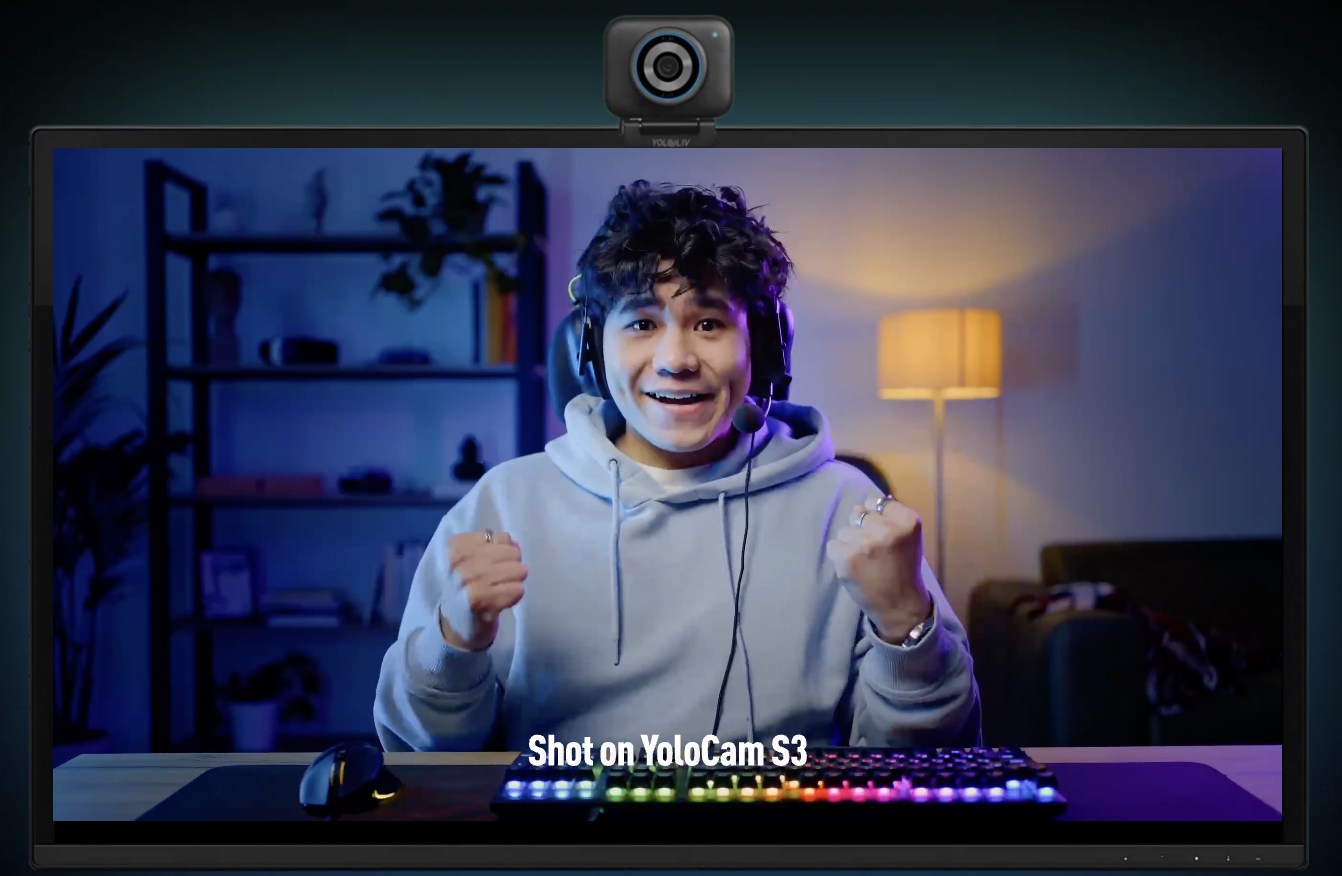
Its 1/1.3-inch sensor is larger than what you find in most consumer camcorders and comparable to sensors used in premium compact cameras. It captures 4K 30fps video over USB with no capture card required. Its phase-detection autofocus tracks subjects faster than many DSLRs in live video mode.
Furthermore, the entire setup is a single cable. No capture card. No HDMI adapter. No dummy battery to keep the camera powered. No risk of the camera overheating mid-stream.
Full Comparison: YoloCam S3 vs DSLR Setup
| Factor | YoloCam S3 | DSLR Setup |
|---|---|---|
| Total cost | Under $200 | $800–$2,000+ |
| Setup complexity | Plug in, done | Camera + capture card + lens + mount |
| Autofocus in video | Excellent (PDAF) | Variable (depends on body) |
| Low-light performance | Excellent (1/1.3″ sensor) | Excellent (larger sensor) |
| Background blur | Natural, moderate | Stronger with fast primes |
| Overheating risk | None | Real concern on some bodies |
| Portability | Very high | Low-medium |
| Platform compatibility | Universal | Requires capture card |
| Audio | Separate mic required | Separate mic required |
Where DSLRs Still Win
It is worth being honest about where DSLRs genuinely outperform a webcam.
Maximum background blur. A DSLR with a fast prime lens — a 50mm f/1.4 or 85mm f/1.8 — produces a level of bokeh that no webcam can match. If cinematic depth of field is your creative priority, a DSLR still holds the edge.
Full-frame sensor size. A full-frame DSLR sensor is roughly four times the area of the S3’s sensor. In extremely challenging light — near-darkness, mixed sources, harsh highlights — a full-frame sensor has a physical advantage.
Lens flexibility. Wide, telephoto, macro — DSLRs let you change your visual language entirely by swapping glass. A webcam is fixed.
However, these advantages come with real trade-offs: higher cost, more complexity, more failure points, and significantly more setup time.
Where the YoloCam S3 Wins
For most streamers and content creators, the S3 wins on the factors that matter most day-to-day.
Instant setup. Plug in the USB-C cable and you are live. There is no HDMI chain to troubleshoot, no capture card driver to update, no battery to charge. This matters enormously when you stream regularly.
Reliability. Some DSLRs shut down after 30–60 minutes of continuous video output due to thermal limits. The S3 runs indefinitely. For long streams, interviews, or extended recording sessions, this reliability is essential.
Cost. Under $200 all-in versus $800–$2,000 for a comparable DSLR setup. The money saved can go toward lighting, a better microphone, or better content production.
Autofocus consistency. Many DSLRs perform well in photo autofocus but inconsistently in video mode. The S3’s PDAF is purpose-built for continuous video tracking. It stays locked on you reliably throughout a stream.
The Hidden Costs of a DSLR Streaming Setup
When people compare a DSLR to a webcam, they often compare the camera body price to the webcam price alone. However, a DSLR streaming setup requires additional components.
Capture card — $100–$200 for a reliable card from a known brand. Budget options introduce compression artifacts and latency.
HDMI cable — Minor cost, but another cable to manage.
Dummy battery or AC adapter — $30–$80. Many DSLRs drain their battery quickly in video mode. A dummy battery runs off wall power.
Lens — The kit lens that comes with most DSLRs is adequate but not optimized for streaming. A fast prime lens for good low-light performance and background blur starts at $200–$400.
Mount or arm — DSLRs are heavier and need a sturdier mounting solution than a lightweight webcam.
Add these up and a real DSLR streaming setup costs $1,200–$2,500 before you factor in your time spent on configuration and troubleshooting.
Best Use Cases for Each Option
Choose the YoloCam S3 if:
– stream regularly and want zero setup friction
– Your budget is under $500 for your entire camera setup
– value reliability and uptime above all else
– want great image quality without technical complexity
– stream in a typical home office or gaming setup
Consider a DSLR if:
– Cinematic background blur is a core part of your visual brand
– already own a DSLR and just need a capture card
– shoot outdoors or in challenging lighting where a larger sensor helps
– You are a professional filmmaker who also streams as a secondary activity
For most full-time streamers and content creators, the S3 covers 95% of real-world streaming needs. For a detailed OBS configuration guide with the S3, see our OBS setup guide. If you are specifically comparing the S3 to other webcam options, our YoloCam S3 vs Insta360 Link 2 comparison covers the top competitors directly.
The Practical Reality of Daily Streaming
The best camera setup is the one you actually use consistently. A DSLR rig that takes 20 minutes to set up and occasionally overheats introduces friction that discourages regular streaming.
YoloCam S3 removes that friction entirely. You sit down, plug in the cable, open OBS, and you are live. That simplicity adds up over hundreds of streaming sessions. Moreover, the time you save on setup goes directly into creating better content.
Final Verdict
For most streamers and content creators in 2026, the YoloCam S3 beats a DSLR setup on every practical metric except maximum background blur.
It costs less, sets up faster, runs more reliably, and delivers genuinely excellent 4K image quality. The gap between a high-quality webcam and an entry-level DSLR has narrowed to the point where the practical advantages of the webcam outweigh the theoretical advantages of the DSLR for the majority of creators.
If you are starting fresh or looking to simplify your setup, the YoloCam S3 is the smarter investment.
43 total views, 43 views today

Meredith, the Marketing Manager at YoloLiv. After getting her bachelor’s degree, she explores her whole passion for YoloBox and Pro. Also, she contributed blog posts on how to enhance live streaming experiences, how to get started with live streaming, and many more.
