
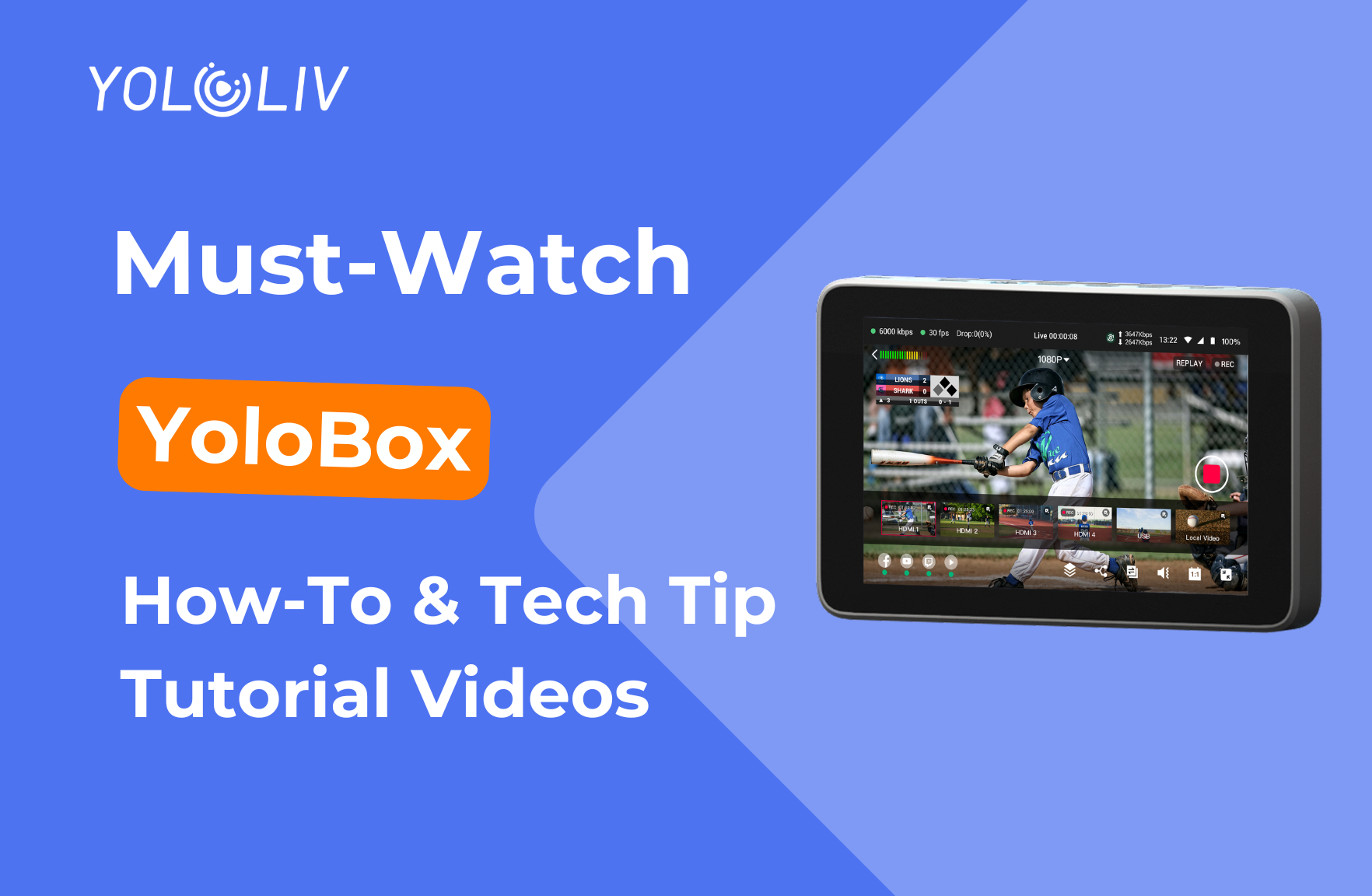
Getting started with YoloBox live streaming?
During setup, it’s completely normal to run into questions—or notice something that doesn’t look quite right. The good news is that most issues can be solved with a quick setting check or a small adjustment.
To help you stream with confidence, we’ve put together a collection of step-by-step YouTube tutorials covering the most common YoloBox questions and technical challenges. These videos are designed to help you troubleshoot quickly, optimize your workflow, and get back to streaming without frustration.
Latest YoloBox Tech Tip Tutorials
Stream Platform Issues
Can’t go live on Facebook or YouTube?
If you’re seeing errors when selecting a streaming platform or linking your account, this tutorial walks through the most common causes—such as platform authorization, re-connecting accounts, and quick fixes to get you live again.
▶️ Why Can’t I Link or Stream to My YouTube/Facebook Accounts
Battery Replacement
Not sure how to replace or check your YoloBox battery?
Learn the correct way to remove and install the battery, as well as how to confirm battery status to avoid unexpected shutdowns during a live stream.
▶️ How to Replace the YoloBox Pro & Ultra Battery
How to Use NDI
Confused about NDI setup on YoloBox?
This tutorial explains how to enable NDI, connect NDI sources, and troubleshoot common network or signal issues—helping you build a more flexible and stable wireless production workflow.
▶️ YoloBox NDI Explained | Everything You Need to Know
YoloCam S3 Troubleshooting
Having issues with YoloCam S3?
From firmware updates to connection problems, this video covers the most frequently asked questions about YoloCam S3 and shows you how to resolve them quickly.
▶️ YoloCam S3 Troubleshooting Guide
SD Card Not Working
SD card not detected or not showing up on YoloBox?
We walk you through proper SD card insertion, compatibility requirements, recording tips, and formatting solutions to ensure smooth recording.
▶️ How to Fix SD Card Not Detected / Not Recognized in YoloBox
Connecting Your Phone to YoloBox
Want to use your phone as a camera for streaming or recording?
This tutorial covers all connection methods—wired and wireless—so you can turn your smartphone into a portable camera with ease.
▶️ How to Use Your Phone as a Wired or Wireless Camera with YoloBox
Join the YoloLiv Community
Still have questions or want to share your setup with other creators? Join the YoloLiv community to connect, learn, and get real-time support:
- Facebook Group – Ask questions, share setups, and get official answers
👉 https://www.facebook.com/YoloLivTech/?ref=bookmarks - Discord – Real-time troubleshooting and quick discussions
👉 https://discord.com/invite/UtdFmhS3J5 - Reddit – Honest feedback, workflows, and feature requests
👉 https://www.reddit.com/r/YoloLivofficial_/
Whether you’re troubleshooting an issue, exploring new features, or looking to improve your workflow, we’d love to hear from you.
Happy streaming with YoloBox! 🎬🚀
1,268 total views, 19 views today

Betty,As a Customer Success Specialist at YoloLiv, she is passionate about helping users understand YoloCast’s features and resolve day-to-day usage challenges. In addition to hands-on support, she creates practical articles that share tips, troubleshooting guidance, and best practices to help users get more value from YoloCast.
