
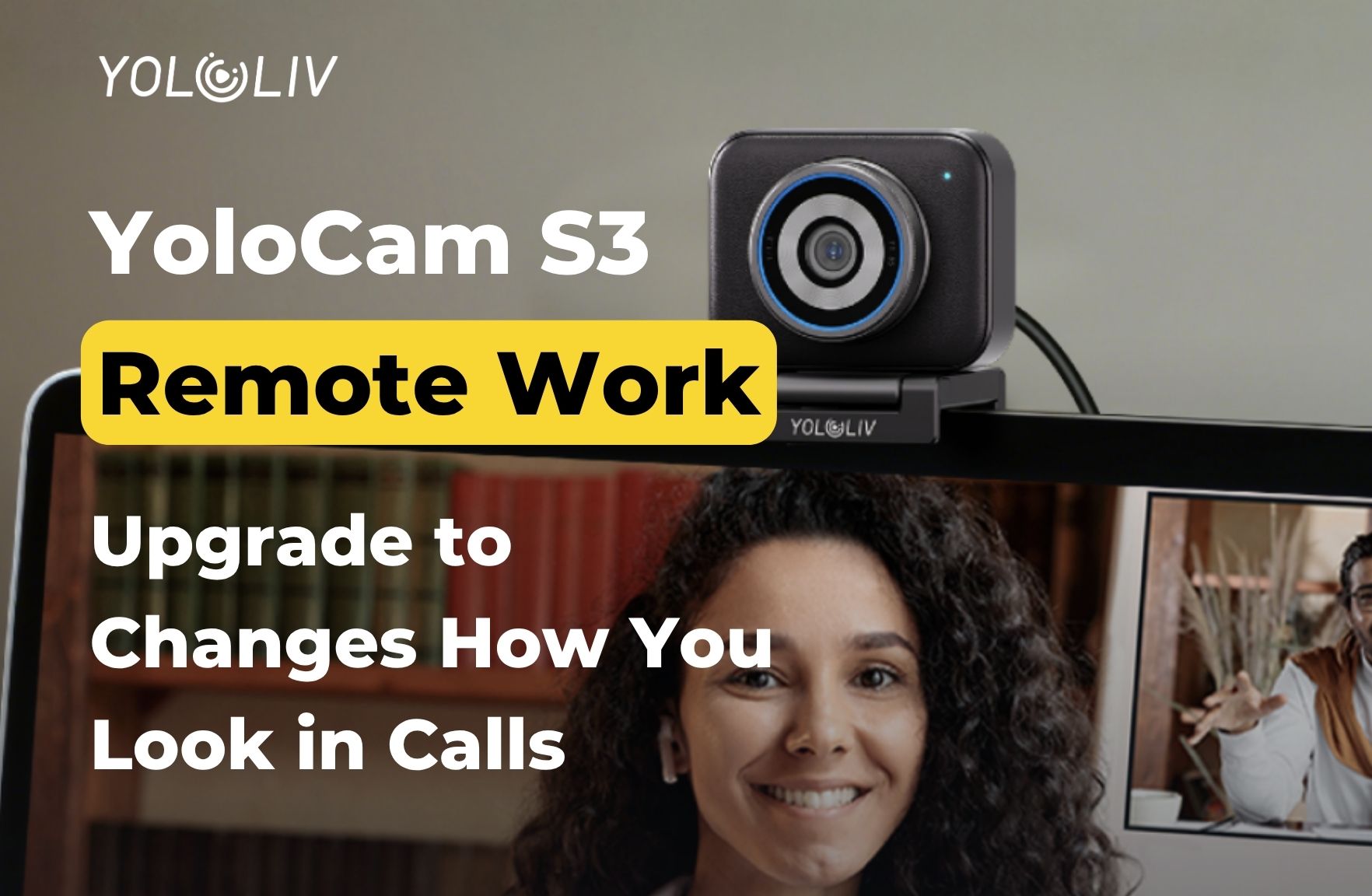
Video calls used to be something people tolerated. Now they’re how work gets done. If you spend four to eight hours a day on Zoom, Teams, or Google Meet, your video quality matters. Most people admit this — yet most people’s webcams are holding them back.
The YoloLiv YoloCam S3 started as a streaming camera. However, its large sensor, fast autofocus, and capable software make it just as valuable for remote workers. You can look significantly better on video calls. And you don’t need a full studio setup to do it.
Why Most Remote Workers Still Look Like They’re on a 2012 Webcam
Most remote workers use one of a few cameras. They have a built-in laptop webcam, a Logitech C920 from 2020, or occasionally a Logitech Brio. These cameras set the bar for “acceptable” remote work video. In other words, barely acceptable.
The problems are familiar. Images turn grainy in anything less than perfect lighting. Autofocus loses you when you lean forward. Colors make you look slightly off. The result is a flat image that says “video call” instead of “present and engaged.”
The reason isn’t that webcam technology is limited. Instead, it’s that most webcams use very small sensors — 1/4″ or 1/3″. These sensors simply can’t capture enough light or produce enough depth. They always look like webcams.
The S3 starts differently. It uses a 1/1.3-inch sensor — roughly three to four times the surface area of a C920 or laptop camera.
What a Larger Sensor Does for Your Video Calls
For remote workers, a larger sensor makes a noticeable difference in three key areas.
Home office lighting. Most home offices aren’t built for video. You might have a desk lamp on one side, overhead lighting that casts shadows, or a window behind you. Small-sensor cameras struggle with all of these. The S3’s larger sensor gathers more light. As a result, it handles these imperfections with far more grace. You get a clean, well-exposed image — without a ring light or softbox.
Natural background separation. The S3’s f/1.85 aperture creates a shallow depth of field. This separates you from your background using real optics, not software blur. Consequently, you stand out from your background naturally. There are no edge artifacts or the hair-smearing you get from AI background blur. On video calls, you look present rather than pasted onto a scene.
Accurate skin tones. Small sensors with heavy image processing produce a particular look. Everyone on video calls has accepted it as normal: slightly waxy, slightly over-sharpened, with skin tones that look processed. In contrast, the S3’s larger sensor and color science render skin tones accurately and naturally. It’s a small difference — but people on the call notice it, even if they can’t explain why.
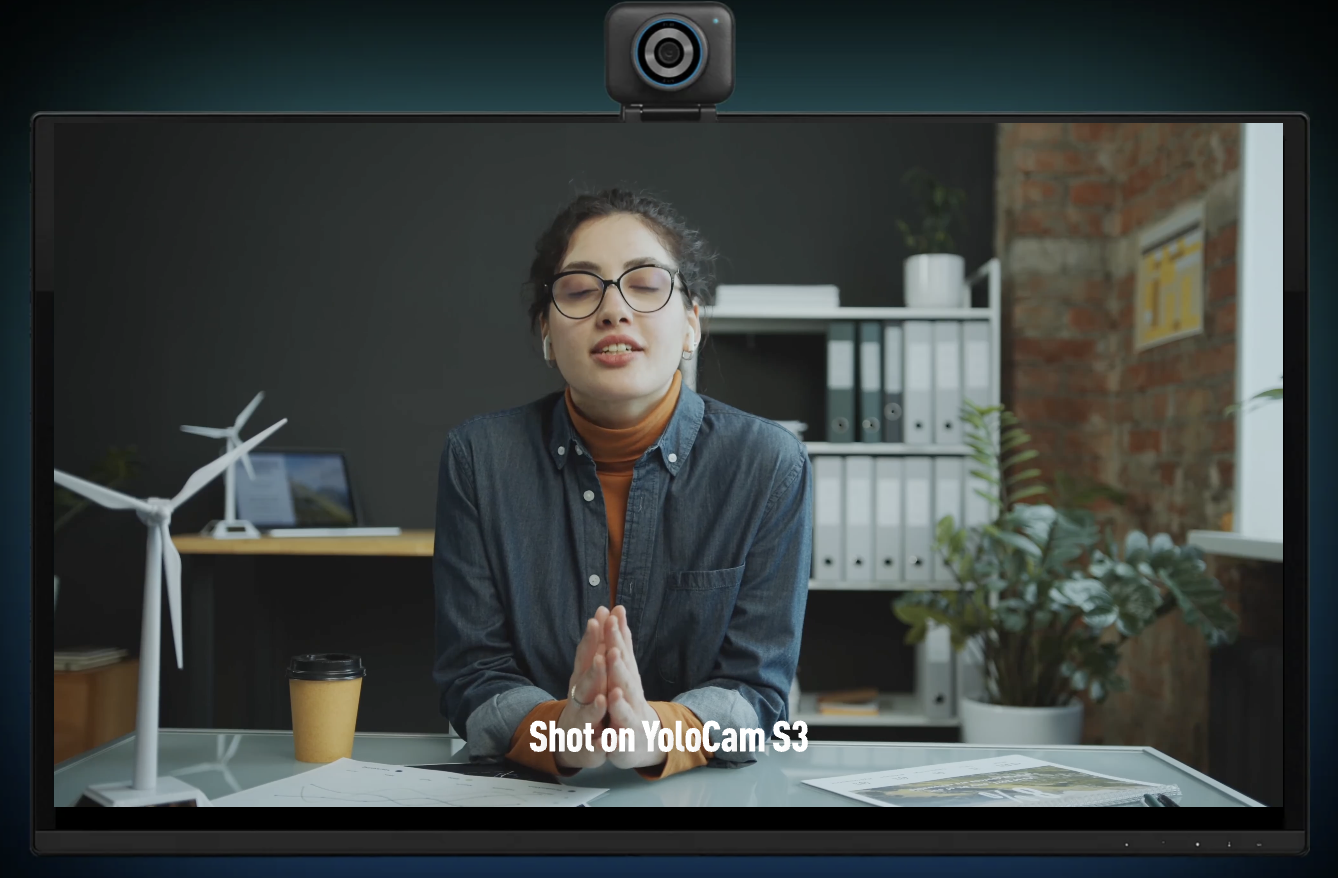
Autofocus That Won’t Embarrass You in Meetings
Most remote workers know this experience. You lean forward to check something on your screen. Or you glance away briefly. When you look back, your camera spends two or three seconds hunting for focus — while everyone on the call watches.
The S3’s PDAF eliminates this problem entirely. Phase detection autofocus calculates the correct focus point before moving the lens. It doesn’t search. When you move, the camera finds you instantly. When you lean in to share your screen, you’re in focus before you’ve finished moving.
Moreover, this matters a lot across back-to-back calls. The camera simply works in the background. It never demands your attention — which is exactly what a professional tool should do.
YoloLiv Compose for a Consistent Professional Look
Remote workers who want consistent video meeting after meeting will appreciate the Compose app. It offers tools that most video call setups don’t provide.
Manual white balance. Lock your white balance to a specific color temperature. Then it stays there — morning calls and afternoon calls look the same. Automatic white balance drifts with ambient light. That’s why some people look subtly different at different times of day, without knowing why.
Exposure lock. Set your exposure for your home office and lock it. When someone opens a blind behind you, or when a cloud passes outside, the camera won’t suddenly wash out your image.
Settings saved to the camera. If you work from multiple locations — home office, co-working space, client site — your settings travel with you. Plug the S3 into any machine and your white balance, exposure, and color profile are already set.
No login required. Compose doesn’t need an account. It starts with the camera, applies your settings, and stays out of the way.
How to Set Up the S3 for Remote Work
Setting up the S3 for remote work is straightforward. Here’s what to know.
Mounting. The magnetic mounting system attaches to a monitor edge or desk stand. Position it slightly above eye level. A common mistake is placing webcams at desk level — this makes most people look down into the camera. At monitor-top height, you meet the camera at approximately eye level.
Platform compatibility. The S3 works with Zoom, Microsoft Teams, Google Meet, Webex, and every major video conferencing platform. No drivers are required. Simply select “YoloCam S3” as your video source in your platform settings.
Resolution for calls. Most video conferencing platforms cap output at 1080p. However, the S3’s 4K sensor still helps here. You get the best possible 1080p from a 4K source — better detail, more accurate color, and higher quality before the platform compresses your stream.
Compression. Platforms like Zoom and Teams compress video heavily. Cameras with cleaner source video survive this compression better. That’s another reason the S3 looks better on calls than smaller-sensor cameras — even when both streams get processed down to the same output resolution.
How the S3 Compares to Common Remote Work Webcams
vs. Built-in laptop webcam: There is no meaningful comparison here. The S3 produces dramatically better results in every condition. If you’re on calls frequently, this is one of the highest-impact upgrades you can make to your professional presence.
vs. Logitech C920: The C920 is competent and reliable. However, the S3 offers a significantly larger sensor, better low-light performance, and PDAF autofocus. The gap is visible in everyday professional use. The S3 is the right upgrade for anyone who bought a C920 in 2020 and wants something meaningfully better.
vs. Logitech MX Brio: The MX Brio has a 1/2.7″ sensor and contrast-detection AF. The S3, on the other hand, delivers a larger sensor and PDAF — giving it an edge in image quality and focus reliability. For standard remote work framing, the S3 is the stronger choice.
vs. iPhone as webcam (Continuity Camera): Apple’s Continuity Camera produces excellent results on recent iPhones. If you’re in the Apple ecosystem, it’s worth considering. That said, the S3 is a dedicated desk device. It doesn’t tie up your phone, doesn’t drain its battery, and delivers consistent results regardless of your phone’s software updates.
Is the S3 Worth $199 for Remote Work?
The S3 costs $199. For remote workers who spend significant time on video calls, the question is how much that improvement is worth.
Better video quality communicates attention to how you present yourself. In client-facing roles, job interviews, executive meetings, or any situation where people evaluate you visually — your appearance on camera is part of how you’re perceived. A camera that makes you look engaged and professional is a work tool, not an entertainment upgrade.
Furthermore, for someone on calls three or more hours a day, the case for a better camera is strong. The S3 delivers consistent, reliable performance across months and years of use.
Bottom Line
YoloLiv built the S3 for streamers and creators. Nevertheless, its large sensor, PDAF autofocus, and capable software make it equally compelling for remote workers. It’s the webcam that makes you stop thinking about your webcam. In a world where video calls are work, that’s worth something.
The YoloCam S3 is available at $199 from the YoloLiv official store, Amazon, and B&H.
39 total views, 39 views today

Meredith, the Marketing Manager at YoloLiv. After getting her bachelor’s degree, she explores her whole passion for YoloBox and Pro. Also, she contributed blog posts on how to enhance live streaming experiences, how to get started with live streaming, and many more.
