
Online teaching has transformed the way educators connect with students. However, a blurry or dark webcam can undermine even the best lesson plan. Students lose focus quickly when the video quality is poor. The right webcam keeps attention high and makes you look credible and professional.
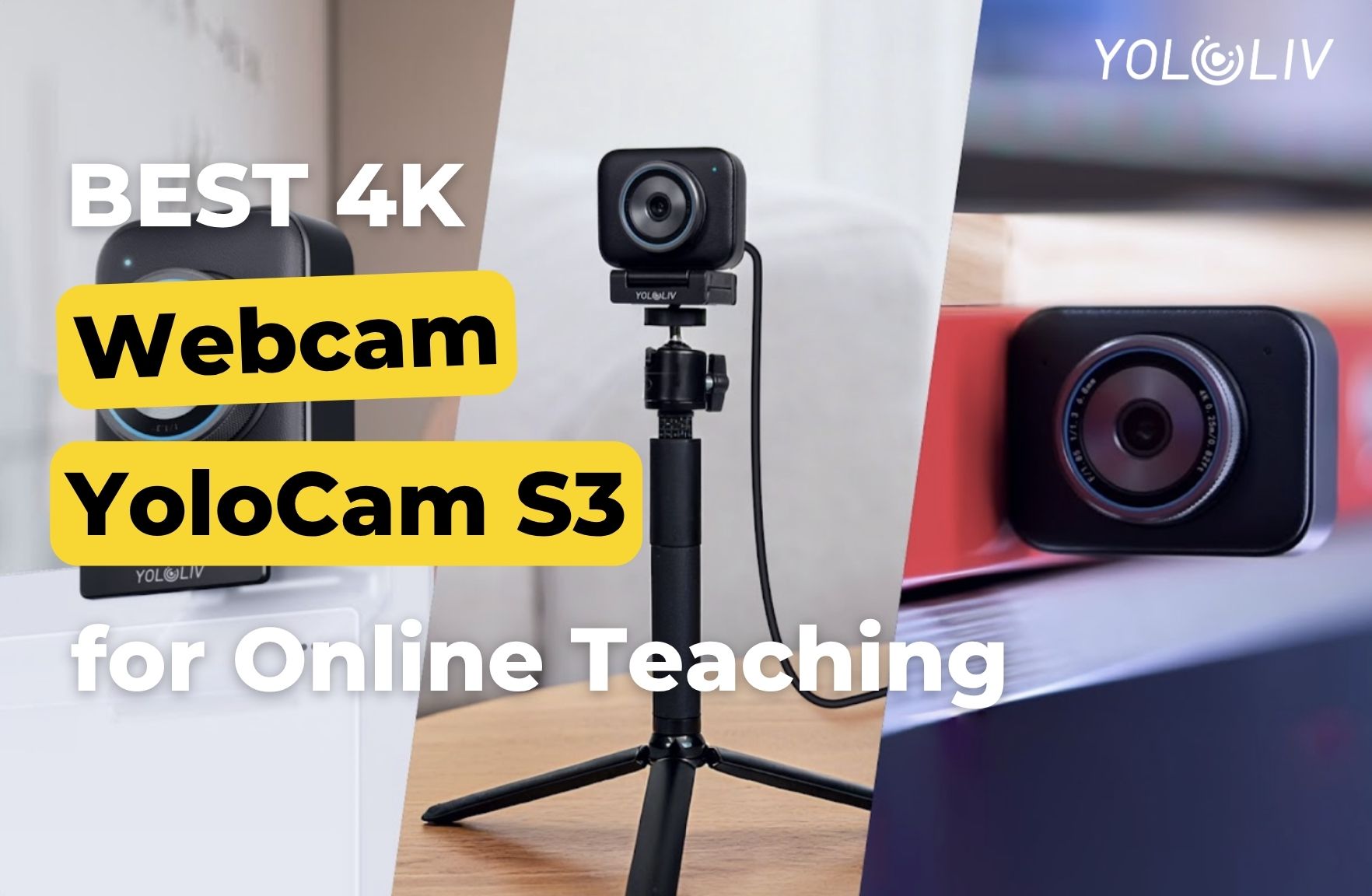
The YoloCam S3 is built for exactly this kind of work. It delivers 4K resolution, fast autofocus — all without complex setup. In this guide, we explain why it is the best webcam for online teaching in 2026.
Why Webcam Quality Matters in Online Education
When you teach in person, students read your body language, facial expressions, and energy. Online, your webcam is the only window into that experience. A low-quality image flattens all of that.
Moreover, poor video makes students feel disconnected. Studies on online engagement consistently show that clear video increases attention and improves learning outcomes. Teachers who invest in good video equipment see higher participation and stronger feedback.
In short, your webcam is not just a tool. It is a teaching instrument.
What Makes the YoloCam S3 Ideal for Teachers
1. Crystal-Clear 4K Video
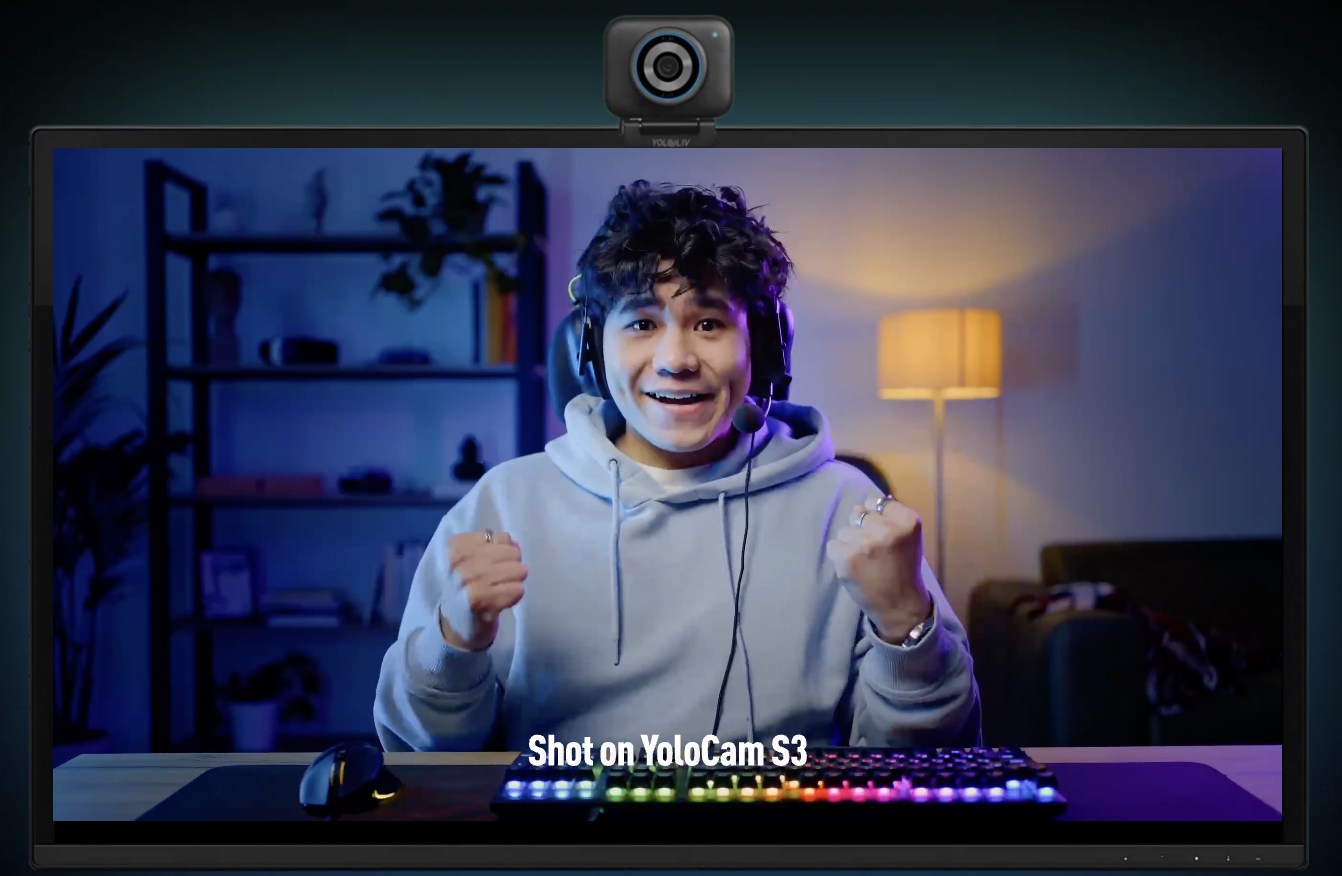
The S3 captures video at 4K 30fps. Consequently, every whiteboard annotation, every facial expression, and every gesture comes through with remarkable clarity. Even students on smaller screens see a sharp, detailed image.
This matters especially when you share visual aids. Diagrams, text on a whiteboard, or on-screen slides all appear crisp and legible. You never have to worry about students missing details because of a blurry feed.
2. Phase-Detection Autofocus That Keeps Up With You
Teachers move. You lean in to explain a concept. You gesture to the side. You step back to reference a chart. The S3’s phase-detection autofocus (PDAF) tracks these movements instantly.
Unlike contrast-detection systems that hunt and hesitate, PDAF locks on within milliseconds. As a result, students always see a sharp image — even when you are actively moving around your teaching space. For a deeper look at how this technology works, see our PDAF autofocus deep dive.
3. Large 1/1.3-Inch Sensor for Any Lighting Condition
Many teachers record from home offices, bedrooms, or living rooms. Lighting is rarely ideal. The S3’s 1/1.3-inch sensor captures far more light than standard webcam sensors.
Furthermore, it handles mixed lighting well. Whether you have a window behind you, overhead fluorescents, or a simple desk lamp, the S3 produces a balanced, natural-looking image. You do not need a ring light or professional lighting rig to look great on camera.
4. Plug-and-Play on Any Platform
Teachers use a wide range of platforms: Zoom, Google Meet, Microsoft Teams, Webex, and more. The S3 works with all of them instantly. There are no drivers to install. No software to configure.
Simply connect the USB-C cable and the camera is ready. Additionally, it is fully compatible with both Windows and macOS. Whether you use a laptop or a desktop, setup takes under a minute.
Recommended Teaching Setup With the YoloCam S3
Camera Placement
Position the S3 at eye level. Mount it on top of your monitor or use a small tripod on your desk. Eye-level framing feels natural and engaging to students. Looking down at a camera creates an unflattering angle and a sense of distance.
Background
Keep your background clean and professional. A bookshelf, a neutral wall, or a simple backdrop all work well. The S3’s shallow depth of field naturally softens cluttered backgrounds, but a tidy space always looks better on camera.
Lighting
Face a window or a lamp placed in front of you. Avoid strong backlight — a bright window behind you will make your face appear dark. A simple ring light or a desk lamp aimed at your face makes a significant difference.
YoloCam S3 vs Standard Laptop Webcam
Most built-in laptop webcams capture 720p or 1080p at best. They struggle in low light and lack autofocus entirely. The result is a grainy, unfocused image that makes you look unprofessional.
The S3 shoots 4K and adjusts focus automatically. The sensor is significantly larger, so low-light performance is in a completely different class.
If you teach professionally — whether in a school, a tutoring business, or a corporate training environment — the upgrade from a laptop webcam to the S3 is immediately noticeable to your students.
Use Cases: Who Benefits Most
K-12 and university educators teaching live video classes benefit from the S3’s combination of sharp video, responsive autofocus. Students see a polished, professional instructor.
Corporate trainers and coaches conducting sessions over Zoom or Teams project authority and credibility with 4K video quality. First impressions matter, and sharp video builds trust instantly.
Music and arts teachers who need to demonstrate technique close-up benefit from the S3’s tight autofocus and fine image detail. Students can clearly see finger positions, brush strokes, or other nuanced movements.
Language tutors who rely on facial expressions and mouth movements to teach pronunciation find the S3’s clarity invaluable. Every micro-expression comes through clearly.
Compatibility With Teaching Platforms
The S3 works natively with every major video platform:
- Zoom — select YoloCam S3 in video settings; 4K available with a Zoom Pro plan
- Google Meet — auto-detected, no setup required
- Microsoft Teams — plug in and select the camera in device settings
- Webex — works immediately as a USB camera
- OBS Studio — ideal for pre-recorded lesson content; see our OBS setup guide for details
Final Thoughts
Online teaching demands more from your equipment than a casual video call. You need consistent sharpness, reliable autofocus, and dependable compatibility across platforms. The YoloCam S3 delivers all of this in a compact, plug-and-play package.
Consequently, more online educators are upgrading to the S3 as their go-to classroom camera. It removes the technical friction so you can focus entirely on teaching.
If you are serious about your online presence as an educator, the YoloCam S3 is the webcam that makes the difference.
43 total views, 43 views today

Meredith, the Marketing Manager at YoloLiv. After getting her bachelor’s degree, she explores her whole passion for YoloBox and Pro. Also, she contributed blog posts on how to enhance live streaming experiences, how to get started with live streaming, and many more.
