
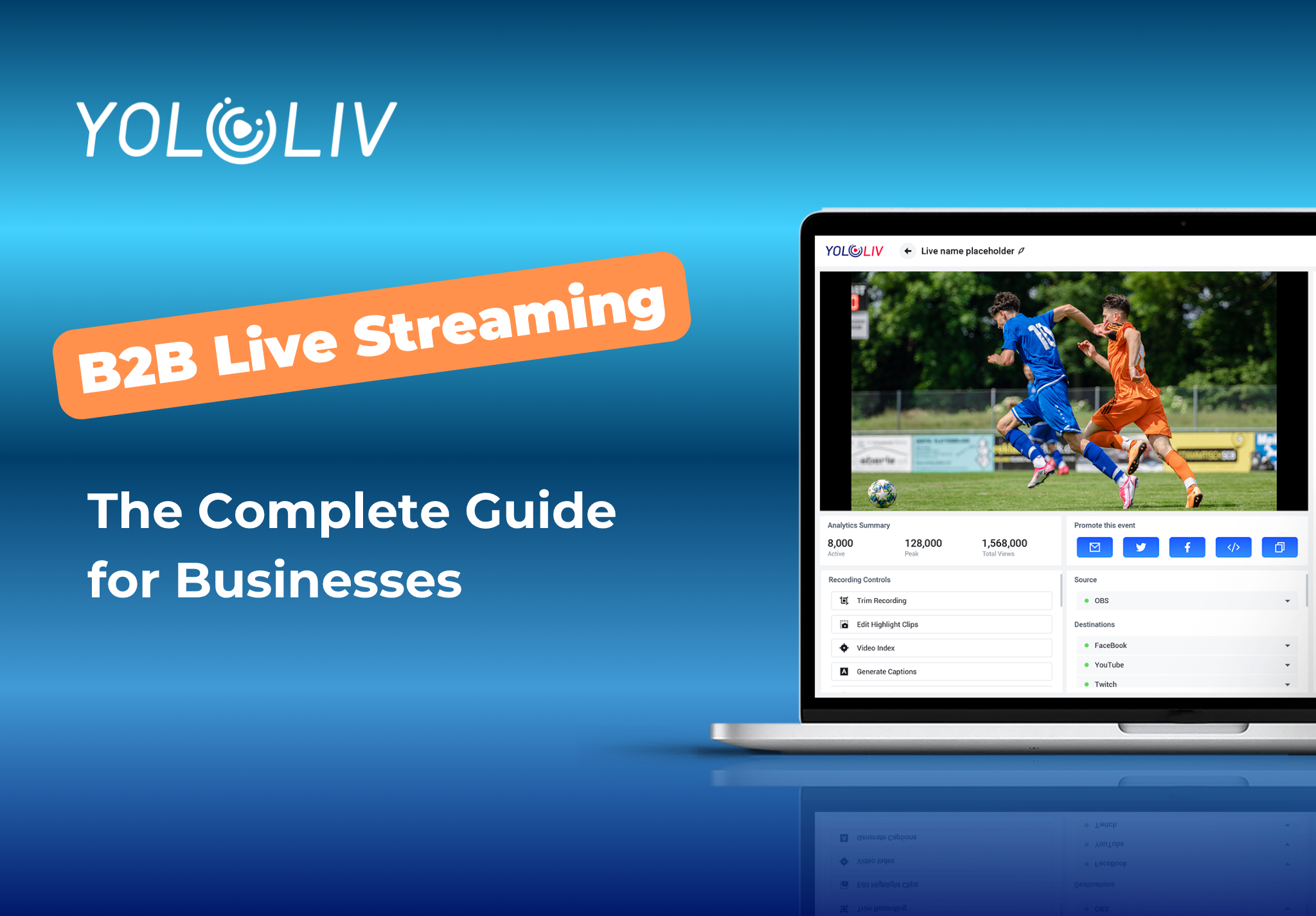
B2B live streaming is the practice of broadcasting live video directly to a business audience — customers, partners, prospects, or internal teams. Unlike consumer streaming, it prioritizes reliability, branded presentation, engagement data, and on-demand replay after the broadcast ends. Companies use live video for product demos, webinars, virtual conferences, employee town halls, and partner training sessions.
This guide covers everything you need to build a professional corporate streaming setup: the right platform, the features that matter in a business context, and a step-by-step workflow your team can run with minimal technical overhead.
Why Business Live Streaming Has Different Requirements
Streaming to a business audience is fundamentally different from going live on YouTube or Twitch. Your viewers are not looking for entertainment. They are evaluating your product, attending a company briefing, or completing required training. That changes what your platform needs to deliver.
Key differences in a B2B live streaming setup:
- Branded experience: Your stream should look like your company, not a YouTube embed with competitor ads running before your content starts.
- Access control: Business audiences often need gated access — password-protected streams, registration walls, or invite-only links that limit who can attend.
- Engagement analytics: You need to know who watched, for how long, and at what point viewers dropped off. Consumer platforms give you view counts. Business streaming needs real data.
- Post-event replay: Most corporate video has a longer shelf life than a live moment. A product demo or training session needs to be available on-demand after the broadcast.
- Reliability: A dropped consumer stream is a minor annoyance. A dropped investor briefing or client demo has real business consequences that are harder to recover from.
According to HubSpot’s marketing research, live video consistently drives higher engagement rates than pre-recorded content across B2B audiences. The interactive nature of live delivery — real-time Q&A, polls, and direct presenter access — is what makes the format valuable for sales and marketing teams.
Common Use Cases for Corporate Live Streaming
Webinars and Product Demos
Live product demonstrations convert better than pre-recorded videos because viewers can ask questions in real time. A professional platform lets you stream the demo to your website, run it simultaneously on LinkedIn and YouTube, and save the recording for prospects who register afterward.
Virtual Conferences and Summits
Multi-session virtual events need a platform that handles multiple streams, manages viewer registration, and delivers clean branded video across sessions. A dedicated streaming solution gives you control over the viewer experience that social platforms simply cannot match at scale.
Internal Town Halls and Employee Training
Company-wide communications, quarterly all-hands meetings, and product training all work better as live video than email or static slide decks. Employees engage more when the content is live and interactive, and the recording is available for reference later. According to LinkedIn’s B2B video data, decision-makers are significantly more likely to act on information delivered in video format than in text.
Partner and Reseller Enablement
Sales training, new product launches, and certification programs delivered as live video reach partners faster than document-heavy portals. Stream once, archive permanently, and gate access by partner tier or subscription level.
Key Features to Look for in a Business Streaming Platform
Multistreaming to Multiple Destinations
The ability to broadcast simultaneously to your own website, Facebook, YouTube, and any other platform from a single stream source. Multistreaming expands your reach without multiplying effort or bandwidth costs. One stream in, multiple destinations out.
Branded HTML5 Video Player
Your stream should live on your own domain, inside a player that carries your brand. A white-label HTML5 video player removes platform branding, prevents competitor ads, and keeps viewers on your site rather than redirecting them to YouTube or Facebook.
On-Demand Replay and VOD Hosting
Every live business broadcast should automatically become an on-demand video after the event. Prospects who missed the live session need access to the same content. A media center that archives live streams as VOD keeps your content working long after the broadcast date.
Stream Scheduling and Automation
Corporate events run on tight schedules. Your platform should let you schedule streams in advance, send automated start reminders, and trigger broadcasts at a set time without manual intervention. This is especially important for recurring events like weekly webinars or monthly training sessions.
Analytics and Viewer Data
Views, watch time, peak concurrent viewers, drop-off points, and geographic distribution — these metrics justify the investment in live video and guide future content decisions. A proper business streaming platform provides the data behind the numbers, not just surface-level view counts.
Monetization Options
For businesses that charge for access to live content — training programs, paid webinars, virtual summits — built-in monetization removes the need for a separate payment integration. Ticketed events, subscription access, and pay-per-view can all operate within a single platform.
B2B Live Streaming Platforms Compared
| Platform | Multistreaming | Branded Player | VOD Hosting | Analytics | Scheduling | Monetization |
|---|---|---|---|---|---|---|
| YoloCast | Yes | Yes | Yes | Yes | Yes | Yes |
| Restream | Yes | Limited | No | Basic | Limited | No |
| StreamYard | Yes | No | No | Basic | No | No |
| Dacast | Limited | Yes | Yes | Yes | Yes | Yes |
| Vimeo Livestream | Limited | Yes | Yes | Yes | Yes | Limited |
Most multistreaming tools like Restream and StreamYard were built for individual creators, not enterprise teams. They handle distribution but not hosting, deep analytics, or monetization. A dedicated business platform handles the full content lifecycle: from live broadcast to on-demand replay to viewer-level analytics.
How to Set Up a B2B Live Stream with YoloCast
YoloCast is YoloLiv’s professional streaming platform built for this exact use case. Here is how a typical workflow runs end to end.
Step 1: Create Your Event
Log in to YoloCast and create a new live event. Set the title, description, and scheduled start time. YoloCast generates a shareable event page and an embeddable player code you can place directly on your website or landing page before the broadcast begins.
Step 2: Add Your Stream Destinations
Enter your destinations: your YoloCast-hosted page, Facebook, YouTube, or any custom RTMP endpoint. All destinations receive the same stream simultaneously. No duplicate streams, no additional bandwidth cost per destination.
Step 3: Connect Your Encoder or Software
Use a hardware encoder like the YoloBox Extreme for field events and multi-camera productions, or connect OBS for desktop-based broadcasts. YoloCast accepts any RTMP or SRT source and works with your existing production setup without requiring changes.
Step 4: Go Live and Monitor
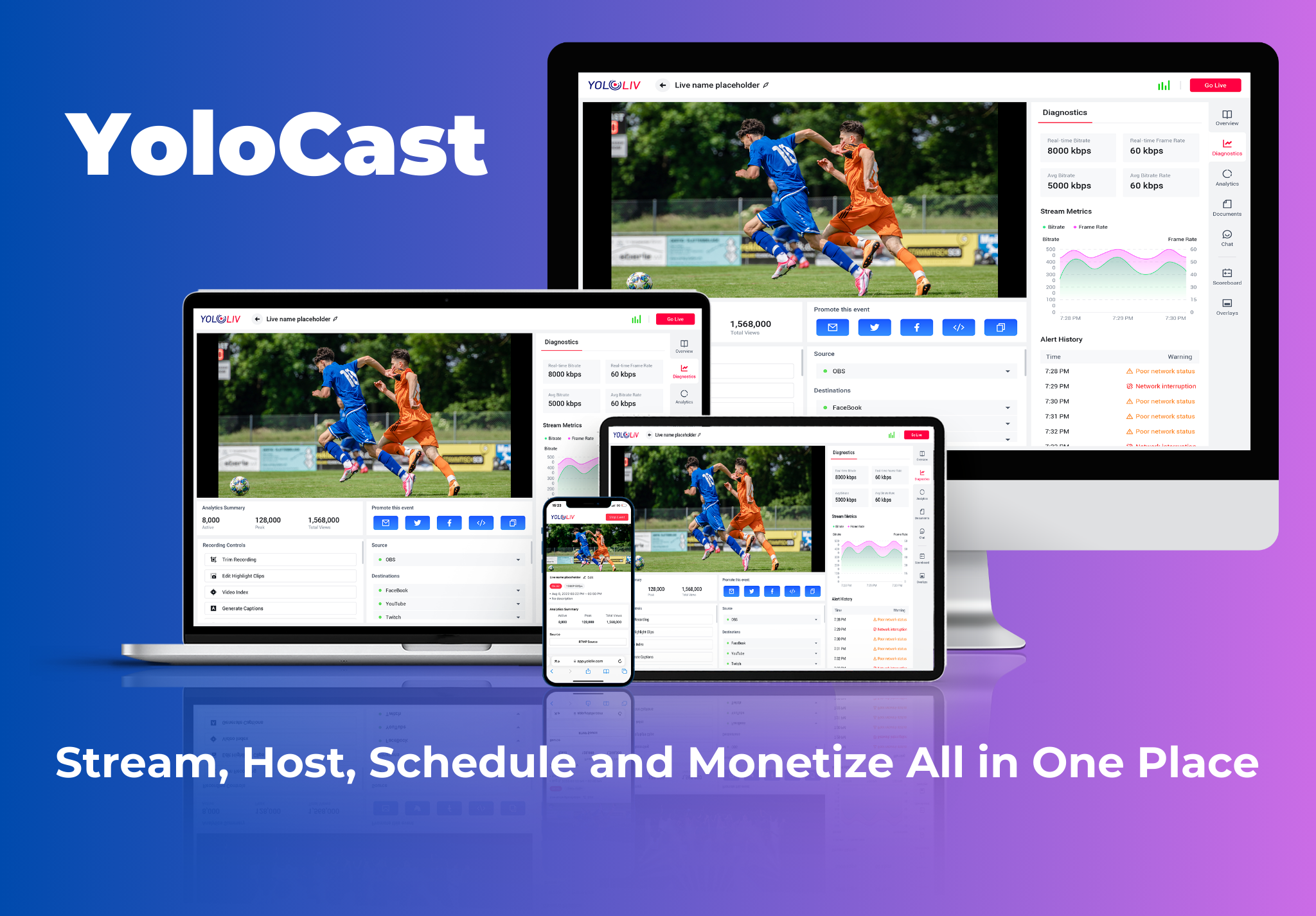
Start your broadcast from your encoder or software. YoloCast’s dashboard shows real-time diagnostics: bitrate, frame rate, live viewer count. Problems surface immediately rather than through viewer complaints.
Step 5: Publish the Replay
When the broadcast ends, the recording automatically becomes a VOD asset in YoloCast’s Media Center. Share the replay link with registrants who missed the live session, embed it on your website, or gate it for paid subscribers.
YoloCast: Built for Professional Business Streaming
The YoloCast platform covers the complete B2B live streaming workflow: scheduling, live delivery, branded embedding, analytics, VOD archiving, and monetization in one place. It accepts any RTMP or SRT encoder, any webcam-based production software, and any streaming destination your organization uses.
For teams that also run in-person events or studio productions, YoloCast connects directly with YoloBox hardware for a unified hardware-plus-platform workflow. Explore plans at yololiv.com/compare-plans or learn about YoloCast for corporate streaming.
Frequently Asked Questions
What is B2B live streaming?
B2B live streaming is broadcasting live video to a business audience — customers, partners, employees, or investors. It is used for webinars, product demos, virtual conferences, and internal training. Unlike consumer streaming, it requires branded players, access control, detailed analytics, and reliable on-demand replay after the broadcast.
What is the best platform for B2B live streaming?
YoloCast covers the full content lifecycle in one platform: multistreaming, branded HTML5 player, automated scheduling, VOD hosting, analytics, and monetization. Tools like Restream and StreamYard handle distribution well but lack hosted replay and the viewer-level analytics that business workflows require.
Do I need special equipment for corporate live streaming?
For webinars and team briefings, a webcam and OBS or similar software works fine. For professional multi-camera productions with branded graphics and simultaneous recording, a hardware encoder like the YoloBox Extreme connected to YoloCast delivers broadcast-level quality without a full production team.
Can I host the replay of a business live stream on my own website?
Yes. YoloCast automatically saves every live broadcast as a VOD asset. You can embed the replay on your website using the HTML5 player, gate it behind a registration form, or restrict access to paid subscribers — without sending your audience to a third-party platform.
How do I monetize a live business stream?
YoloCast supports donations. You can charge for live event access or offer free live access with a paid replay.
27 total views, 27 views today

Betty,As a Customer Success Specialist at YoloLiv, she is passionate about helping users understand YoloCast’s features and resolve day-to-day usage challenges. In addition to hands-on support, she creates practical articles that share tips, troubleshooting guidance, and best practices to help users get more value from YoloCast.
