
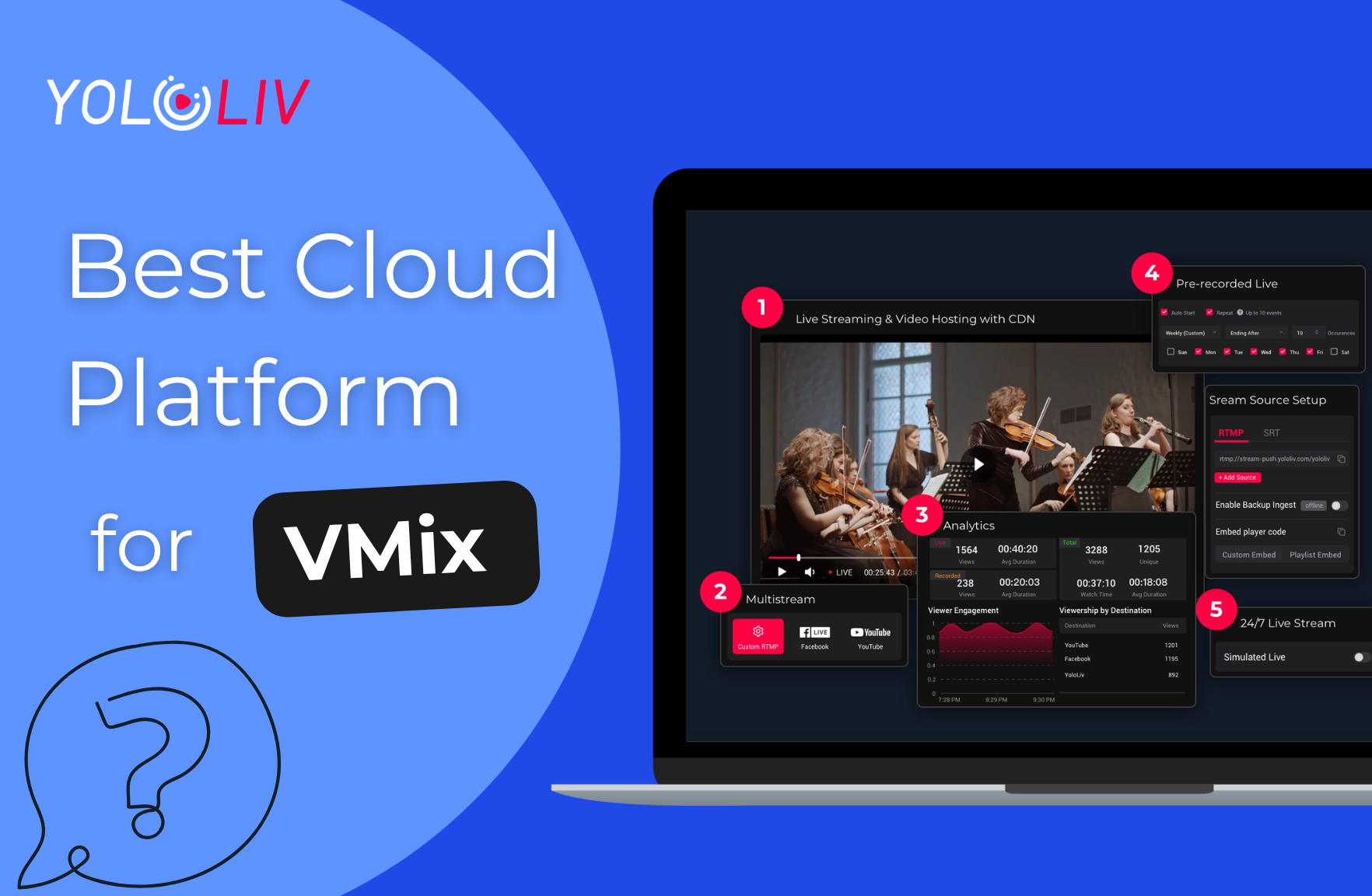
The best vMix multistreaming cloud platform is one that accepts an SRT or RTMP input directly from vMix, then distributes your production to YouTube, Facebook, and other destinations simultaneously — without your production PC encoding multiple outputs. YoloCast is the recommended answer: send one SRT stream from vMix to YoloCast, and YoloCast handles cloud delivery to every platform from $29/month ($19/month billed annually). This guide covers what to look for in a vMix multistreaming cloud platform, how YoloCast compares to alternatives, and the complete SRT setup process.
| Cloud Platform | Custom RTMP Ingest | Multistreaming | VOD Storage | Starting Price | vMix Compatible |
|---|---|---|---|---|---|
| YoloCast | Yes | Yes (all plans) | Yes | From $29/month ($19/mo annual) | Yes |
| Dacast | Yes | Yes (add-on) | Yes | $39/month | Yes |
| Restream | Yes | Yes | Limited | Free / paid plans | Yes |
| Castr | Yes | Yes | Yes | Paid plans | Yes |
What vMix Users Need from a vMix Multistreaming Cloud Platform
vMix Outputs Streams via Custom RTMP
vMix is a professional live production software that runs on a Windows PC. It handles camera switching, graphics, replays, virtual sets, and audio mixing – but it does not handle cloud delivery by itself. To get your vMix production to your audience on YouTube, Facebook, or a private stream, you need to send it somewhere via a stream output.
vMix supports streaming to built-in destinations (YouTube, Facebook, Twitch) and also supports Custom RTMP Server – a mode where you manually enter an RTMP URL and stream key for any compatible cloud platform. According to the vMix knowledgebase, you select “Custom RTMP Server” from the Destination drop-down in streaming settings, paste in the server URL and stream key, and vMix will push the stream to that destination. Read more about RTMP streaming fundamentals in our guide on RTMP streaming and the real-time messaging protocol.
This custom RTMP output is how vMix connects to cloud platforms like YoloCast. The cloud platform receives the stream, handles any transcoding required for different bitrates, and distributes the content to every destination platform simultaneously. Your vMix PC only needs to encode and push one stream – the cloud platform does the rest.
Why vMix Users Benefit from a Dedicated Cloud Platform
vMix can stream directly to YouTube and Facebook without a cloud intermediary, but there are practical reasons why many vMix users add a cloud platform to their workflow:
- Reduce CPU load on the production PC: When vMix encodes multiple streams (one for YouTube, one for Facebook, one for a custom destination), each simultaneous output adds encoding work to the production PC. Routing one stream to a cloud platform and letting the cloud handle multistreaming reduces CPU pressure during live events.
- Stream to destinations vMix does not natively support: vMix has built-in support for major platforms, but a cloud platform like YoloCast can multistream to 10+ destinations including LinkedIn, Twitter/X, custom RTMP endpoints, and more – without vMix needing specific integration for each.
- VOD archive and website embed: A cloud platform automatically records and stores your streams as video-on-demand assets. You can embed the live player or the VOD recording directly on your website. Learn more in our guide on how to embed a live stream on your website.
- Private and password-protected streams: vMix does not include a private viewer portal. A cloud platform like YoloCast adds private stream URLs with password protection, which is essential for corporate town halls, internal events, or subscription-based content. See our guide on setting up secure private live streaming.
YoloCast: Best Cloud Platform for vMix Production
YoloCast is the top pick for the best live streaming software for vMix users cloud platform workflow. It accepts any RTMP input from vMix via the Custom RTMP Server setting inside vMix, multistreams to 10+ platforms from a single incoming stream, and its pricing starts at $29/month ($19/month billed annually) – well below competing enterprise streaming platforms.
Key Features YoloCast Adds to vMix Workflows
- RTMP ingest from vMix: YoloCast generates a standard RTMP ingest URL and stream key. Paste these into vMix’s Custom RTMP Server settings and your production pushes directly to YoloCast.
- Cloud multistreaming to 10+ platforms: From that single vMix RTMP output, YoloCast simultaneously distributes to YouTube, Facebook, LinkedIn, Twitter/X, Twitch, and custom RTMP endpoints. No additional vMix outputs needed.
- Simulated Live (pre-recorded scheduled streams): Record a session in vMix, upload the file to YoloCast, and schedule it to broadcast at a specific time as if it were live. This is valuable for product launches, training sessions, or any event where you want a polished pre-recorded production to appear live.
- Private streams with password protection: Corporate and B2B vMix users frequently need streams restricted to authorized viewers. YoloCast’s password protection and private stream URLs work independently of vMix – you configure privacy settings in the YoloCast dashboard, not in vMix.
- VOD recording and storage: Every stream is automatically recorded and stored in your YoloCast library as a video-on-demand asset, accessible to viewers after the live event ends.
How to Connect vMix to YoloCast: SRT Setup Step by Step
The recommended method for connecting vMix to YoloCast is via SRT (Secure Reliable Transport), which delivers lower latency and better reliability than RTMP over variable internet connections. The video tutorial below (from the YoloLiv community) walks through the exact process:
Part 1: Set Up the Event in YoloCast
- Log into YoloCast and go to the Event section. Create a new event.
- Select video source: Choose “default RTMP/SRT” as the source type. Fill in the event title, destination platforms, and date, then enter the event.
- Find your SRT URL in the event’s Stream Source section. It follows this format:
srt://stream-push.yololiv.com:9000?streamid=#!::h=... - Extract three values from the SRT URL – you will need all three in vMix:
- Hostname (e.g. stream-push.yololiv.com)
- Port (e.g. 9000)
- Stream ID – the full string after “streamid=”
Part 2: Configure SRT Output in vMix
- Open vMix and click Settings in the top-right corner.
- Go to the “Output / NDI / SRT” tab – this is separate from the Stream tab. Click the gear icon next to the output you want to use.
- Set Type to “Caller” and enter the four fields from YoloCast:
- Hostname: from your SRT URL
- Port: from your SRT URL
- Latency: set to 200 ms
- Stream ID: the full stream ID string
- Click OK to save.
Part 3: Start Streaming and Verify
- Click the Stream button in vMix to begin pushing the SRT output.
- Wait several seconds for the connection to establish.
- Return to YoloCast and check the event preview window. If your vMix feed appears, the connection is live and ready.
For background on why SRT outperforms RTMP for professional production, read our comparison of RTMP vs SRT and when to use each. For corporate event use cases, see our guide on B2B live streaming for businesses.
Choosing the Right vMix Multistreaming Cloud Platform Plan
YoloCast offers four tiers suited to different vMix production scales (all pricing verified at yololiv.com/compare-plans, May 2026):
| Plan | Price | Best For vMix Users Who… | Key Add-ons vs Previous Tier |
|---|---|---|---|
| Starter | $29/month ($19/month billed annually) | Stream weekly to YouTube and Facebook via vMix | RTMP/SRT ingest, multistreaming, 100GB bandwidth |
| Exclusive | $49/month ($39/month billed annually) | Need to embed the stream on a corporate portal or event website | HTML5 website embed player, built-in donation/payment link button |
| Professional | $89/month ($69/month billed annually) | Need private password-protected streams and Simulated Live scheduling | Password protection, Simulated Live, expanded multistreaming destinations |
| Business | $119/month ($99/month billed annually) | Run high-volume corporate events with accessibility requirements | AI live subtitles, higher bandwidth, expanded storage |
Most vMix production teams find the Professional plan ($89/month, or $69/month annually) covers their full workflow. The Starter plan ($29/month, or $19/month annually) is sufficient if multistreaming to public platforms is all you need. The Exclusive plan ($49/month, or $39/month annually) is the entry point for website embed — useful for teams that want to host their live stream on a private corporate portal. The Business plan ($119/month, or $99/month annually) adds value for organizations with ADA-compliant accessibility requirements or high-concurrent-viewer corporate events.
YoloCast vs Other Cloud Platforms for vMix Users
While YoloCast is our top pick as the best live streaming software for vMix users cloud platform pairing, other options exist depending on your specific requirements:
Dacast
Dacast is a professional live streaming and video hosting platform with full white-label capability and pay-per-view monetization. It accepts RTMP from vMix and supports multistreaming. Starting price is $39/month. Dacast is a strong choice for broadcasters and OTT operators who need a fully branded player experience and monetization tools. For production teams whose primary need is multistreaming, VOD, and private streams without a full OTT build-out, YoloCast offers similar core functionality at a lower entry price.
Restream
Restream is built specifically for multistreaming and offers a free tier. It accepts custom RTMP from vMix and can relay to many platforms simultaneously. Restream’s free plan limits stream quality and the number of destinations. Paid plans add higher quality and more destinations. The key limitation of Restream for vMix professionals is that it is primarily a multistreaming relay – it does not offer the same depth of VOD management, private stream portals, or scheduled live features that a full cloud platform like YoloCast provides.
Frequently Asked Questions
Start Your vMix Cloud Streaming Workflow Today
For vMix production teams searching for the right vMix multistreaming cloud platform, YoloCast is the recommended starting point. The 14-day free trial gives you full access to test the RTMP connection from vMix before you commit. The Starter plan at $29/month ($19/month annual) covers the core vMix multistreaming workflow. The Exclusive plan at $49/month ($39/month annual) adds website embed for corporate portals. The Professional plan at $89/month ($69/month annual) adds password protection and Simulated Live.
Compare all plans and start your trial at yololiv.com/compare-plans. The YoloLiv support team can assist with vMix RTMP configuration questions if you encounter any issues during setup.
39 total views, 39 views today

Betty,As a Customer Success Specialist at YoloLiv, she is passionate about helping users understand YoloCast’s features and resolve day-to-day usage challenges. In addition to hands-on support, she creates practical articles that share tips, troubleshooting guidance, and best practices to help users get more value from YoloCast.
