
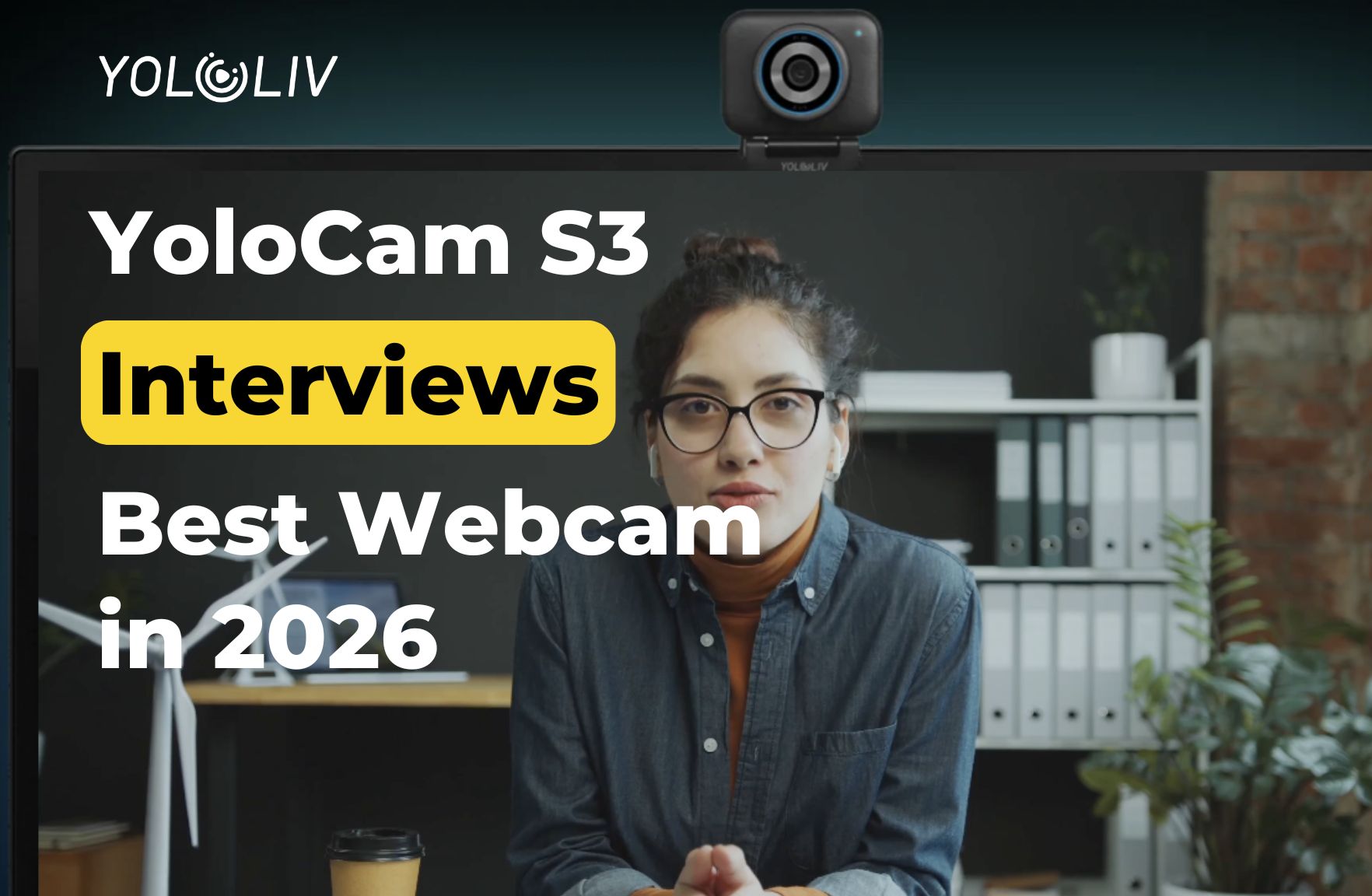
Video interviews are now the standard first step in nearly every hiring process. Before a recruiter hears your answers, they see your image on screen. A blurry, dark, or pixelated feed creates an immediate negative impression — one that is difficult to overcome regardless of how strong your qualifications are.
The YoloCam S3 gives you a clear, confident, professional on-screen presence. Its 4K resolution, large sensor, and fast autofocus ensure you look sharp from the first second of every call. In this guide, we explain how to set up the S3 for video interviews and why image quality matters more than most candidates realize.
Why Your Webcam Quality Affects Interview Outcomes
Interviewers make rapid, often subconscious assessments of candidates in the first few seconds of a video call. Research on video communication consistently shows that image quality influences perceptions of competence and professionalism.
A sharp, well-lit image communicates that you are organized, detail-oriented, and serious about the opportunity. A grainy or pixelated feed suggests the opposite — even if that is entirely unfair.
Moreover, technical issues during an interview are distracting for both parties. When the video freezes, blurs, or flickers, it interrupts your flow and forces the interviewer’s attention away from your answers. Eliminating these distractions lets the conversation focus entirely on you.
What the YoloCam S3 Delivers for Interviews
Sharp 4K Clarity
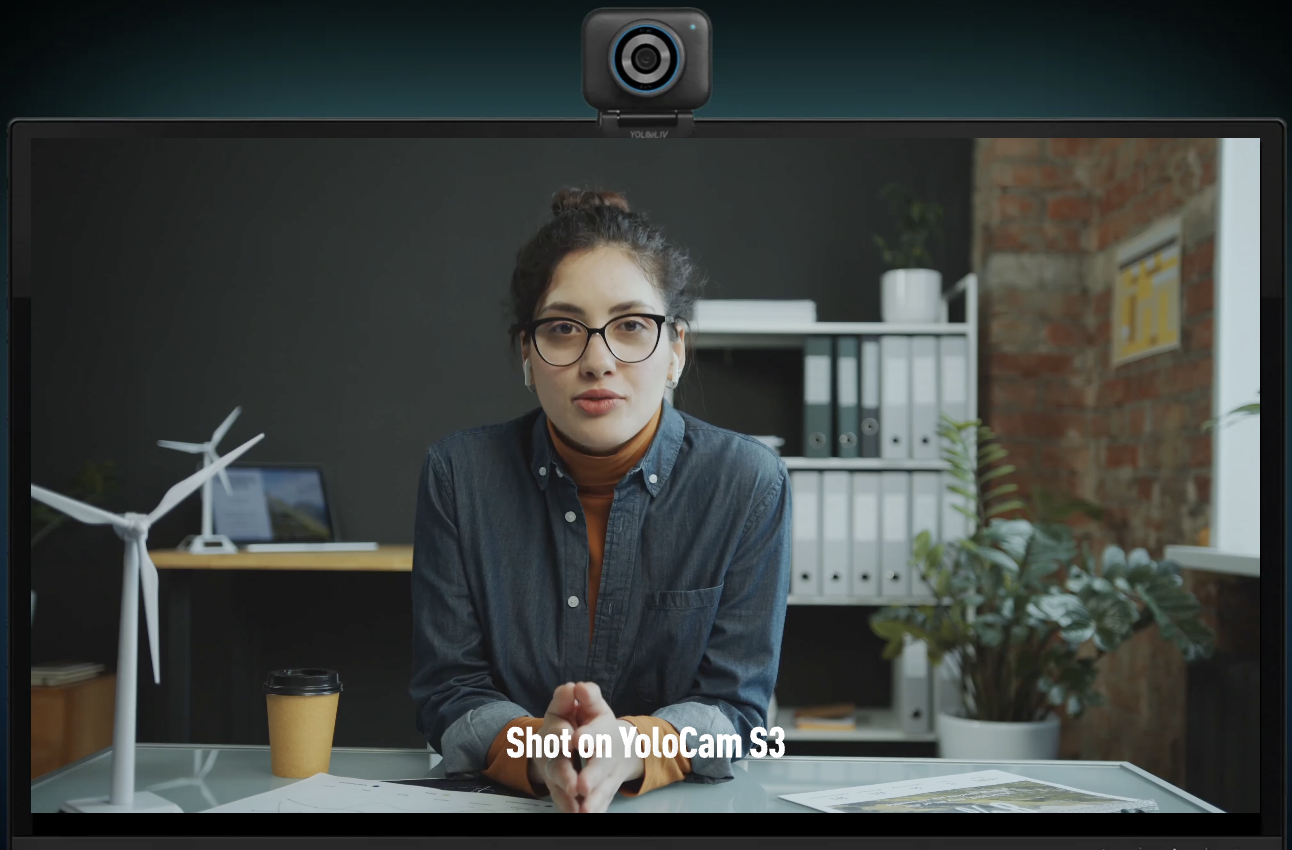
The S3 captures 4K 30fps video. In a Zoom or Teams interview, this resolves to a noticeably sharper, more detailed image than a standard 1080p webcam. Your facial expressions, subtle gestures, and eye contact all come through with natural clarity.
Furthermore, 4K source quality means that even when the platform compresses the video stream, the output remains crisp. Starting from a higher-resolution source produces a better compressed result than starting from 1080p.
Large Sensor for Any Lighting Environment
Interviews happen wherever you are — a home office, a kitchen table, a hotel room. Lighting is rarely ideal. The S3’s 1/1.3-inch sensor gathers significantly more light than sensors in standard webcams.
As a result, the S3 produces a clean, bright image in challenging conditions: a room with only overhead lighting, a space with a window at a non-ideal angle, or a dim afternoon environment. You do not need professional lighting equipment to look sharp. A basic desk lamp or window light is sufficient.
Phase-Detection Autofocus That Stays Locked
During an interview, you lean forward to make a point. You shift in your chair. You gesture to emphasize an answer. The S3’s phase-detection autofocus (PDAF) tracks these movements instantly and stays locked.
Standard laptop webcams use basic autofocus that can lose focus when you move or shift position. The resulting blur — even brief — is distracting and unprofessional. The S3 never lets that happen.
Natural, Accurate Color
Skin tone accuracy matters in video interviews. The S3’s large sensor and precise image processor render natural, accurate skin tones without the plastic-looking over-sharpening common in small-sensor webcams.
Consequently, you look like yourself — not like a compressed, over-processed version. This natural rendering is subtle but significant. It makes you look more present and engaged.
Complete Interview Setup Guide
Camera Position
Place the S3 at eye level. Mount it on top of your monitor, a stack of books, or a small tripod. Eye-level framing creates natural eye contact with the interviewer.
Looking down at a camera — typical when using a laptop webcam — creates an unflattering upward angle. It also makes it impossible to make genuine eye contact with the interviewer, since you look at the screen rather than the camera lens.
Frame yourself in the upper half to two-thirds of the screen. Leave a small amount of space above your head. Center yourself horizontally. Avoid sitting too far from the camera — a frame that is too wide makes you appear distant and disengaged.
Lighting
Light your face from the front. The single most important lighting rule is to face your light source. A window in front of you, a ring light, or a desk lamp placed in front of your setup all work well.
Avoid windows or bright lights behind you. Backlighting makes your face dark even with the S3’s excellent sensor. A simple desk lamp aimed at your face from the front is free, effective, and immediately noticeable.
For complete lighting options at every budget, see our webcam lighting guide.
Background
Your background communicates your environment and attention to detail. Choose a clean, neutral space — a tidy bookshelf, a plain wall, or a simple backdrop works well.
The S3’s large sensor creates natural background softening that makes cluttered spaces less distracting. However, a genuinely clean background always looks more professional. Spend five minutes tidying your frame before each interview.
Avoid virtual backgrounds if possible. They look artificial, especially with movement, and can distract from you. A real background conveys authenticity.
Audio
The S3 does not have a built-in microphone. Clear audio is as important as clear video in an interview context. Use a dedicated USB microphone or a headset with a quality microphone.
Position your microphone close enough to capture your voice clearly without picking up ambient room noise. Test your audio levels before the interview using your platform’s test call feature. A quiet, clear voice with no echo or background noise creates a confident, professional impression.
Platform Settings
Before your interview, open your video platform settings and select YoloCam S3 as your camera. Enable HD video if your platform offers this option.
Test your setup at least 24 hours before the interview. Run a test call with a friend or use your platform’s built-in camera test. Confirm that your image is sharp, your lighting is even, and your framing is correct. Do not leave technical setup to the 10 minutes before the interview.
Interview Day Checklist
A reliable setup prevents the technical anxiety that distracts from your performance. Before each interview:
Confirm the S3 is selected as your camera in your platform settings. Check that your lighting is on and positioned correctly. Verify your external microphone is connected and selected as the audio input. Review your background for any distracting elements. Close all unnecessary browser tabs and applications to free up system resources. Place a glass of water within reach off-camera.
The Edge YoloCam S3 Gives You
Most candidates use laptop built-in webcams or basic USB cameras. The quality gap between a laptop webcam and the S3 is immediately visible in a side-by-side comparison.
In a video interview, you are already competing with other candidates on skills, experience, and communication. A sharp, professional image is one area where you can gain an immediate advantage without any additional preparation.
Moreover, the confidence that comes from knowing your setup looks professional is real. When you are not worrying about whether your image looks clear, you are fully present in the conversation.
Compatibility With Interview Platforms
The S3 works natively with every major interview platform:
- Zoom — Select YoloCam S3 in Video settings; enable HD
- Microsoft Teams — Select in Devices settings; no driver needed
- Google Meet — Auto-detected on connection
- HireVue and recorded interview platforms — Standard USB camera, works immediately
- Webex — Select in audio and video settings before joining
Final Thoughts
Your video interview setup is part of your professional presentation. The YoloCam S3 is the best investment you can make to ensure that your image matches the quality of your qualifications.
Sharp 4K video, reliable autofocus, and a large sensor that handles any lighting environment combine to create a consistently professional on-screen presence. Add a dedicated microphone, position your lighting correctly, and you walk into every interview with the best possible technical foundation.
In a competitive job market, every advantage matters. The YoloCam S3 gives you a visible one.
55 total views, 55 views today
Meredith, the Marketing Manager at YoloLiv. After getting her bachelor’s degree, she explores her whole passion for YoloBox and Pro. Also, she contributed blog posts on how to enhance live streaming experiences, how to get started with live streaming, and many more.
