
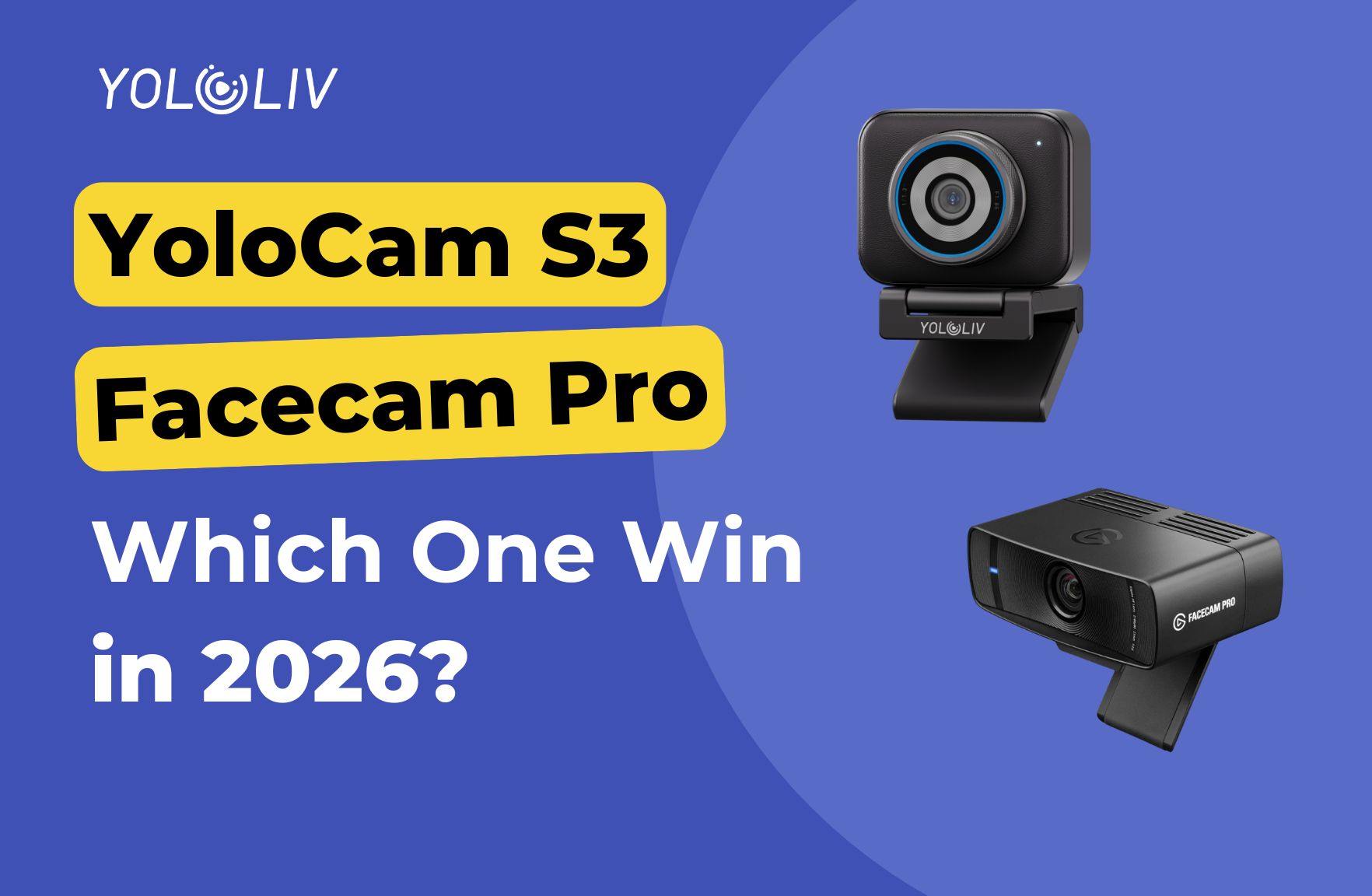
The Elgato Facecam Pro has been a popular choice among streamers since its launch. It offers 4K resolution, a premium build, and tight integration with the Elgato ecosystem. The YoloCam S3 is a newer challenger that offers a larger sensor, faster autofocus, and comparable image quality at a competitive price.
Both cameras target serious streamers and content creators. However, they make different trade-offs. This guide breaks down the key differences so you can make an informed decision.
Quick Specs Comparison
| Feature | YoloCam S3 | Elgato Facecam Pro |
|---|---|---|
| Max Resolution | 4K 30fps | 4K 60fps |
| Sensor Size | 1/1.3 inch | 1/1.8 inch |
| Autofocus | Phase-Detection (PDAF) | Fixed focus |
| Field of View | 90° | 90° |
| Connection | USB-C | USB-C |
| Built-in Mic | No | No |
| Software | YoloCam App | Camera Hub |
| Price | Under $200 | ~$300 |
Sensor Size: A Significant Difference
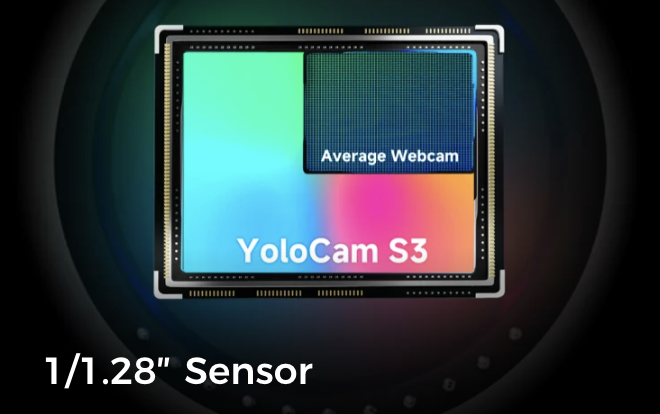
The most important hardware difference between these two cameras is sensor size. The YoloCam S3 uses a 1/1.3-inch sensor. The Elgato Facecam Pro uses a 1/1.8-inch sensor.
In practical terms, the S3’s sensor has roughly 85% more surface area. This translates directly into better low-light performance, more natural depth of field, and greater dynamic range.
For streamers who work in dim rooms, game in low ambient light, or set up in spaces without dedicated studio lighting, this sensor difference is meaningful. The S3 captures a cleaner, brighter image under the same conditions.
Additionally, the larger sensor produces more natural background separation. Your face stands out from your background more naturally, giving a slightly more cinematic look without any post-processing.
Autofocus: PDAF vs Fixed Focus
This is the second major differentiator. The YoloCam S3 uses phase-detection autofocus. The Elgato Facecam Pro uses a fixed-focus lens.
Fixed focus means the camera is permanently focused at a set distance — typically 60–80cm. As long as you sit at roughly that distance, the image is sharp. Move closer or further away, and the image goes out of focus.
Phase-detection autofocus continuously measures focus distance and adjusts in milliseconds. You can lean forward, gesture, step away from your desk, or change your position freely. The S3 refocuses instantly and stays sharp throughout.
For streamers who stay at a fixed distance from their camera, fixed focus works adequately. However, for anyone who moves during streams — reacting dramatically to gameplay, showing items on camera, or adjusting their position — the S3’s PDAF is a clear practical advantage.
For a detailed breakdown of how PDAF works in the S3, see our autofocus deep dive.
Image Quality: Side-by-Side
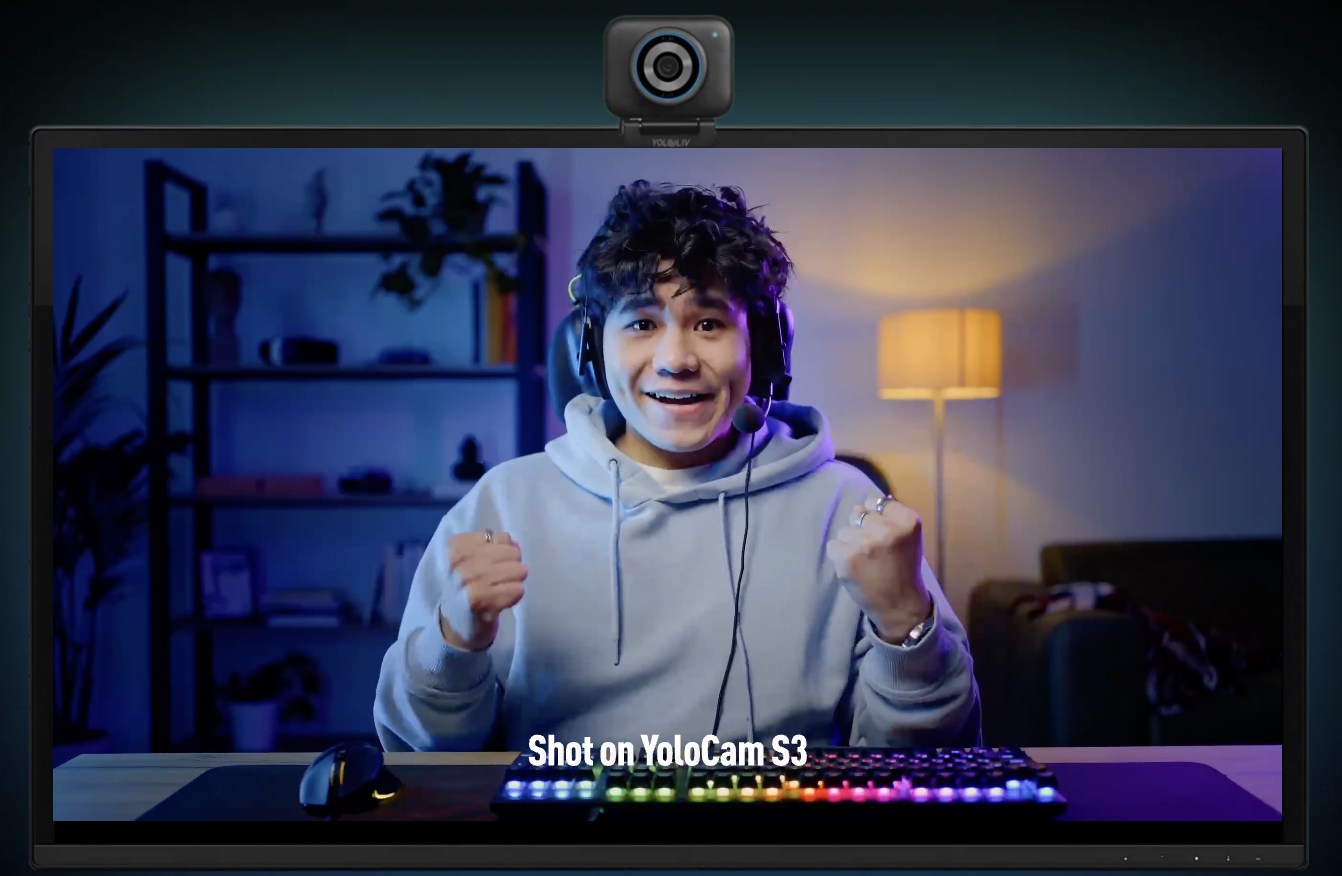
Both cameras produce excellent 4K images under good lighting conditions. In a well-lit studio environment, the quality gap narrows significantly.
The S3’s advantage becomes most apparent in three situations:
Low light. The larger sensor captures more light at the same ISO equivalent. The S3 produces noticeably less noise and a cleaner image in dim conditions.
Mixed lighting. Rooms with multiple light sources at different color temperatures are common in home streaming setups. The S3’s larger sensor and more capable image processor handle these transitions more gracefully.
Natural skin tone rendering. Several streamers who have used both cameras note that the S3’s default color science renders skin tones with slightly more natural accuracy. The Facecam Pro’s image can appear slightly cooler and more contrasty out of the box.
Under ideal studio lighting with careful configuration, both cameras produce professional results. The S3’s advantage is most pronounced in real-world, imperfect streaming environments.
Frame Rate: Where the Facecam Pro Has an Edge
The Elgato Facecam Pro supports 4K 60fps. The YoloCam S3 is limited to 4K 30fps, though it supports 1080p 60fps.
For most streamers, 4K 30fps is entirely sufficient for facecam use. Streaming platforms compress 4K content heavily, and most viewers watch at 1080p or lower. The practical difference between 4K 30fps and 4K 60fps is minimal in a compressed live stream.
However, if you pre-record at 4K and produce high-quality edited content with a facecam layer, the Facecam Pro’s 60fps at 4K can be relevant. For gaming content where motion smoothness matters even at the facecam level, this spec gap is worth considering.
Software and Ecosystem
Elgato Camera Hub offers detailed control over image settings — exposure, white balance, saturation, sharpness — and integrates smoothly with the broader Elgato ecosystem (Stream Deck, Wave microphones, Key Lights). If you already use Elgato products extensively, the Facecam Pro fits seamlessly into your existing setup.
YoloCam App provides a clean interface for camera control. It handles automatic adjustments well out of the box and requires less manual configuration for most users. For streamers who prefer a simple, reliable setup rather than deep manual control, the YoloCam app’s approach is more practical.
Both cameras work as standard UVC devices without software, compatible with OBS Studio, Streamlabs, Zoom, and any other platform that recognizes USB cameras. The software is an optional enhancement, not a requirement.
Price and Value
The YoloCam S3 costs under $200. The Elgato Facecam Pro typically retails around $300.
For that $100 difference, the Facecam Pro offers 4K 60fps and tighter Elgato ecosystem integration. The S3 offers a larger sensor, faster autofocus, and lower price.
For streamers without an existing Elgato setup, the S3 delivers more practical value. The larger sensor and autofocus directly improve the streaming experience in real-world conditions. The 4K 60fps advantage of the Facecam Pro is real but less impactful for live streaming specifically.
For streamers already invested in the Elgato ecosystem who primarily use software-level controls and work in a well-lit studio environment, the Facecam Pro’s premium integration may justify the higher cost.
Which Camera Is Right for You?
Choose the YoloCam S3 if:
– Stream in a dim or mixed-light environment
– Move frequently during streams
– You are not invested in the Elgato ecosystem
– Budget matters and you want the best sensor for the price
– Want autofocus that works reliably without manual setup
Choose the Elgato Facecam Pro if:
– Already use Elgato Stream Deck, Key Lights, or Wave microphones
– Record 4K content at 60fps for edited video
– Stream in a well-lit, controlled studio environment
– Prefer detailed manual image control through dedicated software
Final Verdict
The YoloCam S3 wins on sensor size, autofocus capability, and price. The Elgato Facecam Pro wins on 4K frame rate and ecosystem integration.
For most independent streamers and content creators setting up a new camera in 2026, the S3 is the stronger choice. Its larger sensor and PDAF autofocus deliver tangible advantages in real streaming conditions. The value at under $200 is difficult to match.
For established Elgato ecosystem users who prioritize workflow integration and already have ideal studio lighting, the Facecam Pro remains a compelling option.
Either way, both cameras represent a significant step up from standard webcams. The right choice depends on your specific setup, workflow, and priorities.
95 total views, 95 views today

Meredith, the Marketing Manager at YoloLiv. After getting her bachelor’s degree, she explores her whole passion for YoloBox and Pro. Also, she contributed blog posts on how to enhance live streaming experiences, how to get started with live streaming, and many more.
